Precise,
real-time feedback
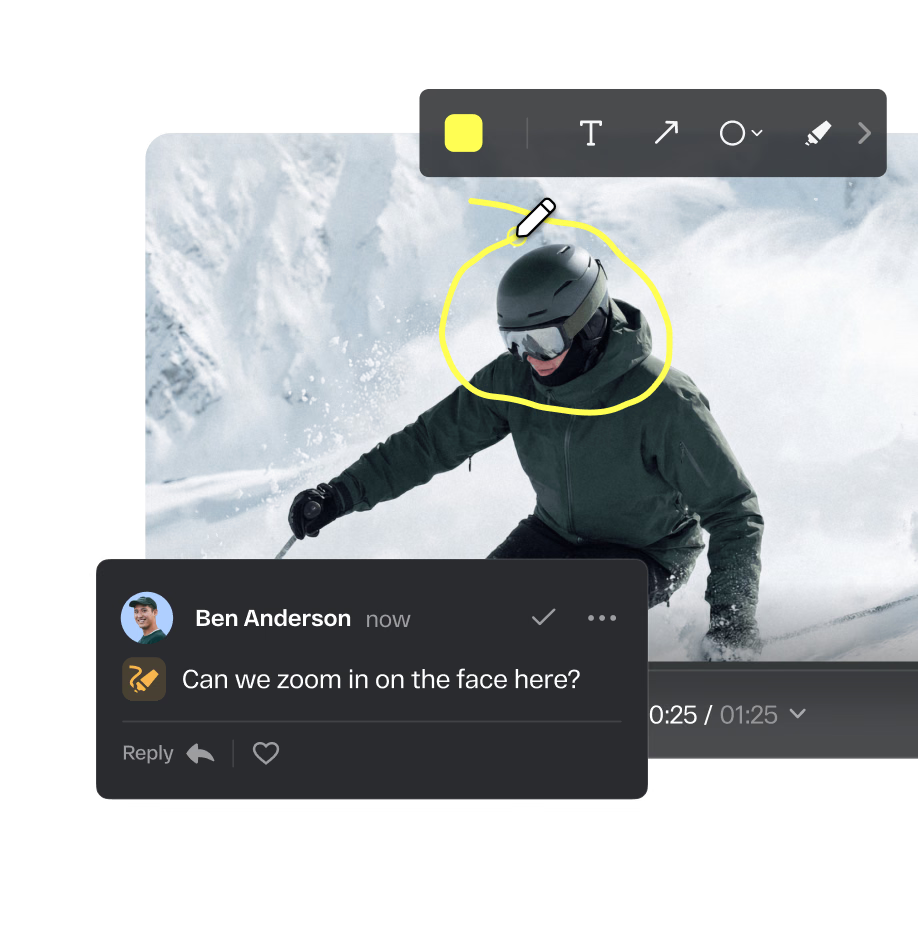
Collect comments and annotations directly on video frames, images, live URLs, PDFs, and more. Every piece of feedback stays attached to the exact moment or element it refers to.
Overview
Collect precise, contextual feedback directly on creative work and keep every comment, markup, and review decision organized in one place.
Collect comments and annotations directly on video frames, images, live URLs, PDFs, and more. Every piece of feedback stays attached to the exact moment or element it refers to.
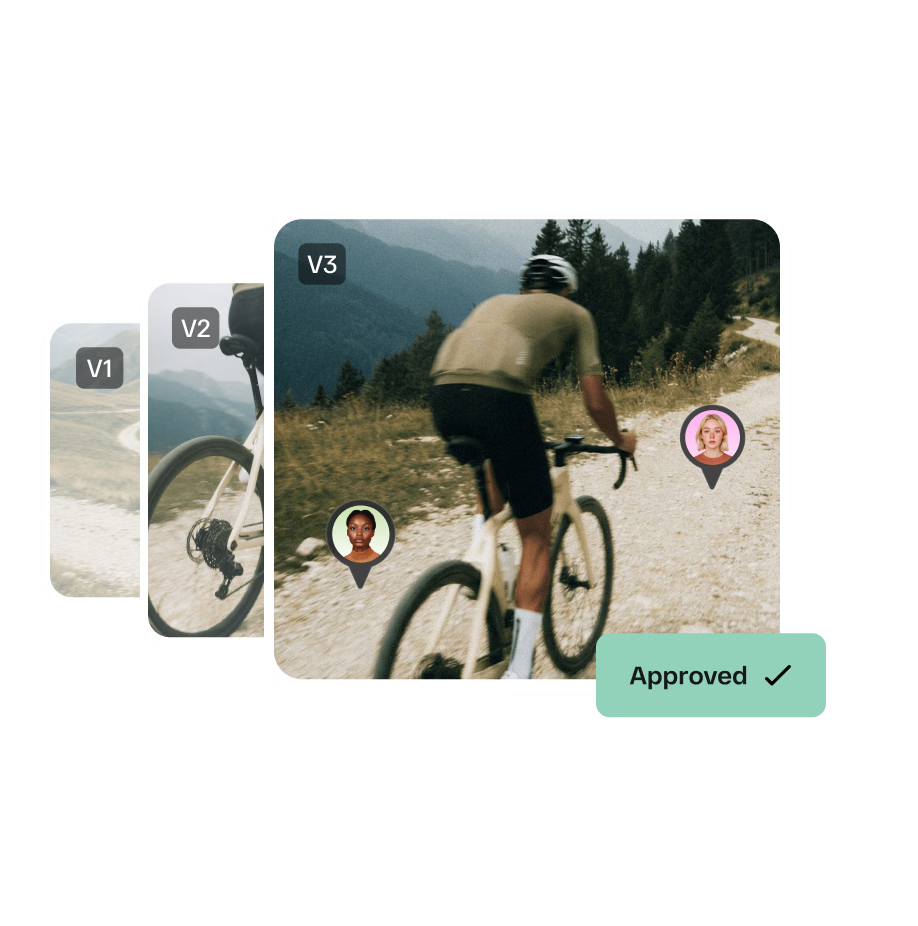
Keep comments, markups, reviewer input, and decisions together across every version, so teams always know what changed and what’s final.
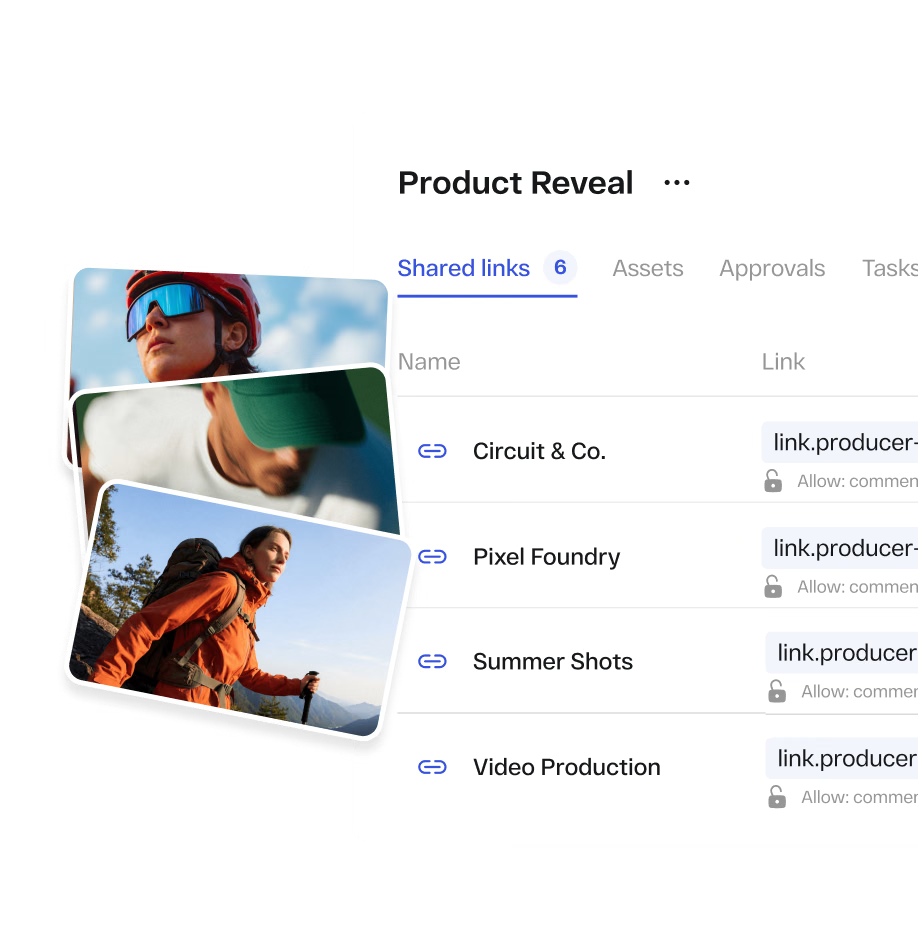
Create, manage, and update review links from one place. Change the content behind a link without changing the URL or re-sending it to stakeholders.
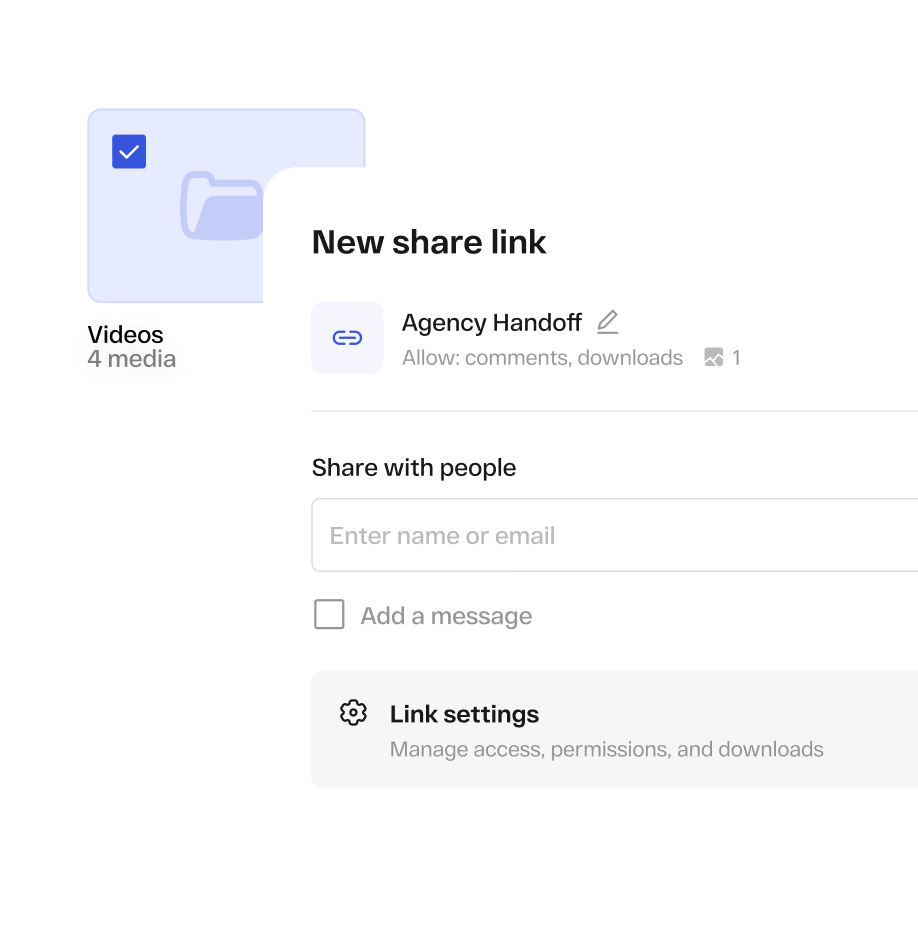
Share entire folders in a single proofing link. Assets added or removed from the folder update in real time within the shared link.
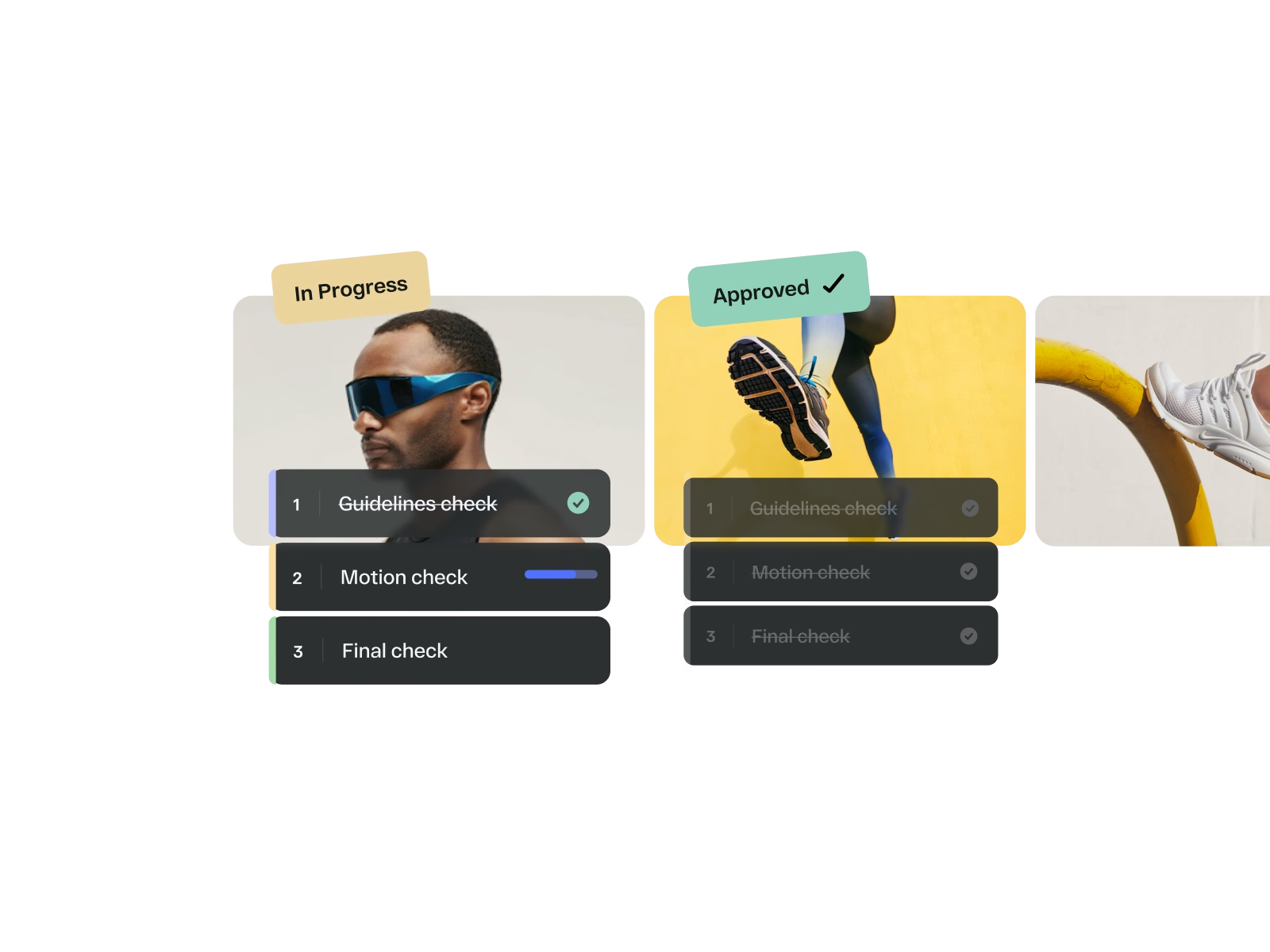
Build structured multi-stage approval workflows, route creative to the right stakeholders, and track every decision through final sign-off.
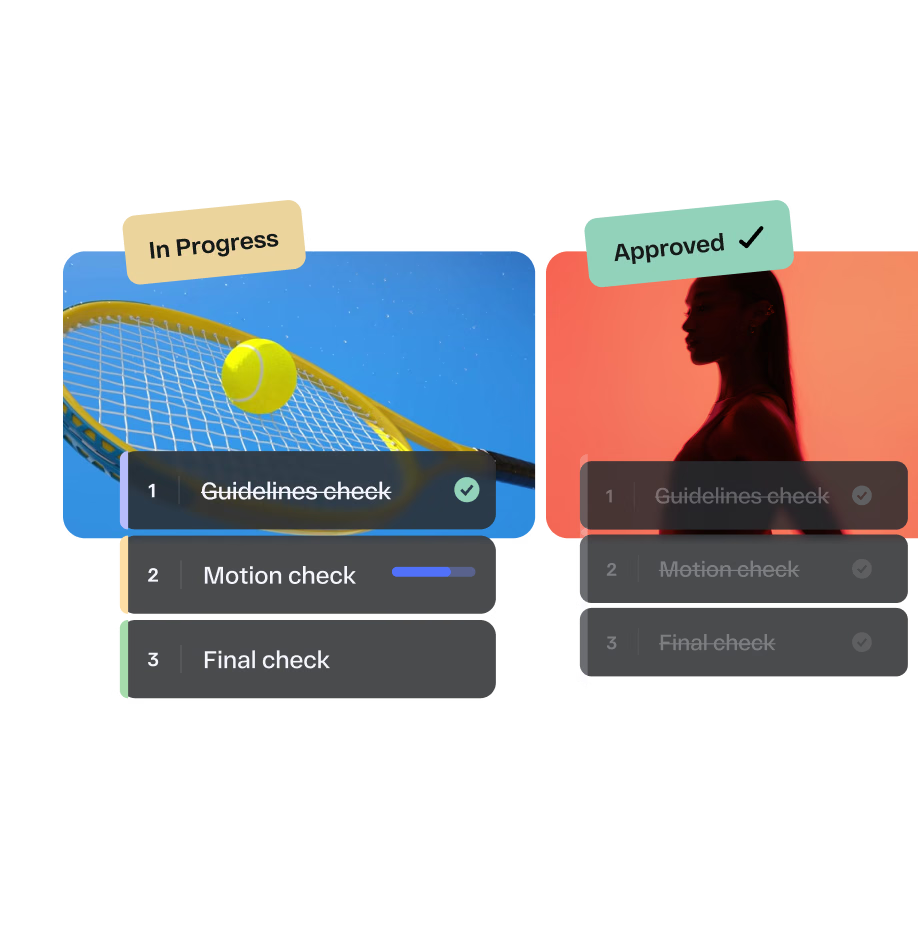
Route multiple files for approval in one go, get instant notifications when stakeholders weigh in, and track every decision with built-in audit logs and dashboards. With advanced online proofing features and an intuitive interface, you’ll have enterprise-grade control. No technical setup required.
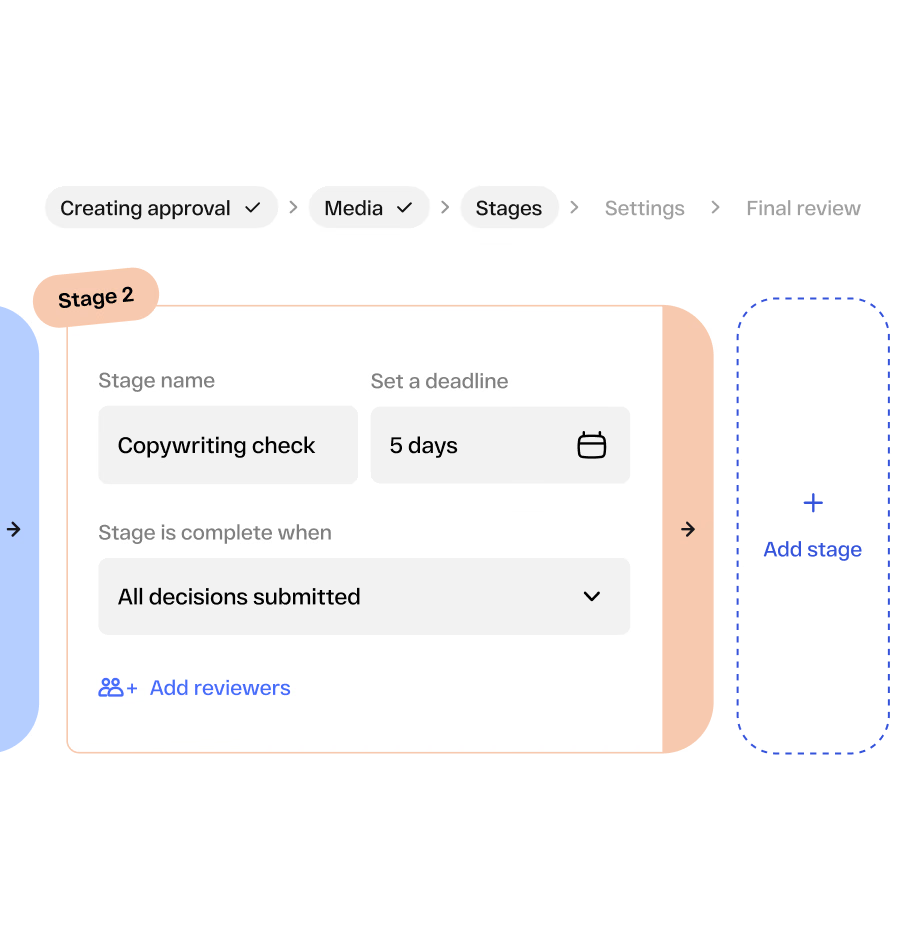
An intuitive builder with horizontal stage views, smarter navigation, and a clean pre-route overview screen. Setting up multi-stage approval workflows is faster and clearer than ever.
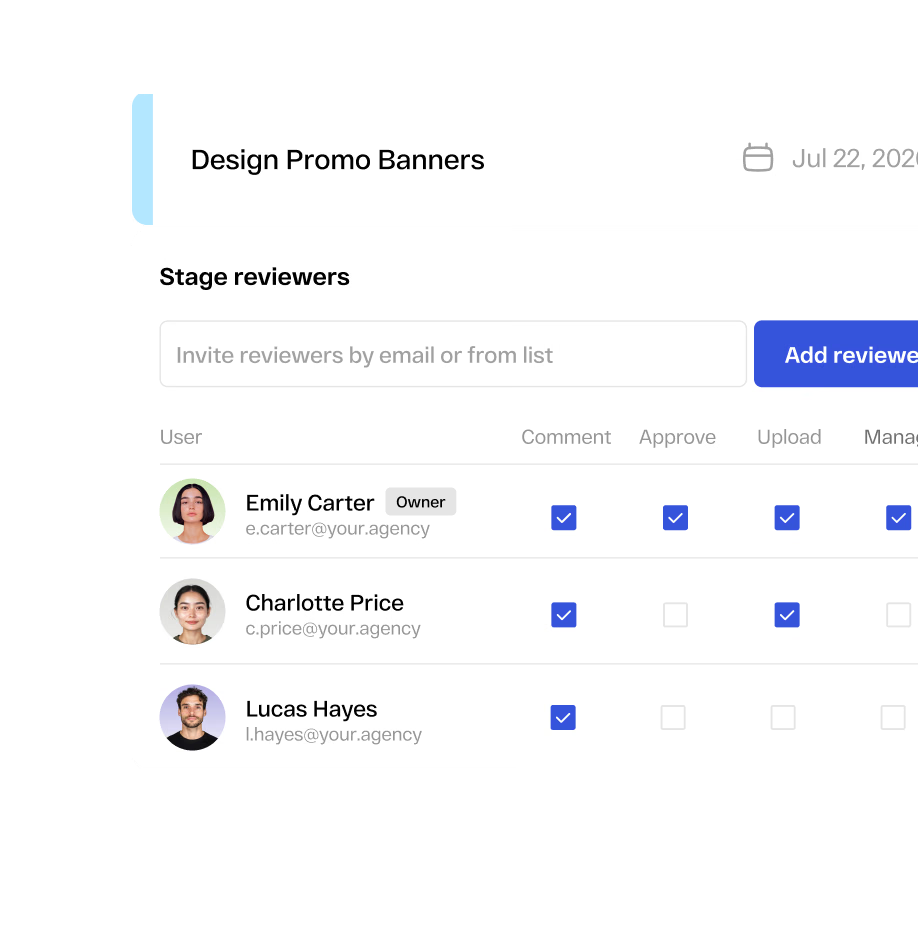
Define each reviewer as an approver, commenter or viewer only so everyone knows what input is expected from them.
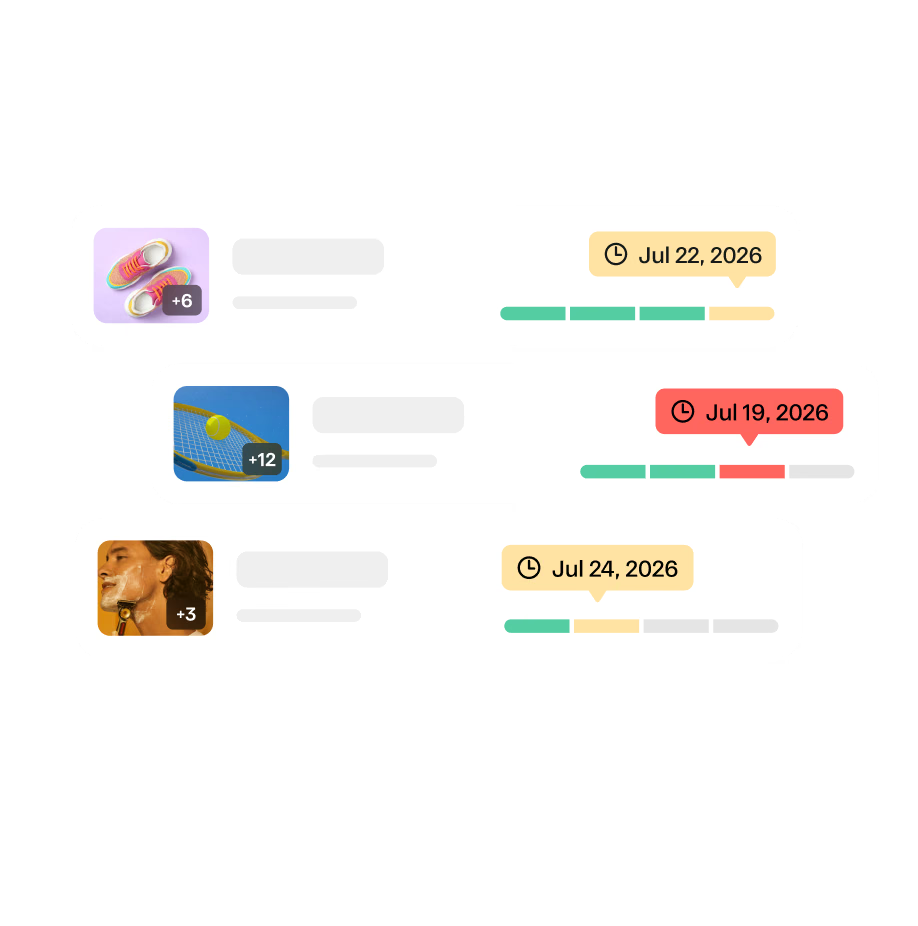
Set deadlines at every approval stage and let StreamWork automatically follow up with reviewers when action is needed.
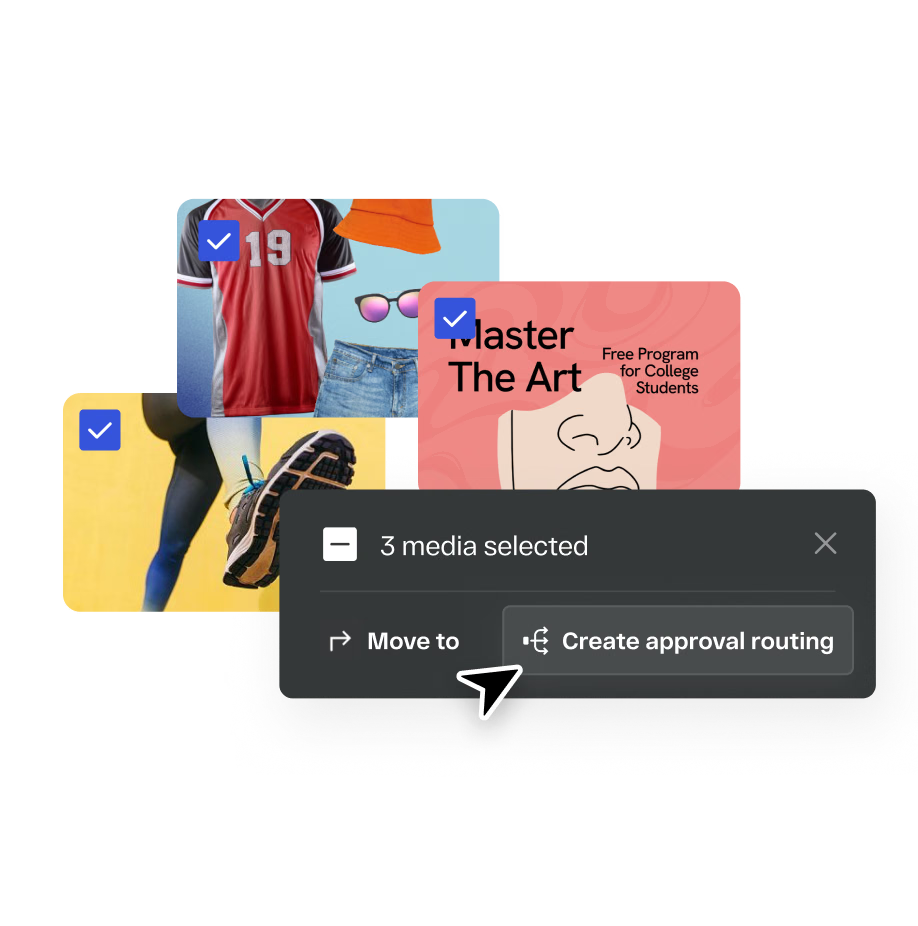
Route multiple assets through approvals in one seamless workflow with synchronized stage tracking. Built for enterprise teams managing high volumes of creative simultaneously.
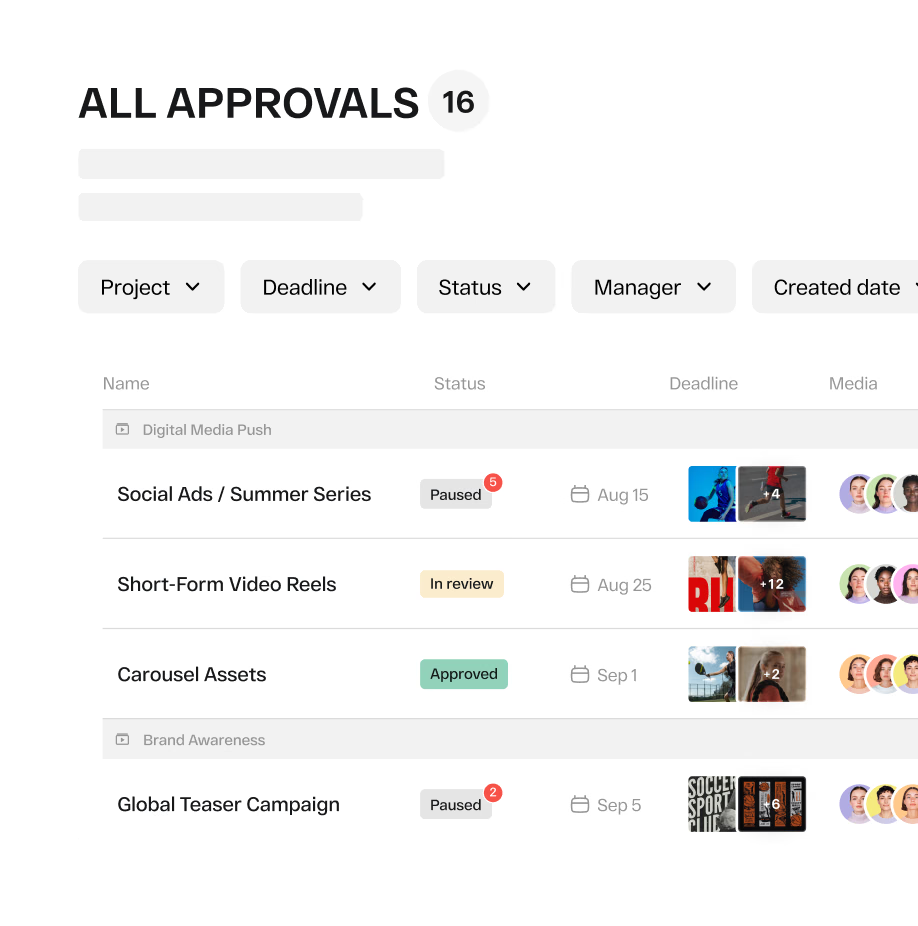
Real-time dashboards and granular filters give your team full visibility into every asset and every approval status across every active campaign.
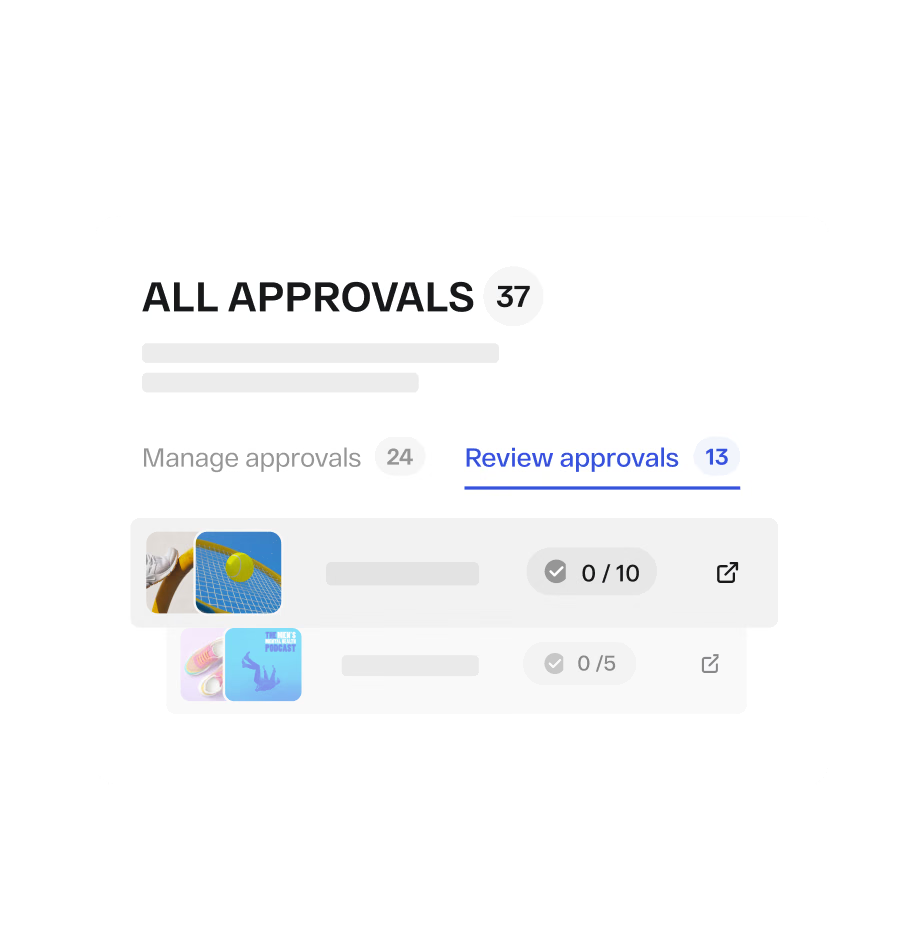
A single hub to manage all approvals and review links across every project in one view.
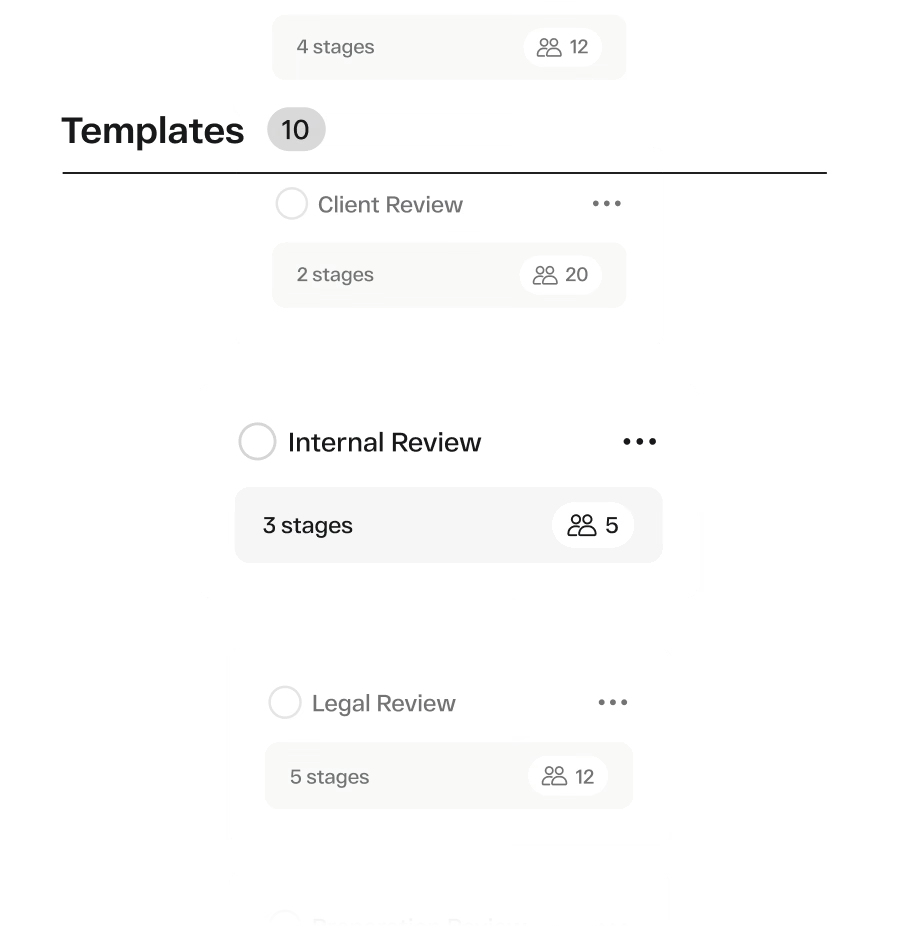
Save, organize, and reuse approval workflow templates across teams. Build your most-used workflows once and deploy them at scale.
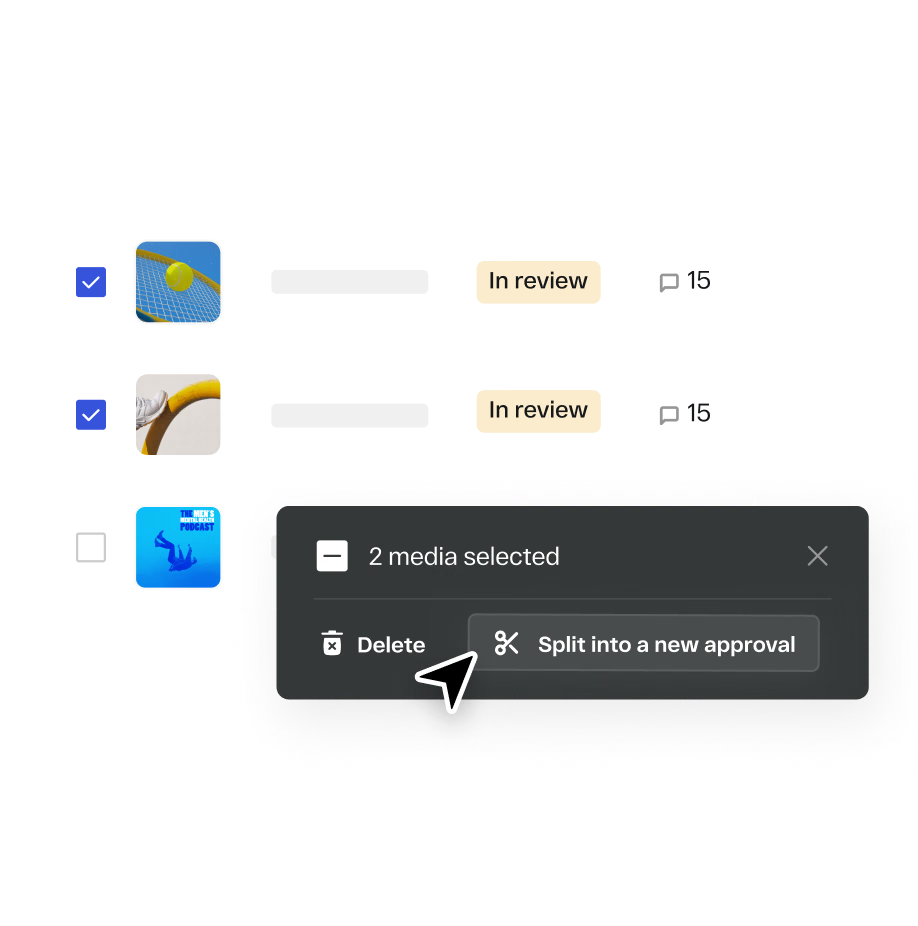
Split approvals from existing workflows or re-route already approved assets without restrictions. Full flexibility when plans change mid-campaign.
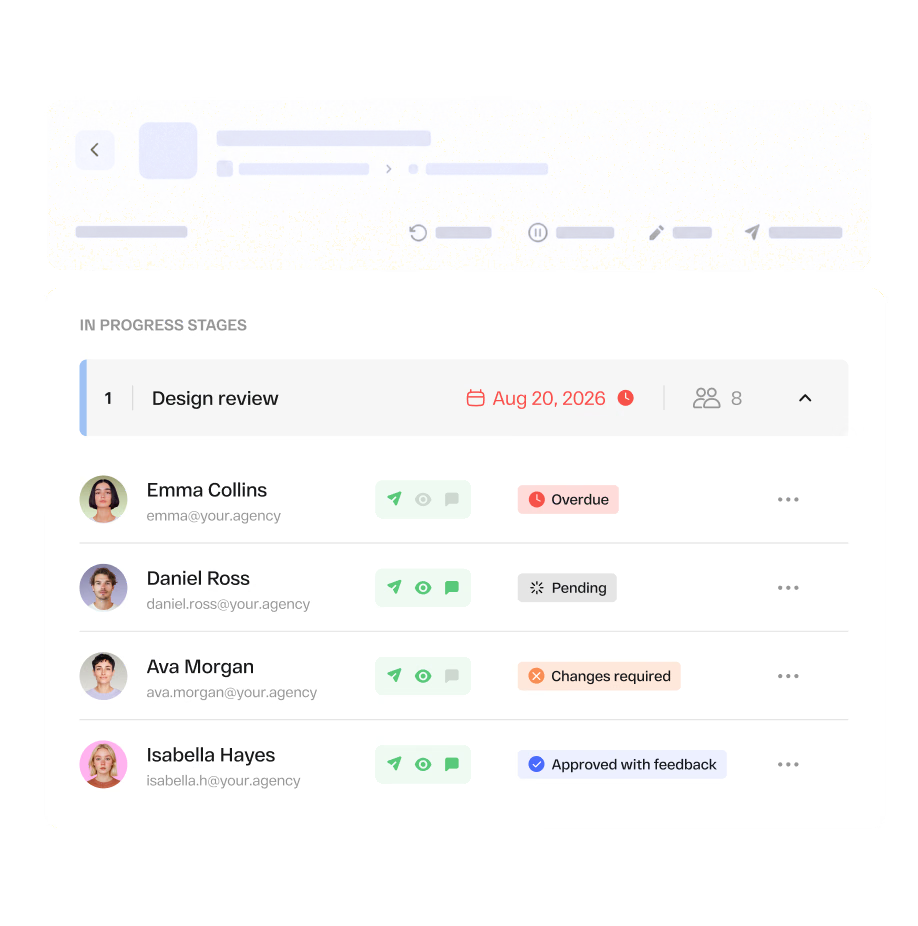
Approvals, revision requests, and stakeholder decisions are logged, creating a complete record of the entire review process.
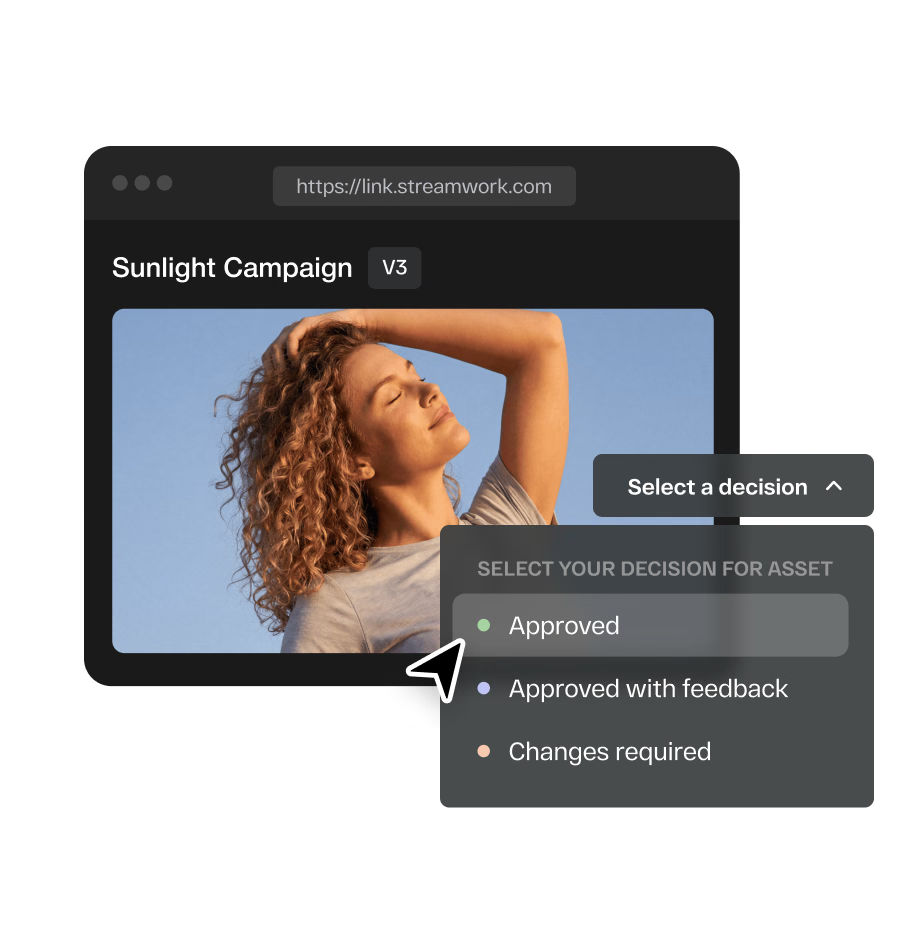
Share any asset for review with a single proofing link. Clients, legal teams, and external stakeholders can leave feedback and approve without creating a StreamWork account. No friction, no barriers.
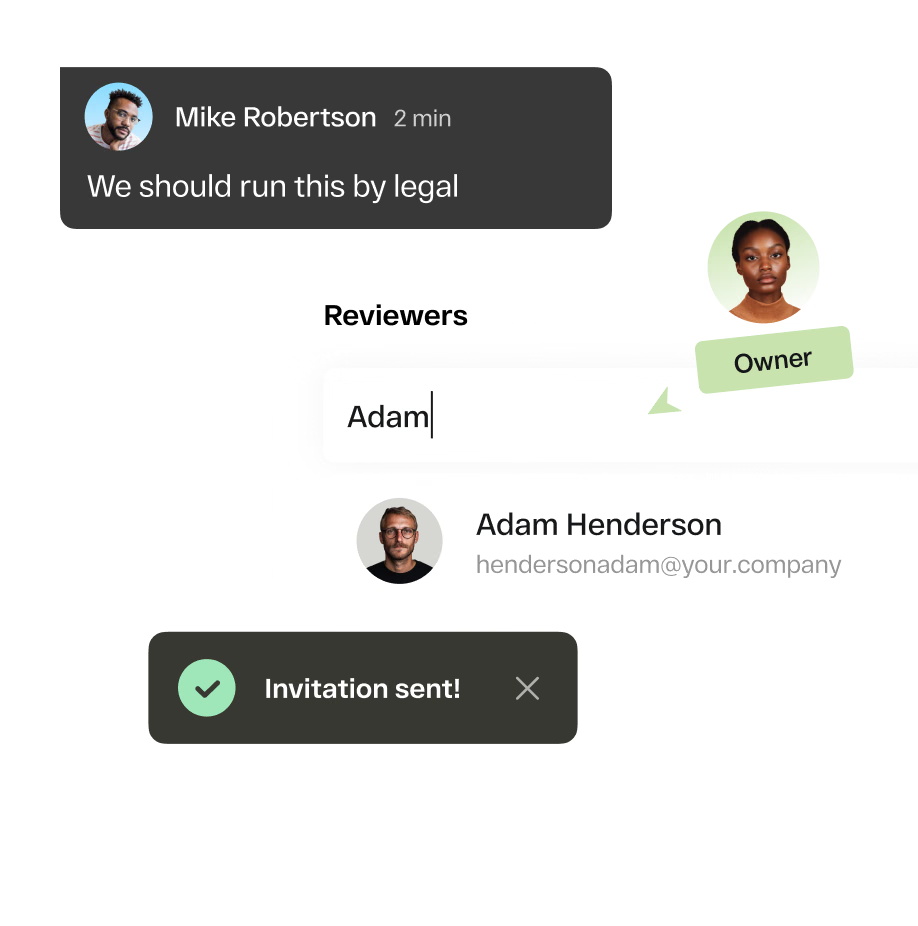
Loop in the right stakeholders at the right time with automated approval workflows. Eliminate pending approvals, bottlenecks, and last-minute chaos, so your team focuses on creating, not chasing.
Turn feedback into assigned work with clear owners, due dates, priorities, and visibility into what still needs to be completed.
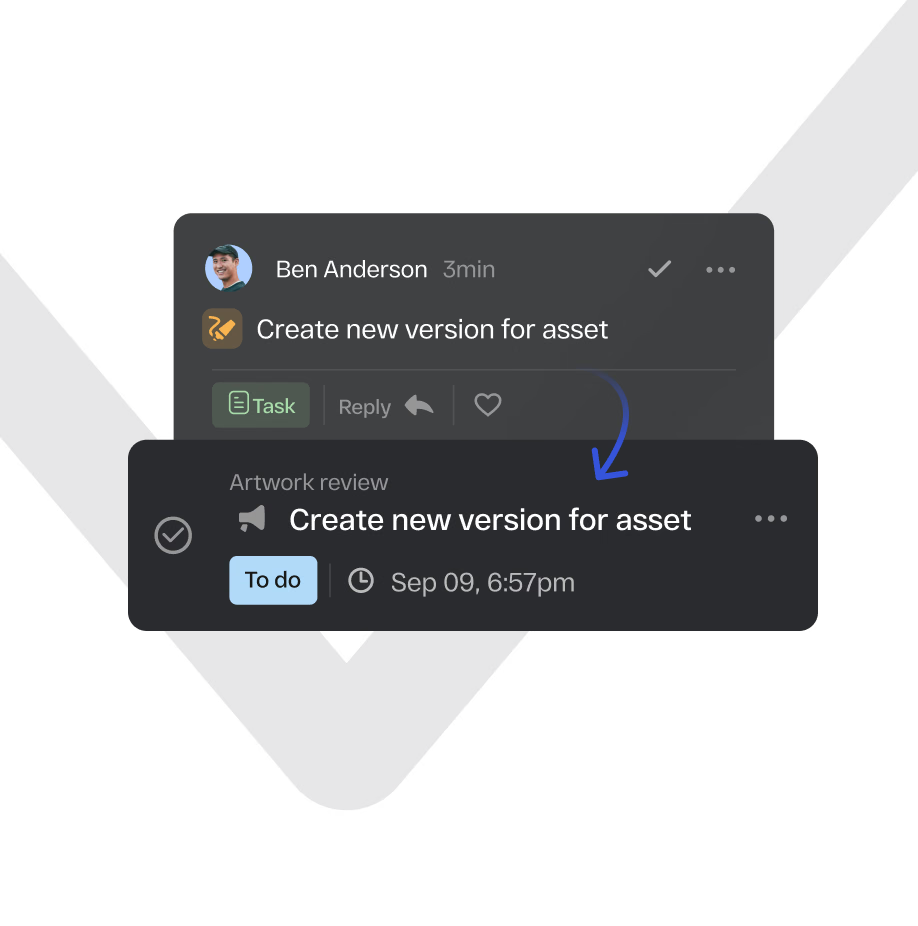
Convert any piece of creative feedback into an assigned task with an owner, due date, and clear responsibility for the next action.
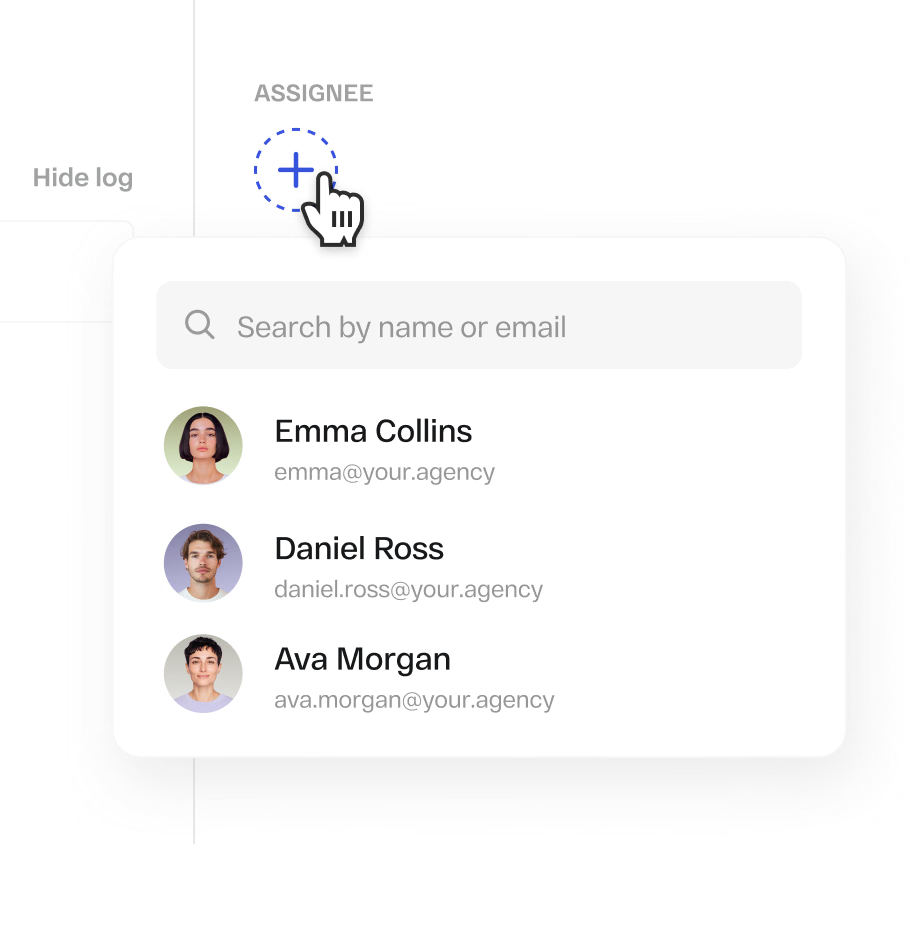
Assign feedback across legal, copy, brand, design, or other teams and track deadlines, priorities, and completion from one place.
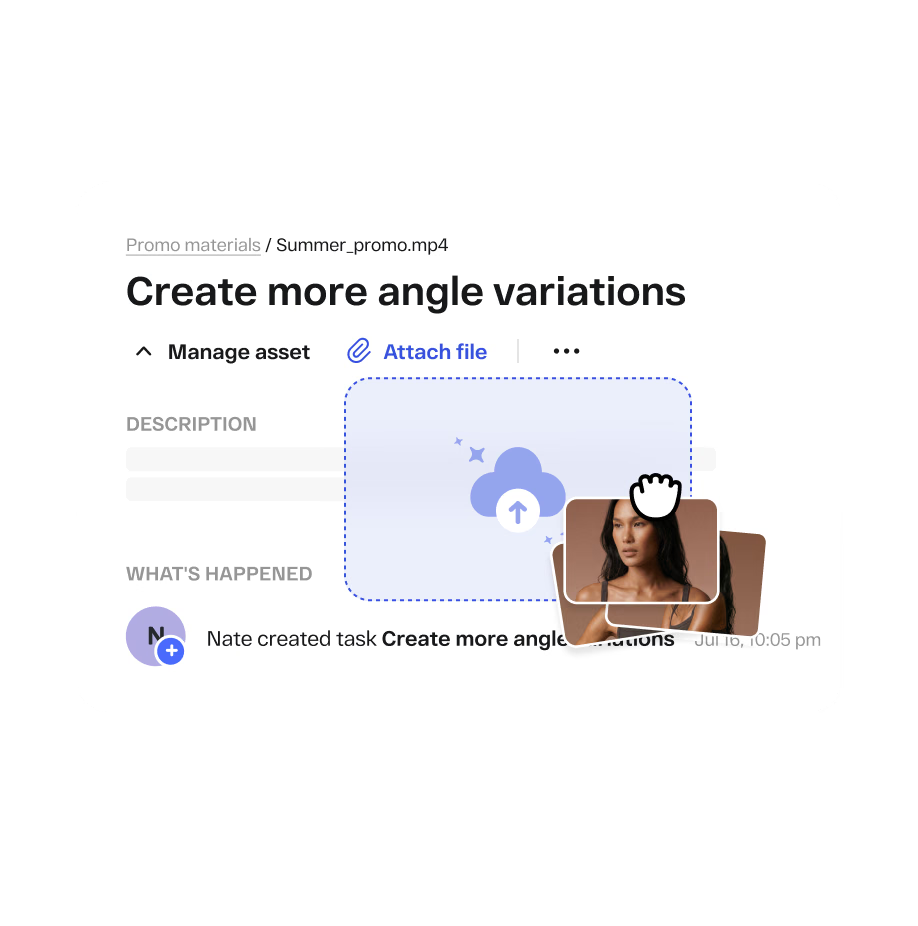
Attach media files directly to tasks so feedback, assets, and versions are always connected. Be on top of which comment belongs to which asset, version, and revision round.
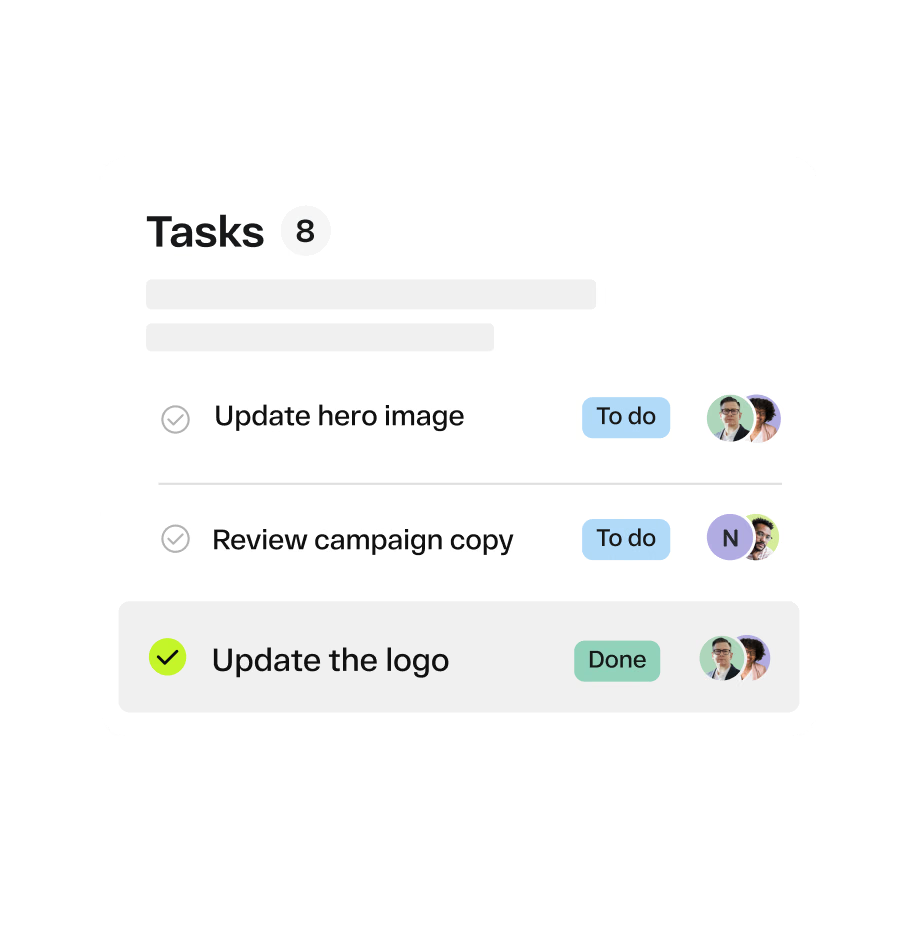
Every time you open StreamWork, your personal dashboard surfaces every task assigned to you or created by you. Know exactly what needs your attention next.
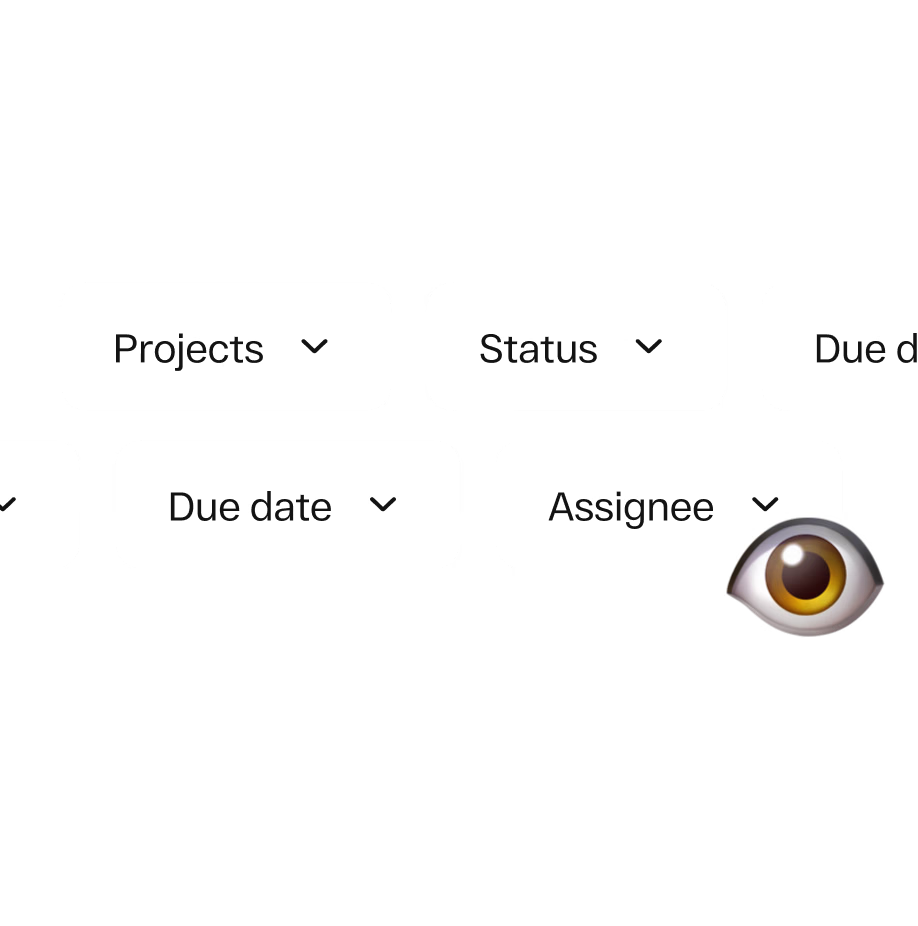
Use powerful filters in the Tasks tab to see every open to-do across projects, owners, priorities, and statuses in real time. A fast, clear way to understand how your team is working through feedback on any version.
Keep briefs, campaign objectives, deliverables, responsibilities, and deadlines organized from the start so every team stays aligned.

Upload campaign briefs, objectives, requirements, and reference materials so everyone starts with the same context.
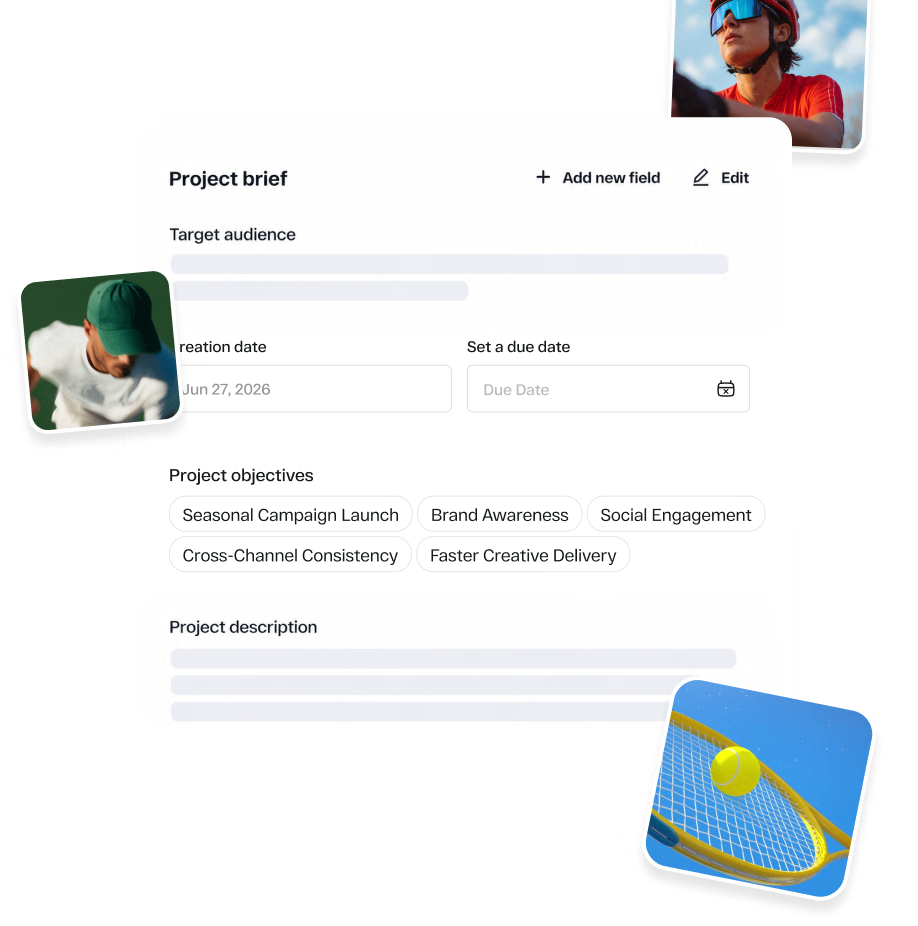
Define audiences, map campaign deliverables, and set key deadlines from the start so teams know what needs to ship and when.
Manage files, versions, folders, permissions, and project structure across your creative library while keeping every asset easy to find.
Set precise access controls at the workspace, project, and folder level. For approval workflows, role-based permissions determine what each team member or stakeholder can view, comment on, approve, upload, or manage.

Organize assets within nested folder structures for cleaner project management at scale.
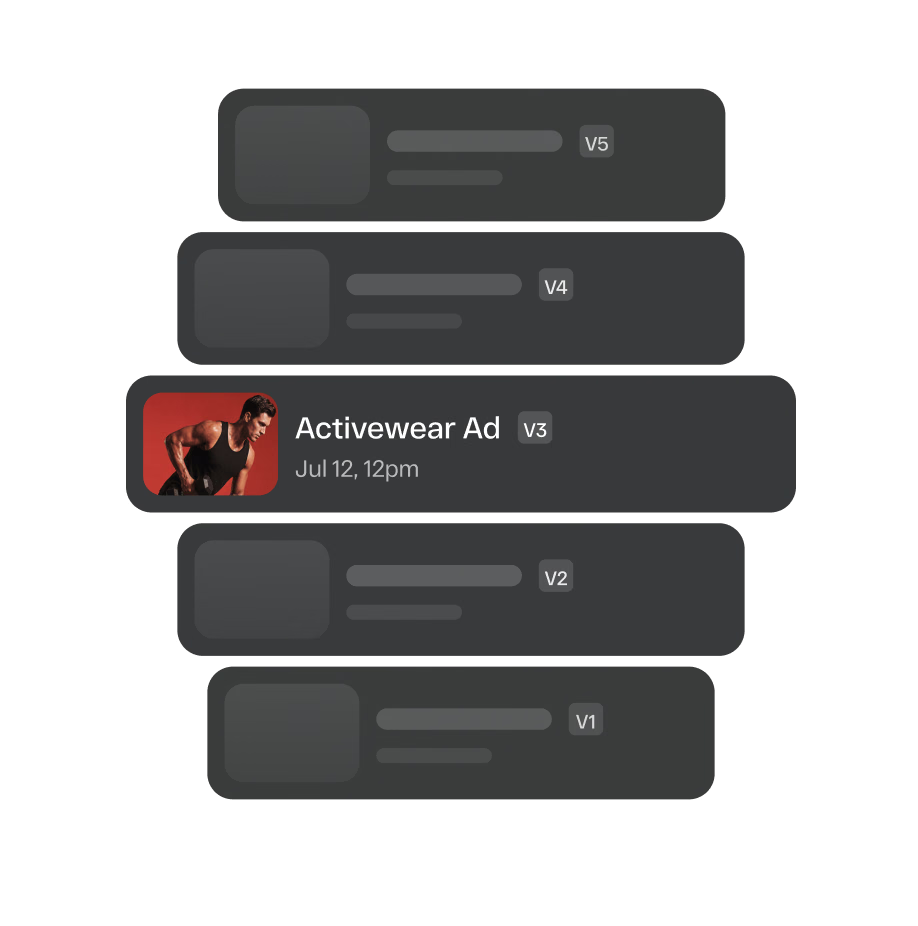
Upload new iterations and automatically stack versions together so teams always know which creative is current without overwriting previous work.
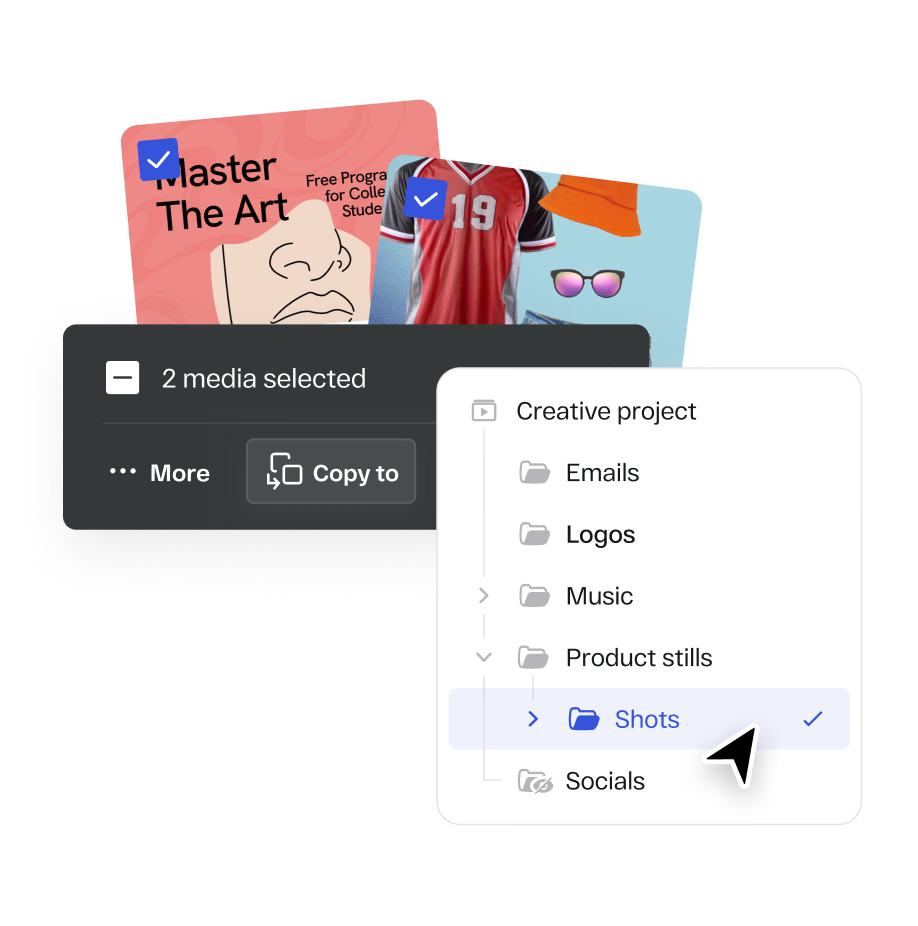
Copy individual assets or entire folders including all their contents into new projects or folders in just a few clicks.
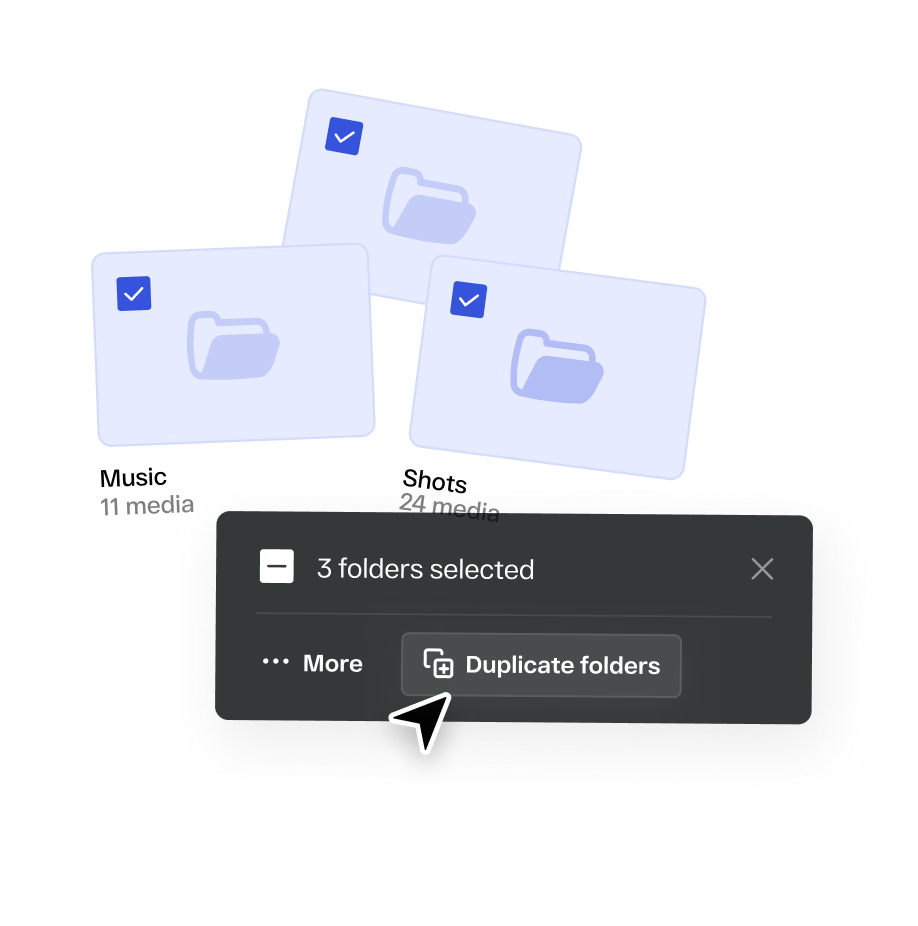
Copy entire projects or folders within a workspace. Ideal for building templates and cutting down setup time on repeat campaigns.
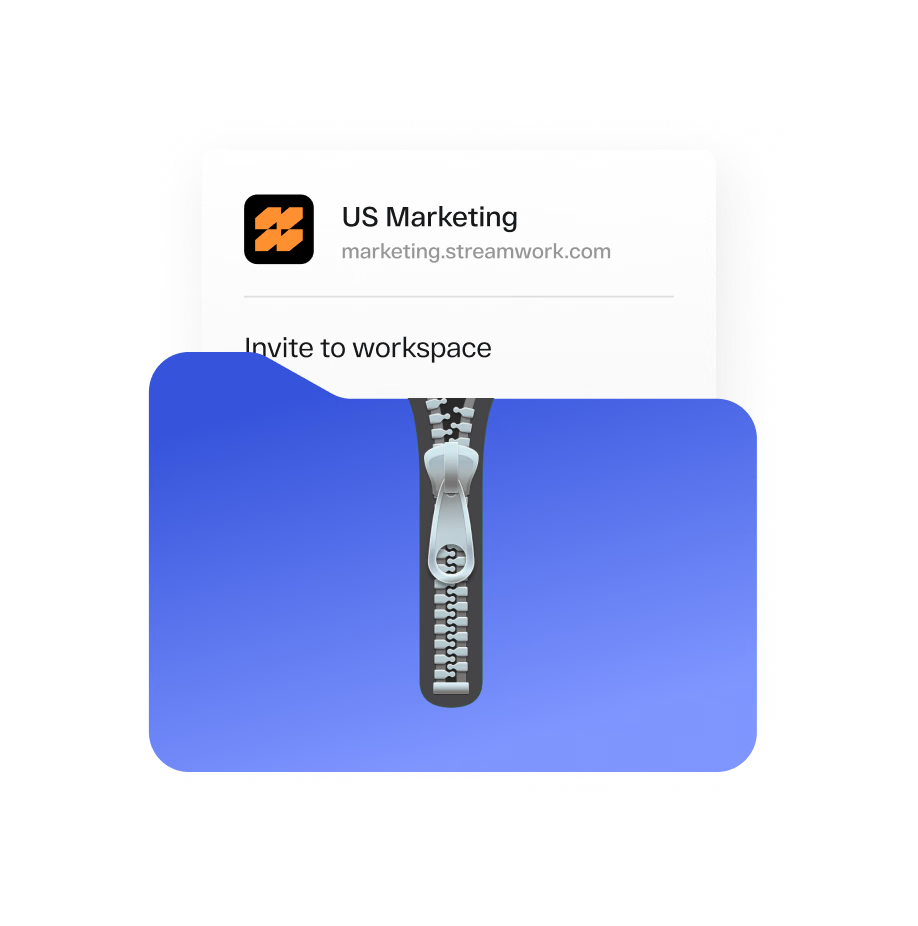
Archive workspaces you no longer need without deleting them. Keep your workspace list clean while retaining access to archived content when you need it.
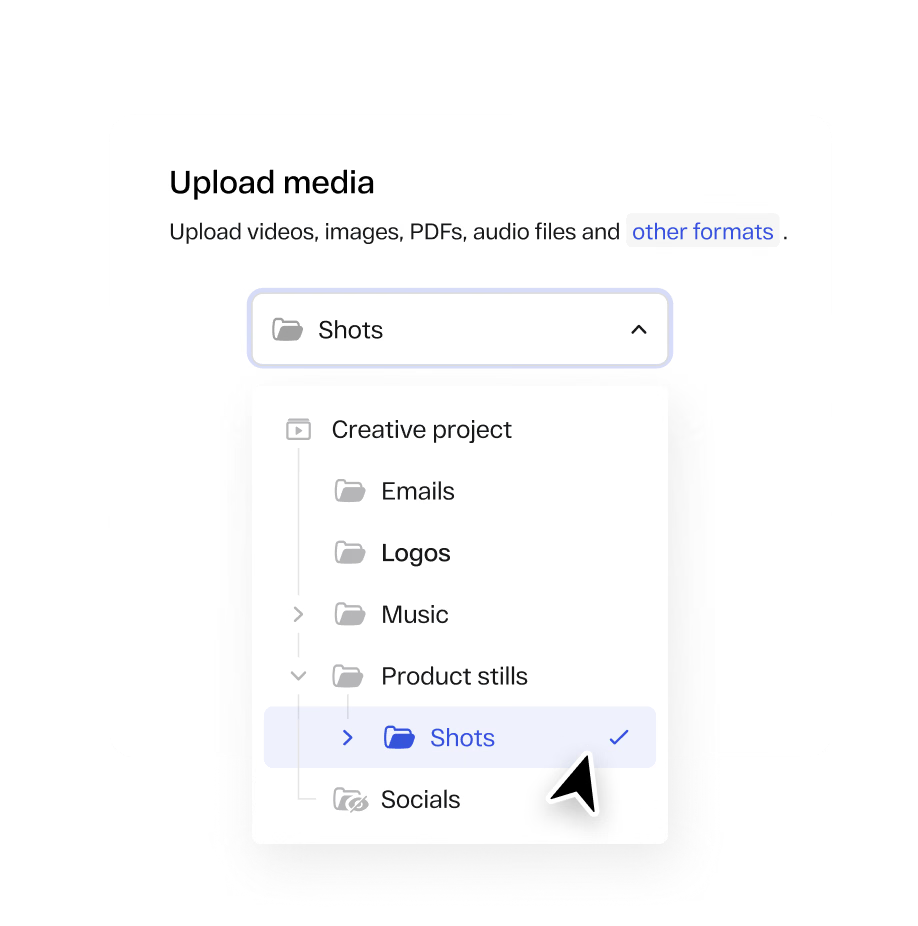
Quickly find and select the right project via search when uploading content.











Video, images, PDFs, presentations, and packaging files go through a structured review process with precise markup. Frame-accurate for video, page-accurate for PDFs, and pixel-accurate for images. No more vague email feedback.
Review video with frame-level precision using timecode, transcription, version comparison, and tools built for detailed creative feedback.
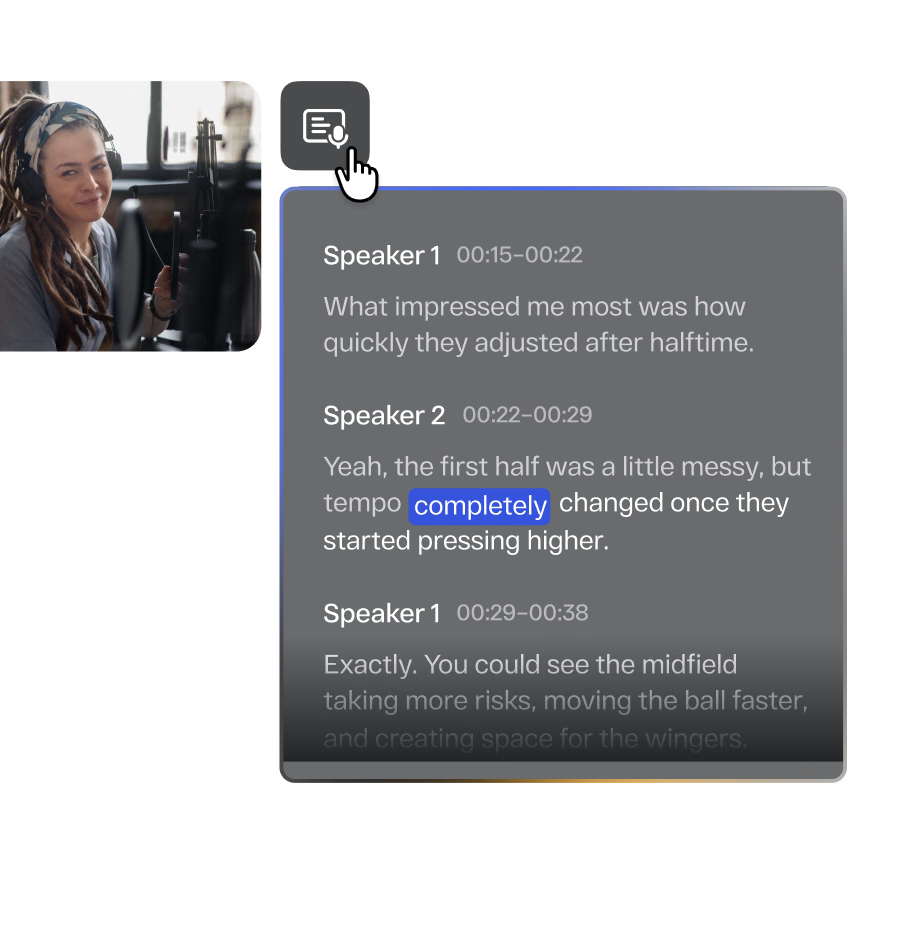
Automatically transcribe videos on demand, view live transcripts with speaker tracking, and export with ease.
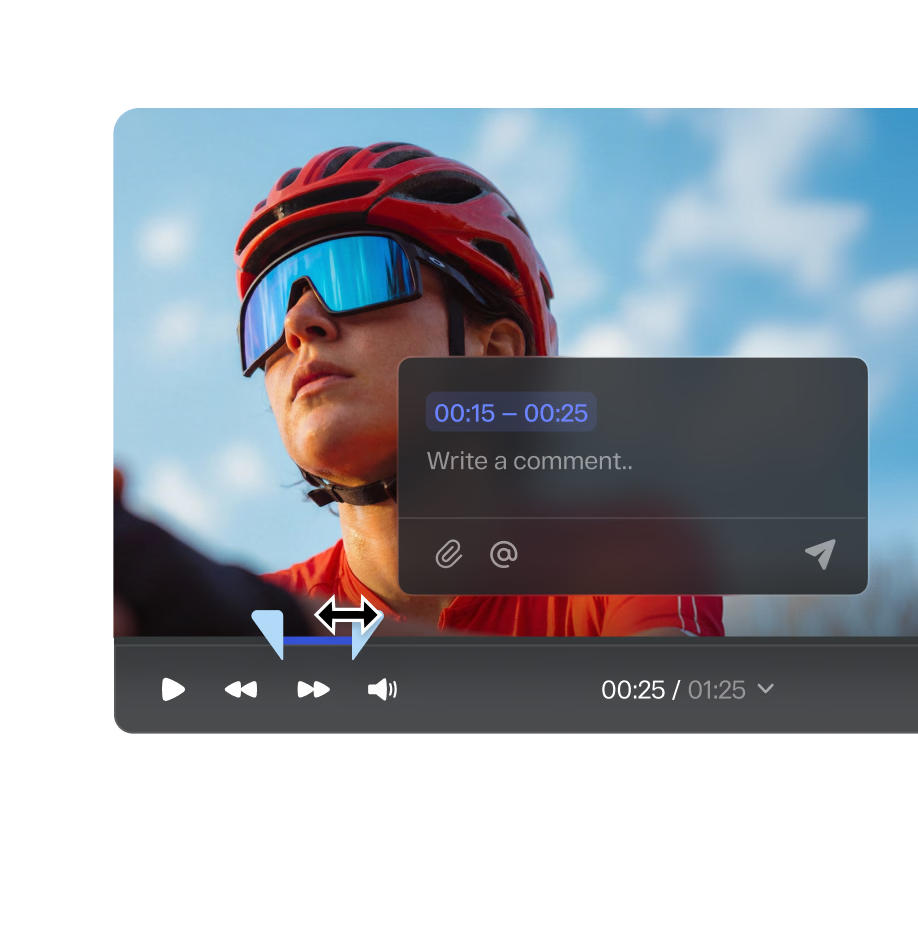
Leave timestamped comments pinned to the exact frame that needs attention. Every piece of feedback is precise, contextual, and tied to the specific moment in the video.
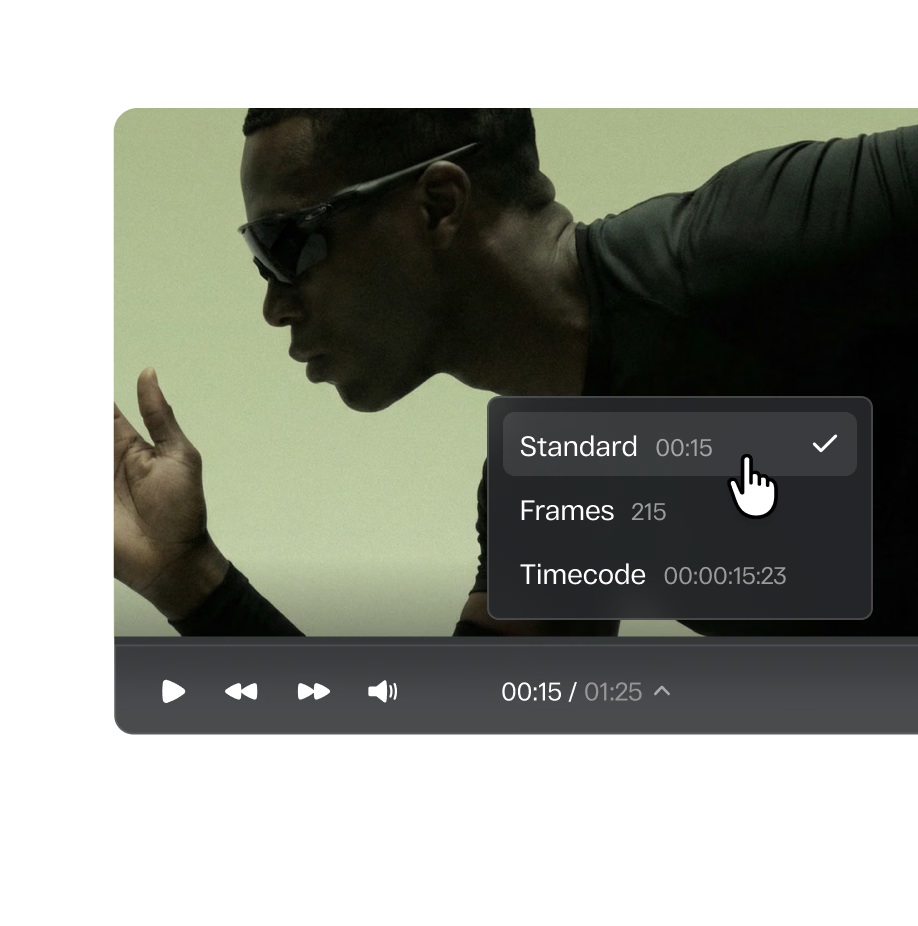
Choose between standard timecode, frames, or Premiere timecode when reviewing video in StreamWork. Gives editors and reviewers precise, frame-accurate alignment with their editing timeline.
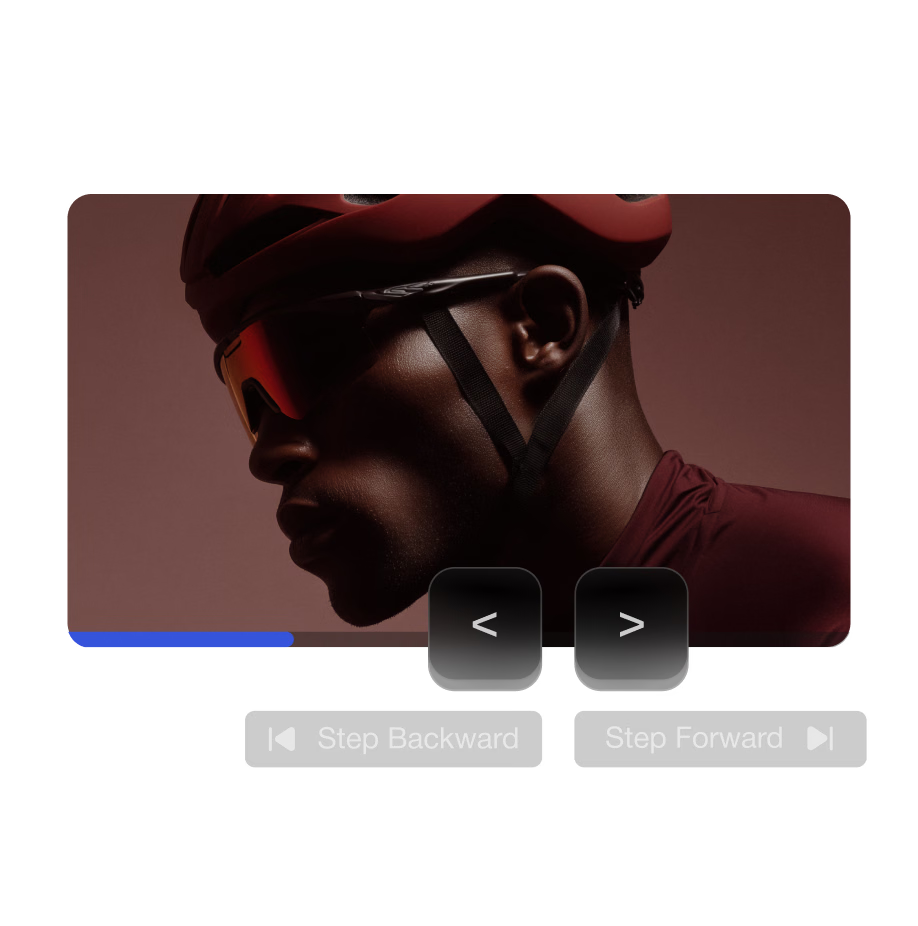
Review video with greater precision using J K L and "," ">" keyboard shortcuts to move forward and backward frame by frame. Built for detailed feedback and annotations.
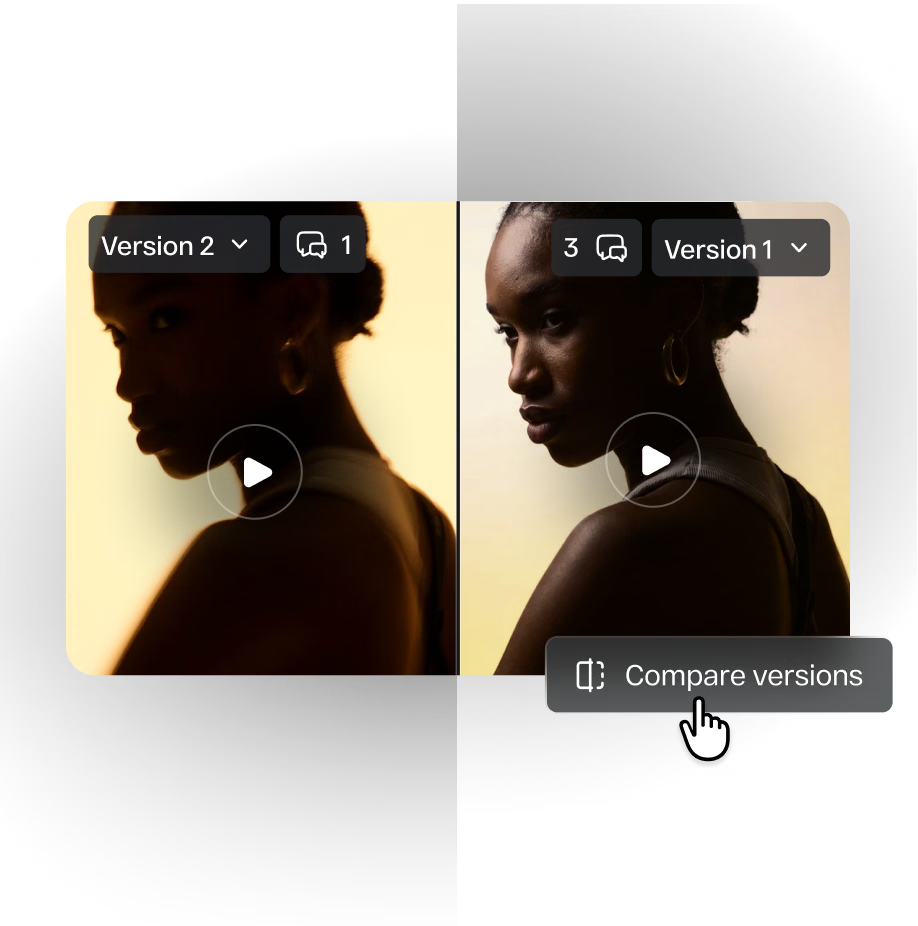
Place two cuts of the same video side by side and see exactly what changed. Confirm feedback was acted on correctly and keep every stakeholder on the current version.
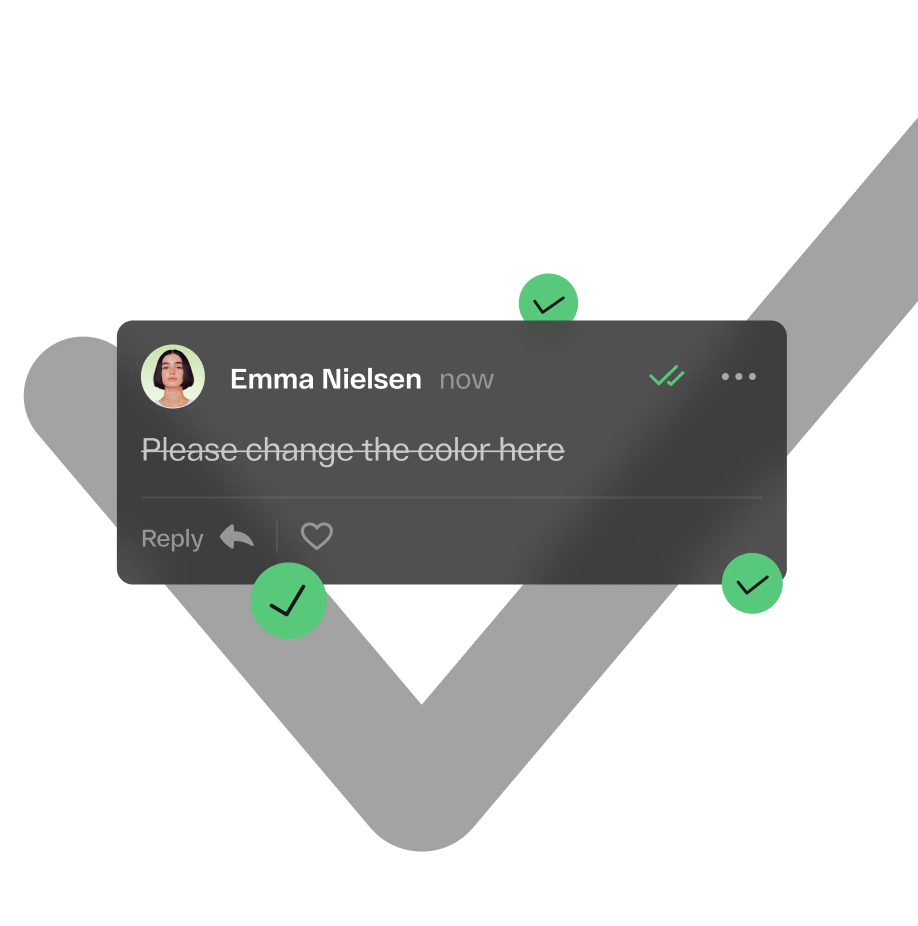
Add checklist items directly to comments so reviewers can confirm specific changes have been made before approving. Keeps revision cycles accountable and clear.
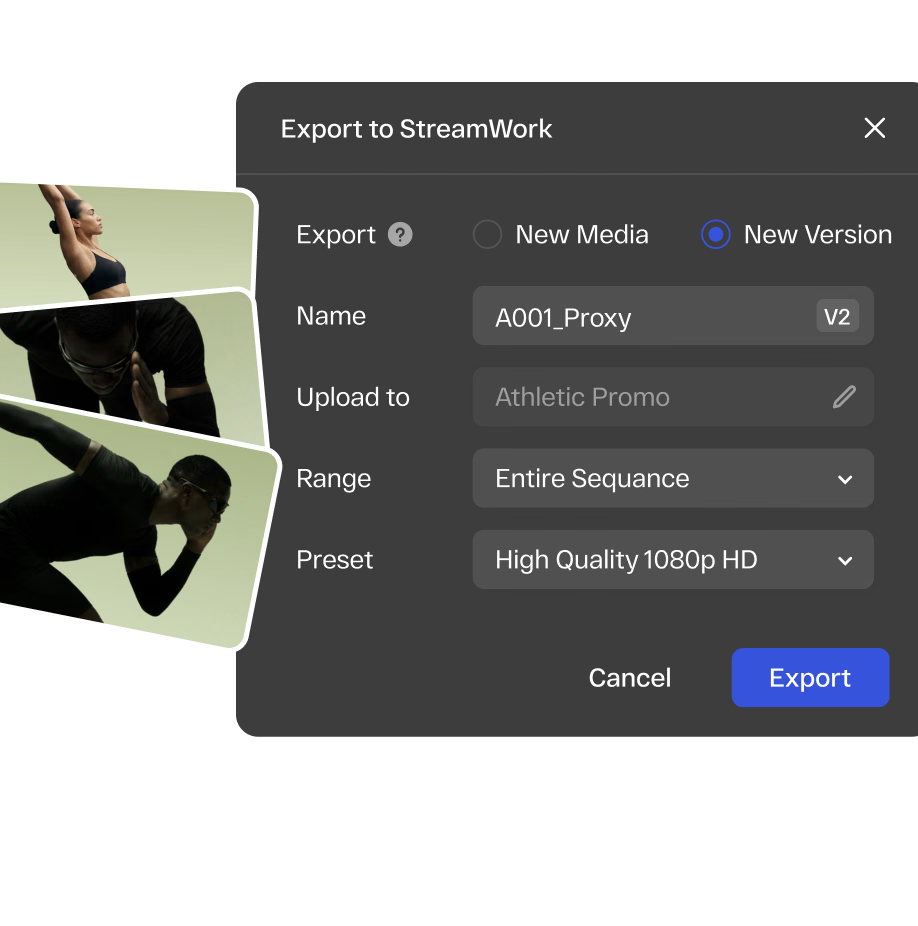
Import proxy files for offline review without full-resolution files. Versions stack automatically in StreamWork, allowing side-by-side comparison to see changes. Your team knows which version is approved.
Connect StreamWork with the tools your team already uses and keep approvals, feedback, assets, and project status synchronized across your workflow.
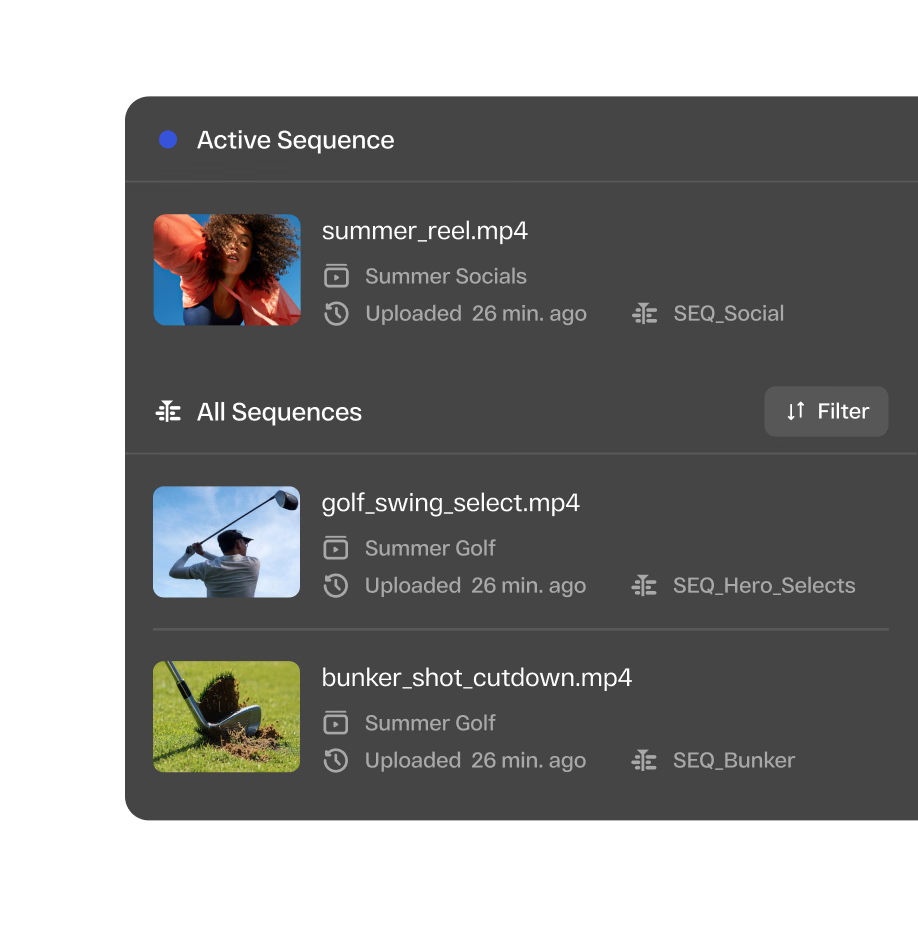
Upload sequences directly from Premiere. Markers sync both ways between Premiere and StreamWork. The review process fits inside the edit, not alongside it.
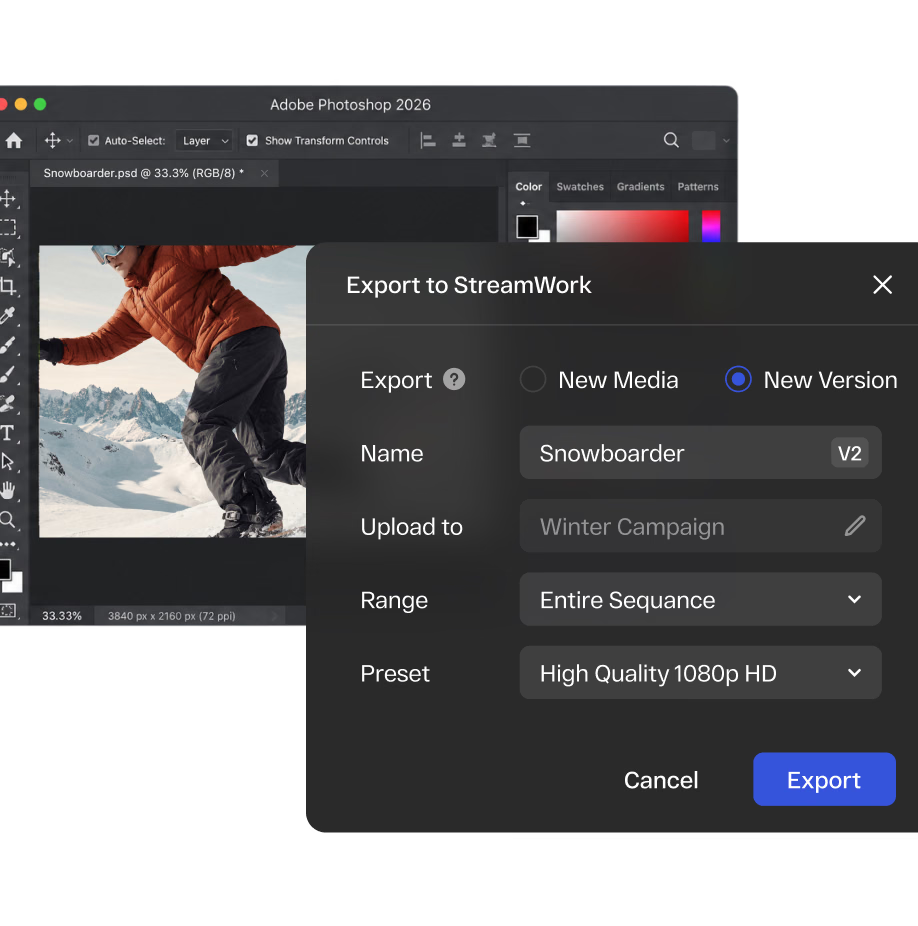
Share design files directly into StreamWork from inside your Adobe application. No manual export, no file management overhead, no version confusion.
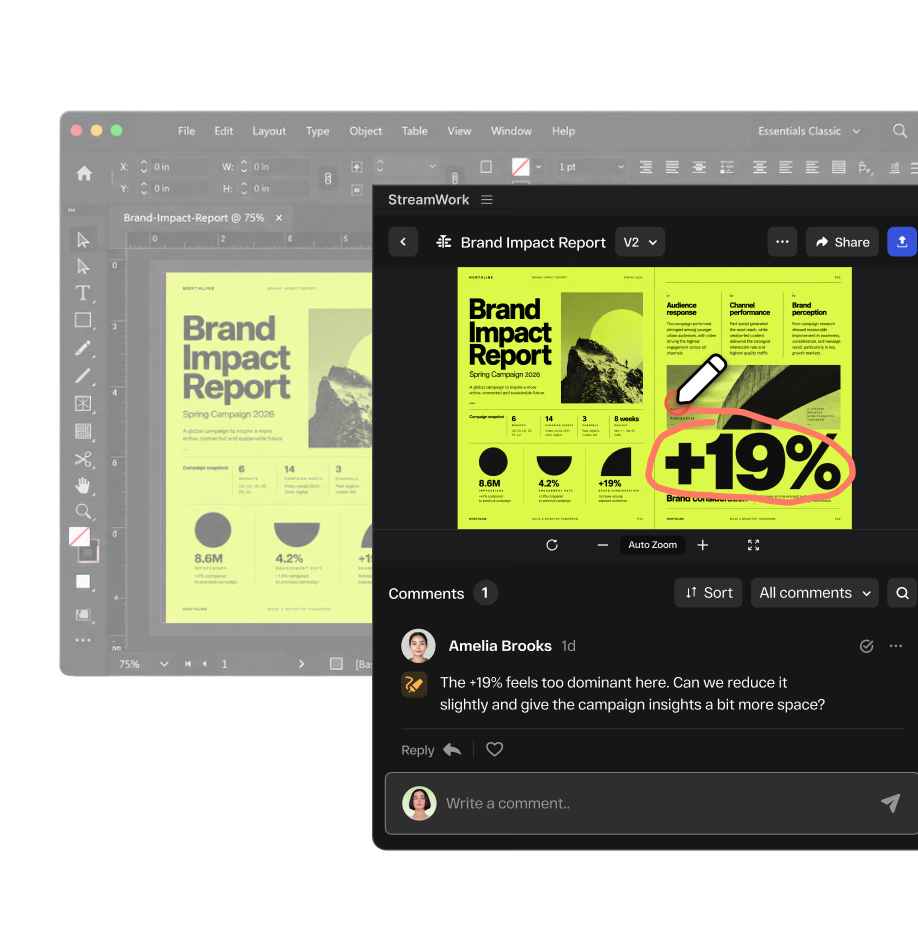
Reviewers leave feedback pinned to the exact pixel, element, or layer they’re referencing. No more “the logo in the top left corner” in an email. Every comment is precise and contextual.
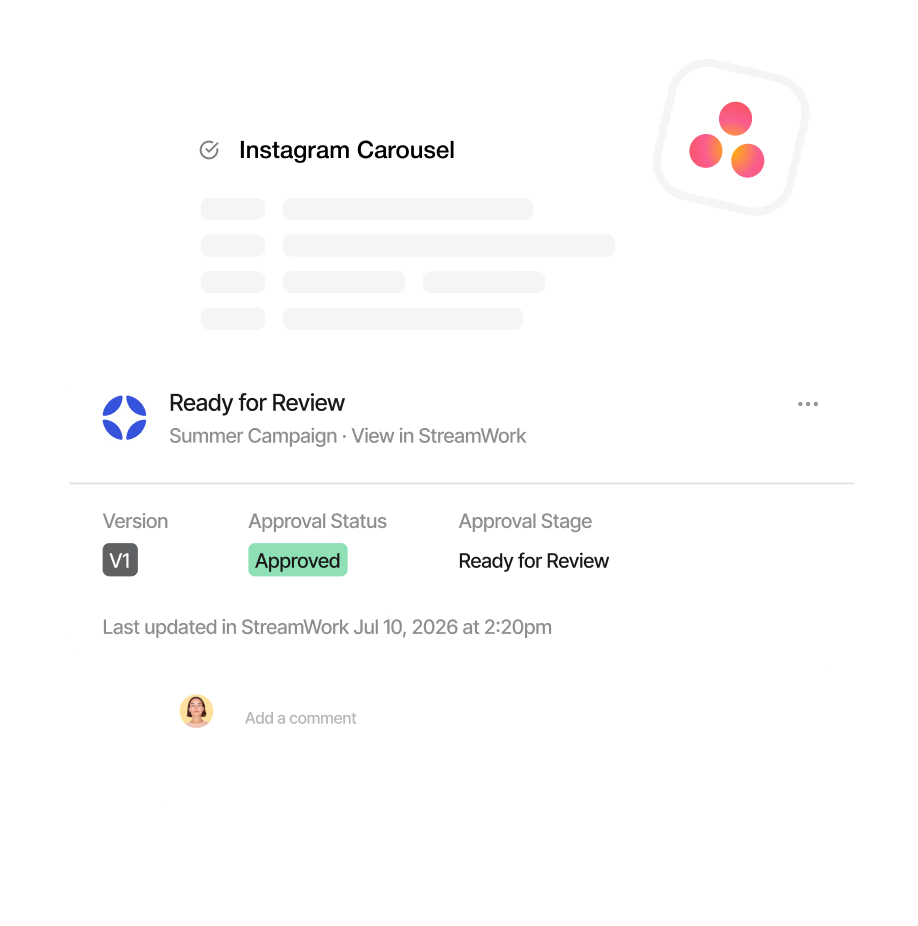
Upload a proof directly from an Asana task and route it for approval in StreamWork without switching tools. Status syncs back automatically so your Asana board always reflects where creative work stands.
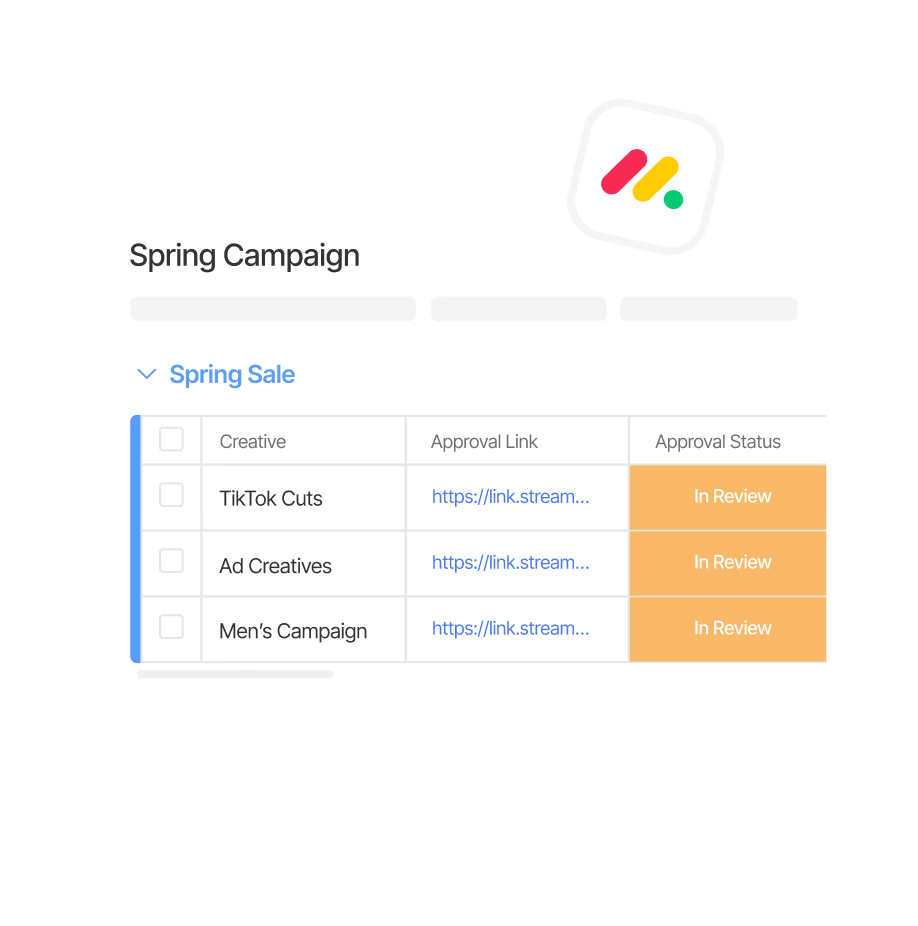
Upload a proof directly from a Monday.com board item and route it for approval in StreamWork, without leaving your workflow. When the approval is complete, Monday.com updates automatically so your team’s project status stays accurate in real time.
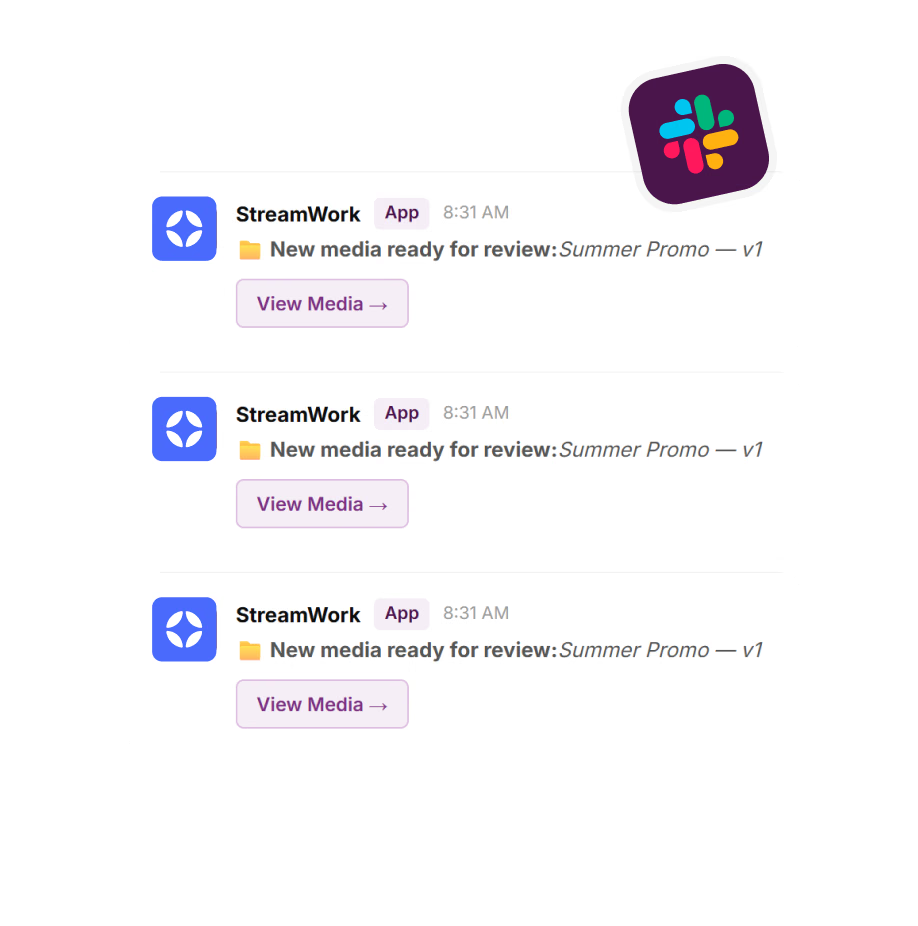
Get real-time Slack notifications the moment an asset is uploaded, commented on, or approved. Reviewers stay in the loop and approvals keep moving without anyone leaving Slack or chasing updates by email.
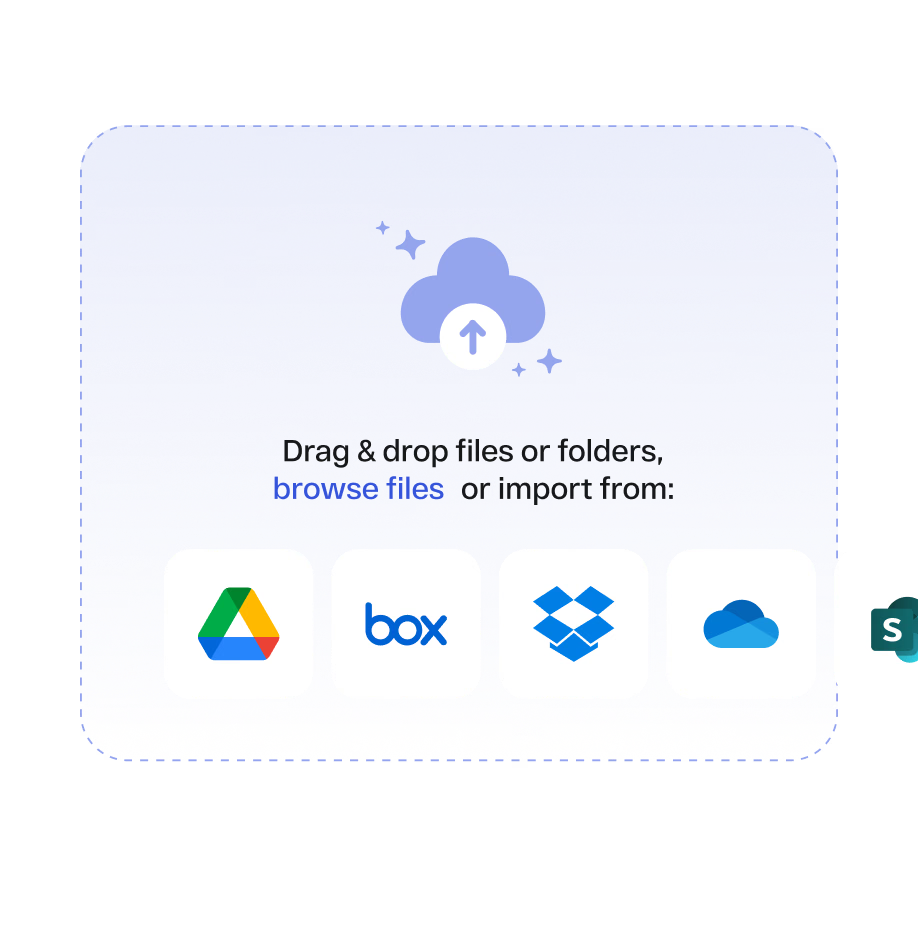
Pull files directly from your cloud storage into StreamWork projects without downloading and re-uploading. Your team works from the files they already have, wherever they live.
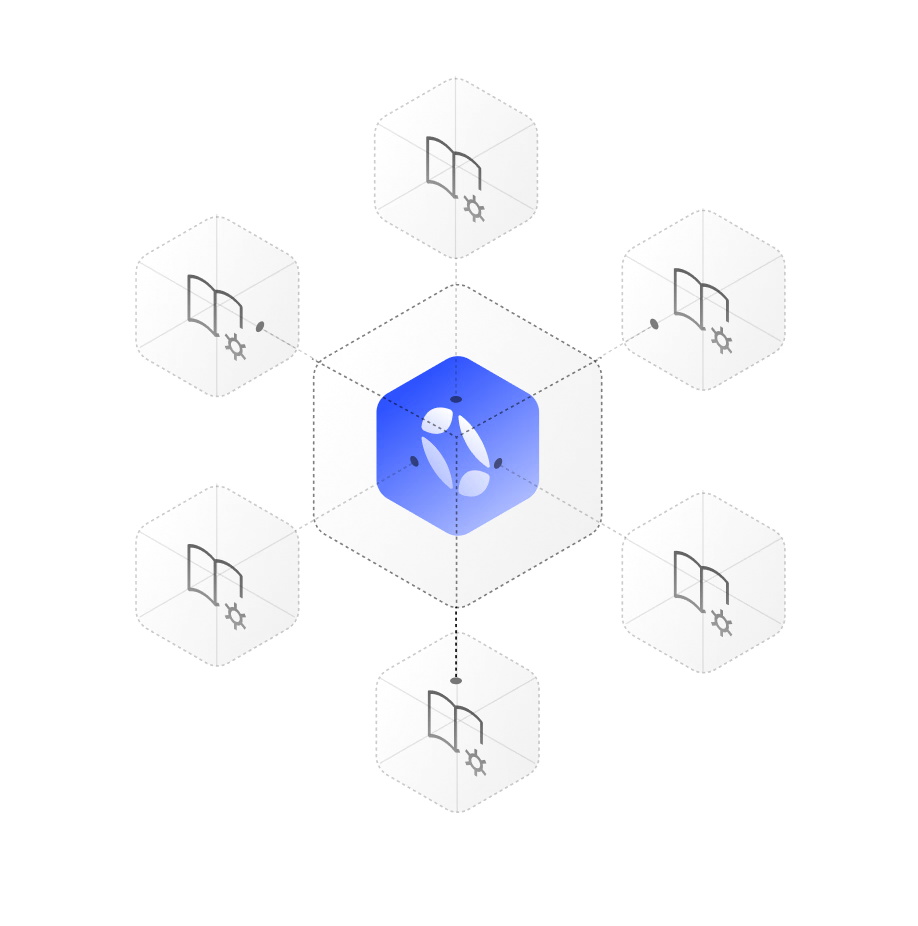
Connect StreamWork to your existing stack with our internal API. Build custom integrations with your DAM, project management tools, or most other platforms your organization runs on. Talk to our team about what’s possible.
Protect creative work and sensitive business data with enterprise-grade security, including AES-256 encryption, SSO, two-factor authentication, secure AWS infrastructure, and regular vulnerability testing.
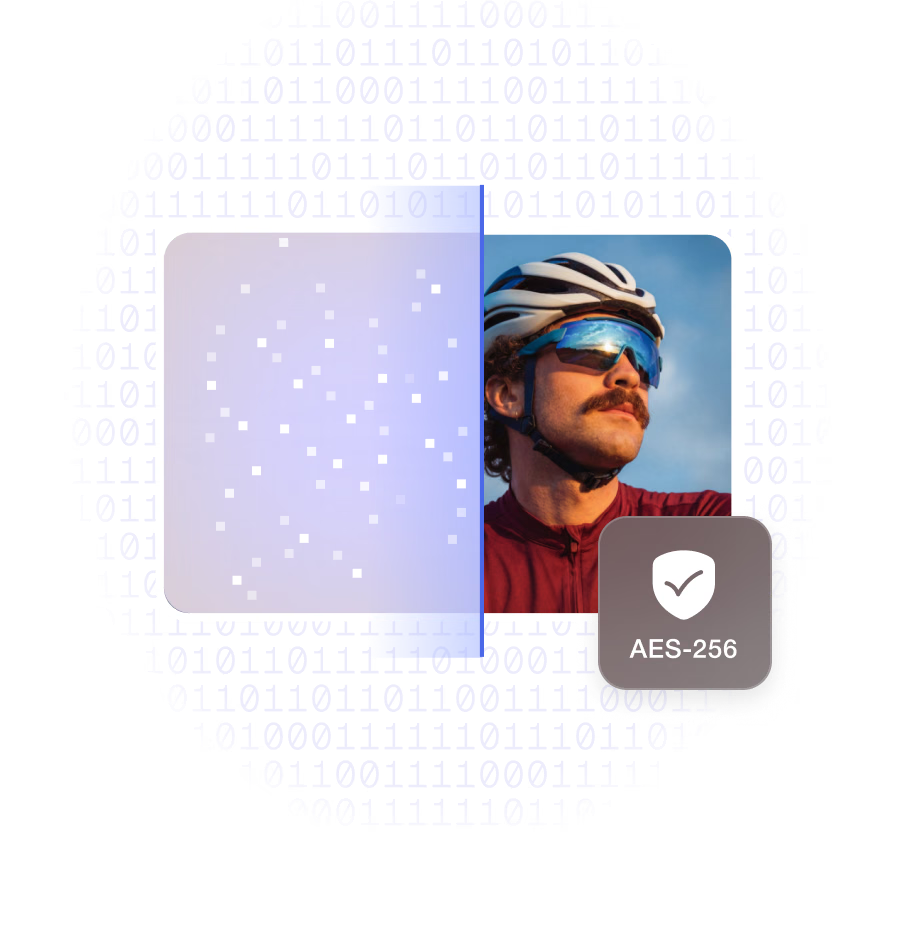
Data is encrypted at rest using AES-256. Creative assets, feedback, approval decisions, and user data remain protected throughout every stage of the review process.
StreamWork supports SSO, allowing enterprise teams to manage access through their existing identity provider. Users authenticate with company credentials without creating or maintaining separate passwords.
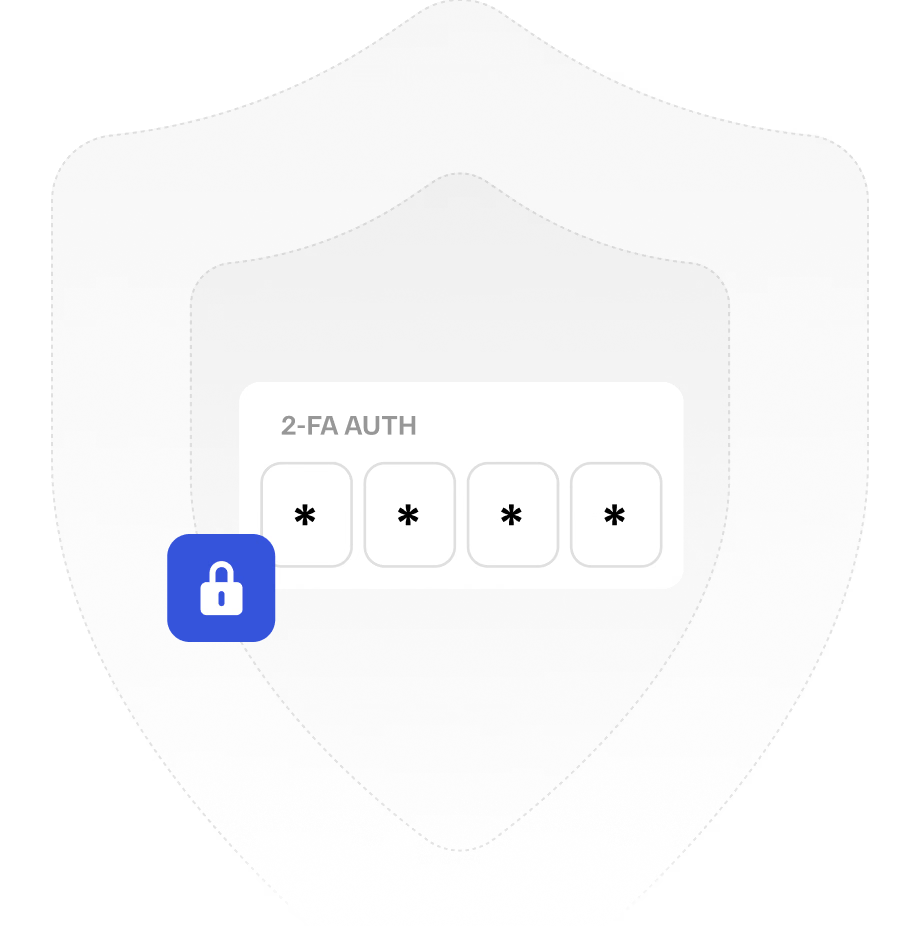
Two-factor authentication adds an extra layer of protection to every StreamWork account, helping prevent unauthorized access.

StreamWork is hosted on Amazon Web Services with enterprise-grade infrastructure, redundancy, and reliability, helping keep creative assets secure, available, and protected at scale.

StreamWork conducts regular penetration tests and vulnerability scans to identify and remediate security issues. Results are reviewed by our engineering and security teams and addressed within defined timelines.
StreamWork is actively building AI deeper into the review and approval process with every release. AI-powered video transcription with speaker tracking and caption export is already live, built directly into the approval workflow and unlike anything available in other creative approval platforms. It’s an example of where StreamWork is going. Watch this space.
Compliance & Security
Independently audited security controls help ensure StreamWork meets the standards enterprise IT and compliance teams expect.
Sensitive creative assets and platform data are protected with enterprise-grade encryption at rest and in transit.
Connect StreamWork to your existing identity provider so employees can sign in using the same credentials they already use at work.
Add an additional verification step to strengthen account security and reduce the risk of unauthorized access.
Set user roles and permissions for workspaces, projects, and folders, and control who can view, comment, upload, approve, or manage content in each approval workflow.
Organize users into teams or groups and apply permissions consistently across departments, agencies, and external collaborators.
Manage users, roles, permissions, and workspace access from one centralized administrative view.
Maintain a complete record of approval decisions, changes, and user activity for greater accountability and easier compliance review.
Add password protection to shared review links when sensitive assets need an extra layer of controlled access.
Give your organization a dedicated StreamWork domain that keeps the workspace consistent with your brand and enterprise setup.
Get faster access to support when your team needs help with important workflows, configuration, or platform issues.
Native Integrations
StreamWork connects natively with Asana, Monday.com, Slack, Adobe Creative Cloud, and more, so approval status, feedback, and version updates surface automatically inside your existing workflows. No context-switching. No manual updates.

“StreamWork stands out because it’s purpose-built for creative workflows. The workflow structure mirrors real creative processes instead of forcing teams into frameworks designed for software development or construction projects. It’s designed for the day-to-day realities of creative operations: multiple stakeholders providing feedback, rounds of revisions, dependencies between creative assets, and the need to track approvals without getting buried in email threads.”
Research
In our 2025 StreamWork Approval Research Study, we surveyed over 500 marketing and creative professionals, and the results were clear.
say the approval process takes more effort than the creative work itself
report approval delays that stall projects and deadlines
spend a full day every week chasing approvals
say approval delays waste budget and hurt ROI
reduction in creative approval cycles for teams using StreamWork
Source: Approval Research Findings, StreamWork 2025

StreamWork ships new features every month, built directly from customer feedback. From Adobe Creative Cloud integrations to AI-powered video transcription, here are the latest features enterprise teams are already using today.
StreamWork includes AI-enabled multi-stage approval workflows, precise frame-accurate feedback on video, pixel-accurate feedback on images, page-accurate feedback on PDFs, live URL review, version control with side-by-side comparison, task delegation tied to creative feedback, AI-powered video transcription with speaker tracking, a centralized approval hub with real-time dashboards, bulk approval routing, reusable workflow templates, native integrations with Asana, Monday.com, Slack, Adobe Creative Cloud, Figma, and more. SOC 2 Type II certified with SSO, AES-256 encryption, granular role-based permissions, and much more.
Build multi-stage approval workflows that route creative through the right stakeholders in the right order: creative review, legal, brand, and leadership in sequence. Define reviewer roles, set deadlines per stage, and StreamWork handles the routing and reminders automatically. Every decision is logged with a complete, immutable audit trail. Workflows can be saved as reusable templates so every campaign launches the same structured way.
StreamWork supports all types of files enterprise creative teams produce: video (MP4, MOV, AVI, and more), images (JPG, PNG, GIF, PSD, AI), PDFs, presentations (PowerPoint, Keynote), documents (Word, Google Docs), audio (MP3, WAV), and Adobe Creative Suite files (Photoshop, InDesign, Premiere). Every file type moves through the same structured review and approval process with the same version control and audit trail.
Yes. StreamWork is AI-enabled throughout and building deeper AI capabilities with every release. AI-powered video transcription with speaker tracking and caption export is built directly into the approval workflow, something no other dedicated online proofing platform offers. Transcribe video on demand, view live transcripts as words are highlighted in real time, and export for captions or documentation in one click. More AI capabilities are in development. Watch this space.
Every new version of every asset is stacked automatically in StreamWork. Side-by-side version comparison lets reviewers see exactly what changed between versions. Nothing gets lost, overwritten, or approved by mistake. The complete revision history is always one click away with every comment, approval decision, and stakeholder action logged and timestamped.
Yes. Any comment or piece of feedback can be converted into an assigned task with an owner, due date, and priority in one click. Legal handles their revision requests. Copy handles theirs. Brand handles theirs. Tasks can be tracked, commented on, and completed without leaving StreamWork.
StreamWork is rated #1 for ROI, Fastest Implementation, High Performer, and Highest User Adoption in the Online Proofing category on G2. Teams switching from Ziflow have cited StreamWork is easier to use and faster to implement. Teams switching from PageProof have cited StreamWork has deeper enterprise features and a more visual workspace. Unlike Frame.io, StreamWork handles every file type with multi-stage approval workflows, not just approve/reject for video. StreamWork is also more affordable than Ziflow, PageProof and Frame.io based on customer reviews and pricing information.
Yes. StreamWork is SOC 2 Type II certified with AES-256 encryption, SSO, two-factor authentication, granular role-based permissions, and immutable audit trails. Built for the security and compliance requirements of enterprise marketing teams, regulated industries, and global organizations. Enterprise customers can request our SOC 2 Type II report directly from our team.