Skip to content

Asana integration for creative approvals

Creative approvals that live inside your Asana workflow

Your projects are in Asana. Now your reviews, feedback, and approvals can be too: structured, trackable, and always moving forward. Built for enterprise marketing teams, creative agencies, and in-house studios that run on Asana.

Asana logo on a layer between two StreamWork platform layers, showing the StreamWork and Asana integration
Rated #1
for ROI
AICPA
SOC2
256-bit
AES
AWS
Infrastructure

Overview

Your project management lives in Asana.Your approval process should too

Enterprise marketing teams, creative agencies, and in-house creative studios already use Asana to manage tasks, timelines, and deliverables across complex campaigns and large organizations. But when it comes to reviewing assets and collecting stakeholder sign-off, the process breaks down, feedback lands in email, decisions happen over Slack, and no one knows what’s final.

StreamWork closes that gap. Upload a proof directly from any Asana task and route it for approval in StreamWork, or upload your proof to StreamWork and attach it to an Asana task. Either way, status syncs back into Asana automatically and your project management always reflects where creative work actually stands.


How it works

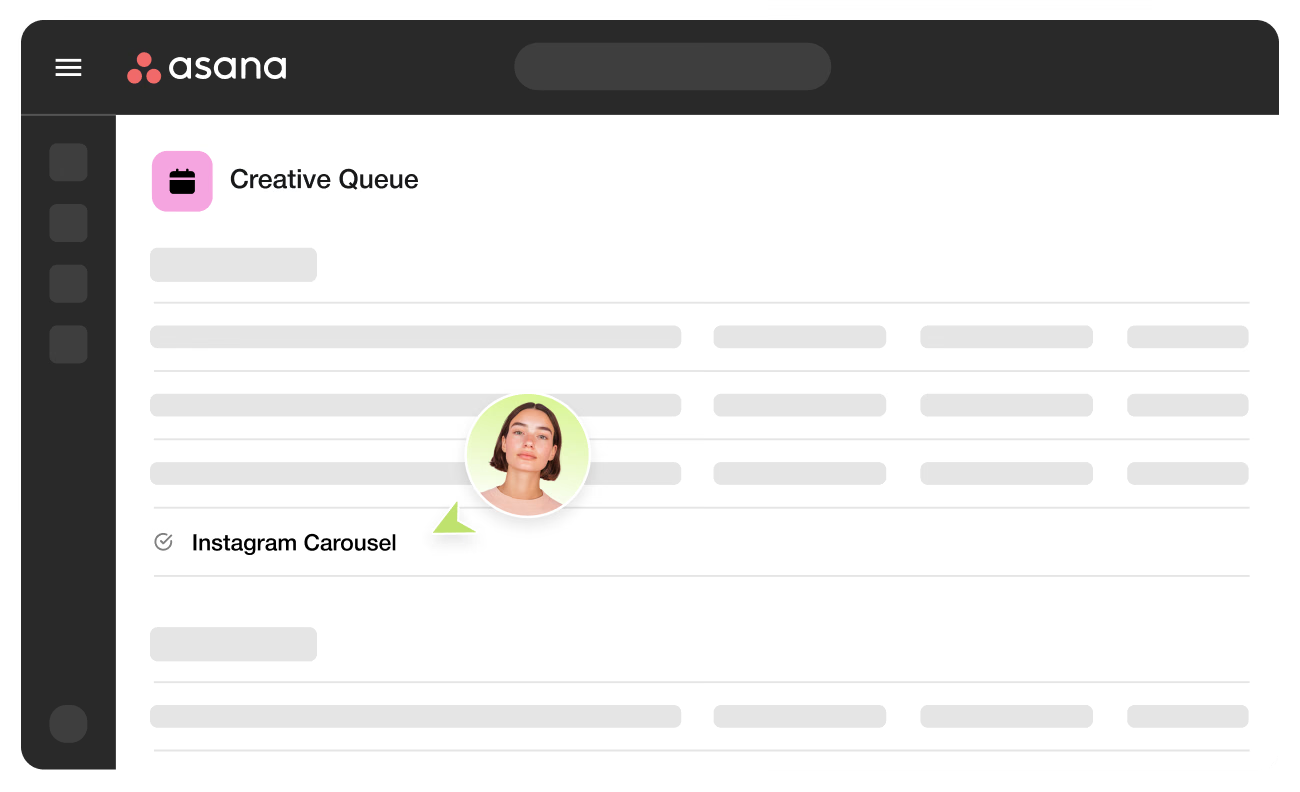
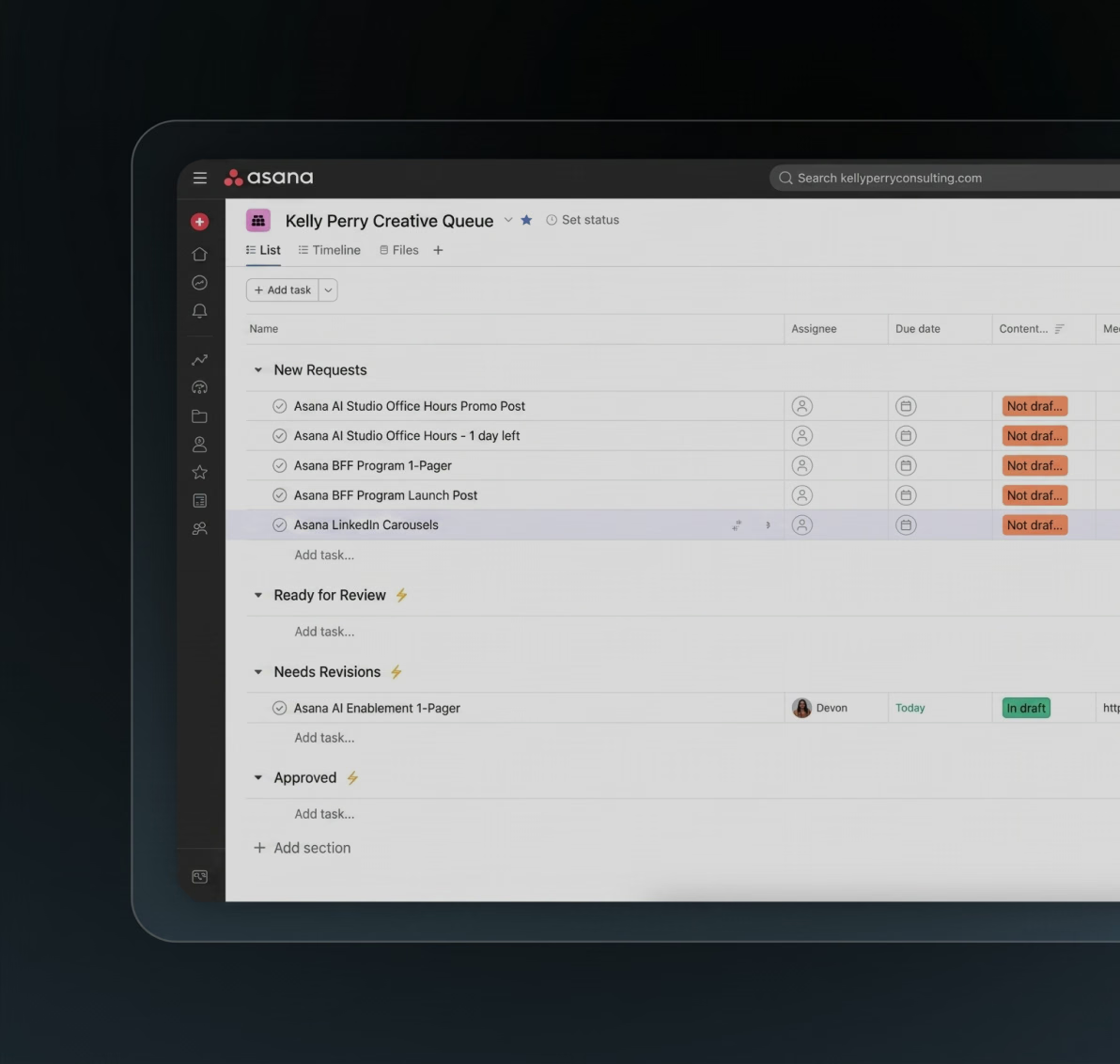
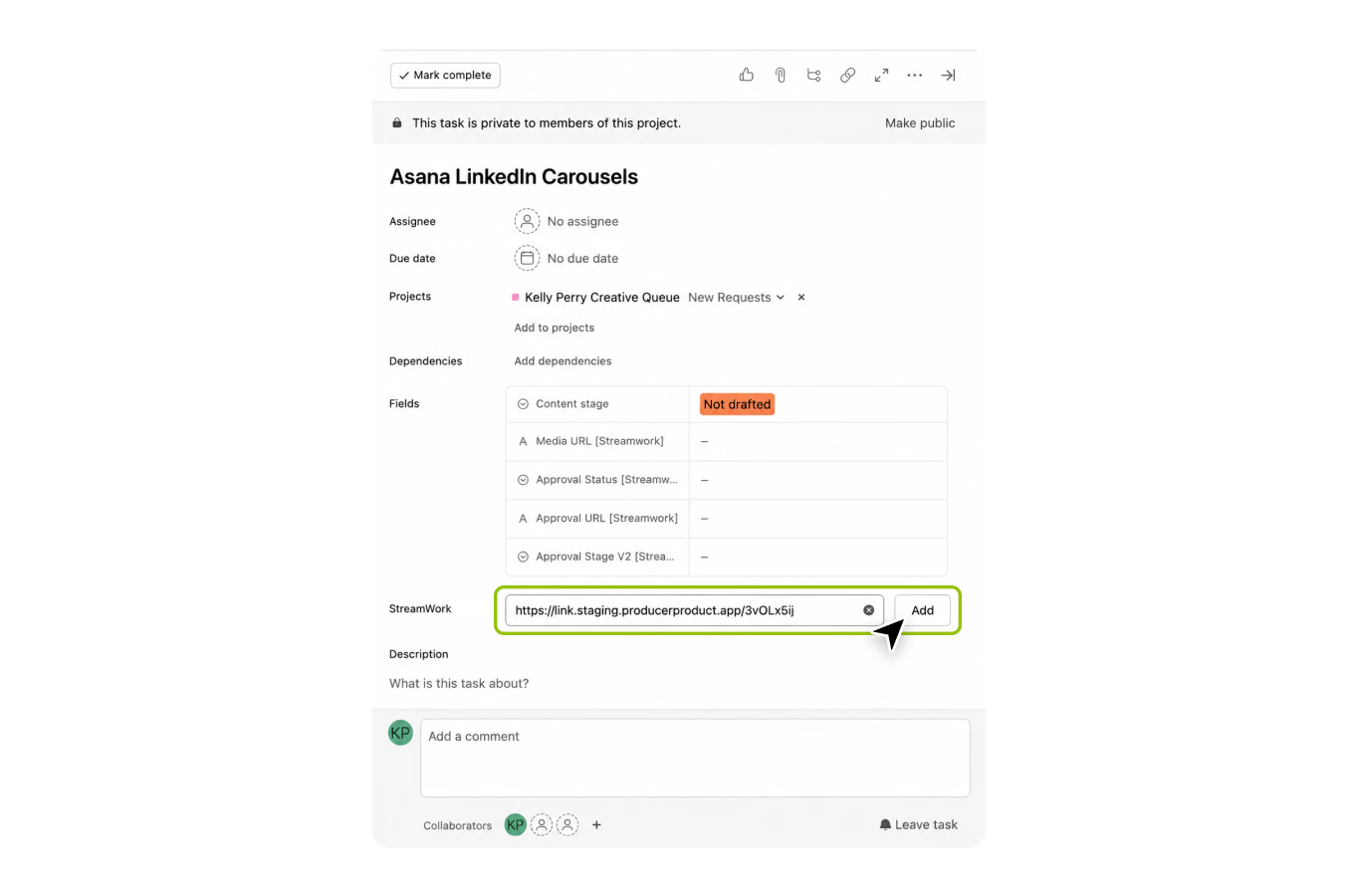
Instagram Carousel task added to the Creative Queue project in Asana by a team member

Create the creative task in Asana and add it to the creative queue.

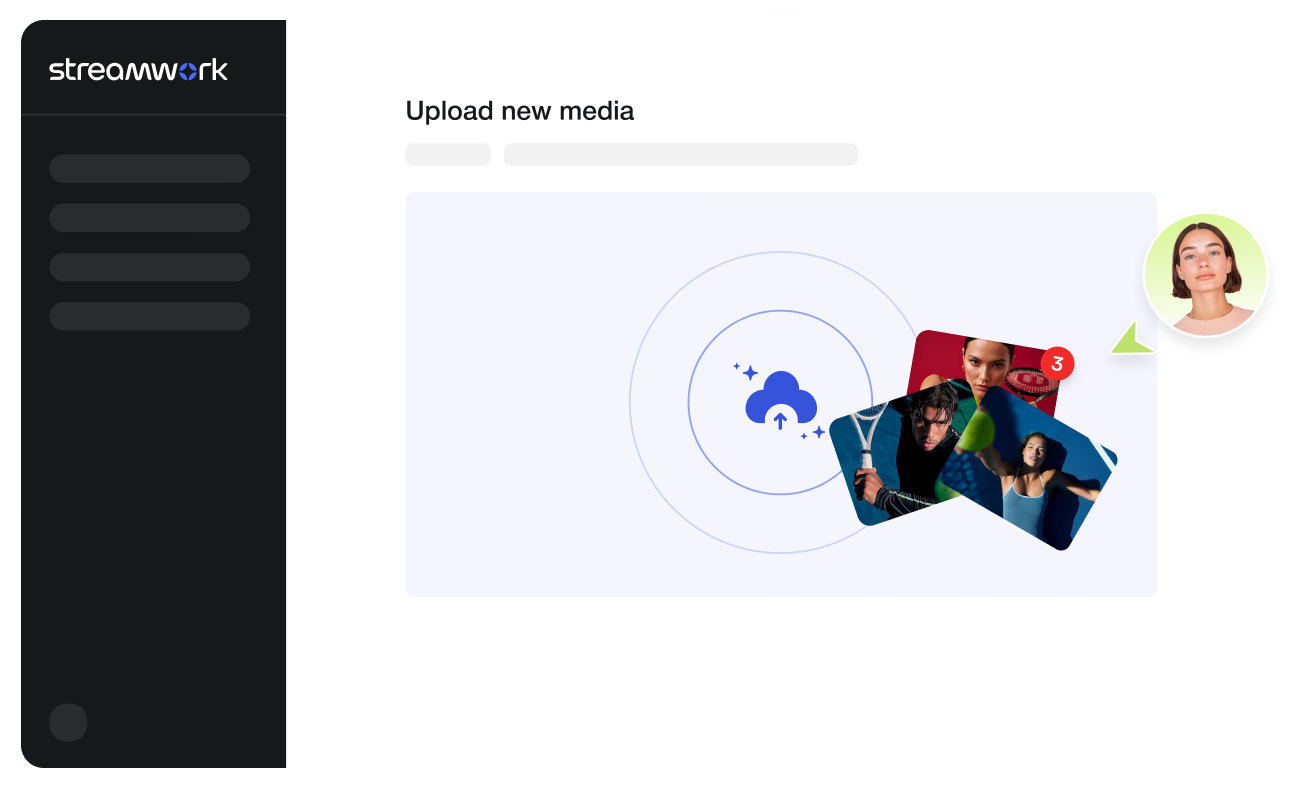
Upload new media screen in StreamWork with campaign photos being added for review

Upload assets in StreamWork and launch the approval workflow.

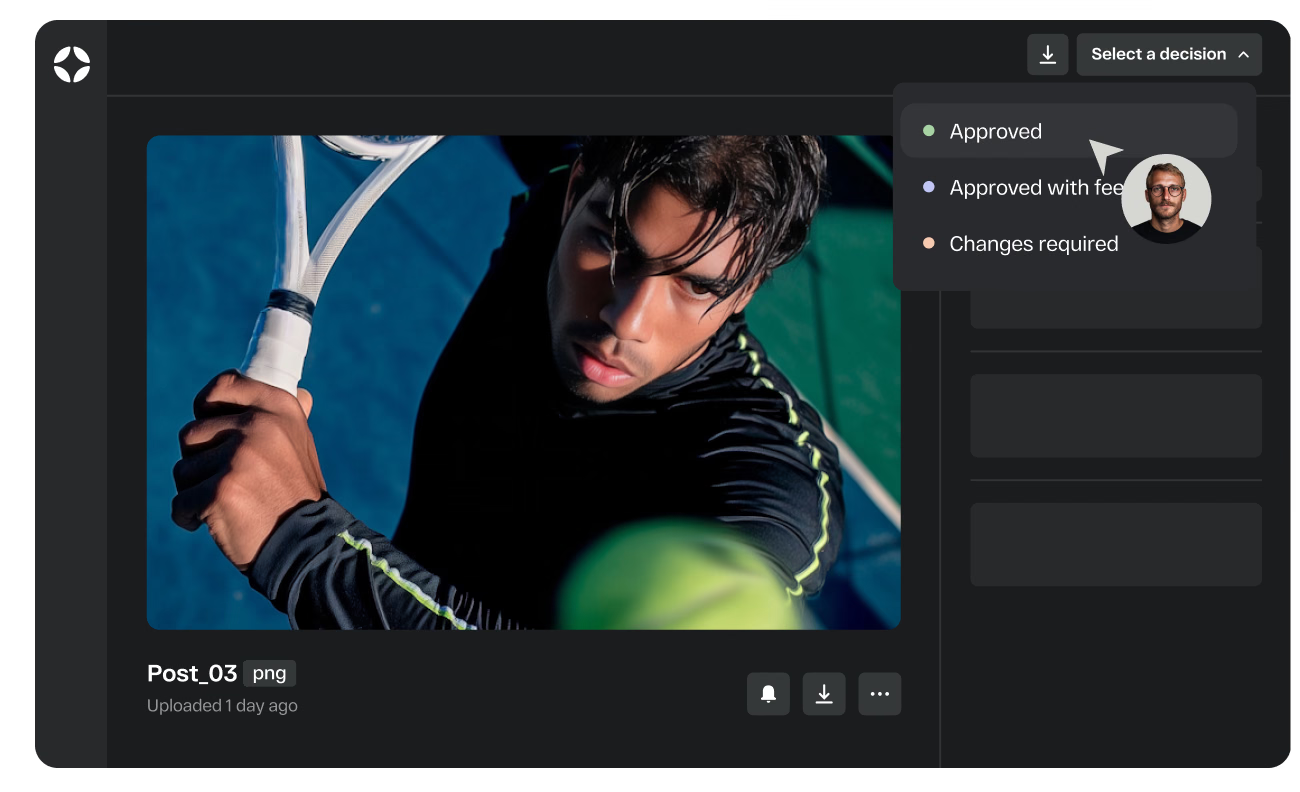
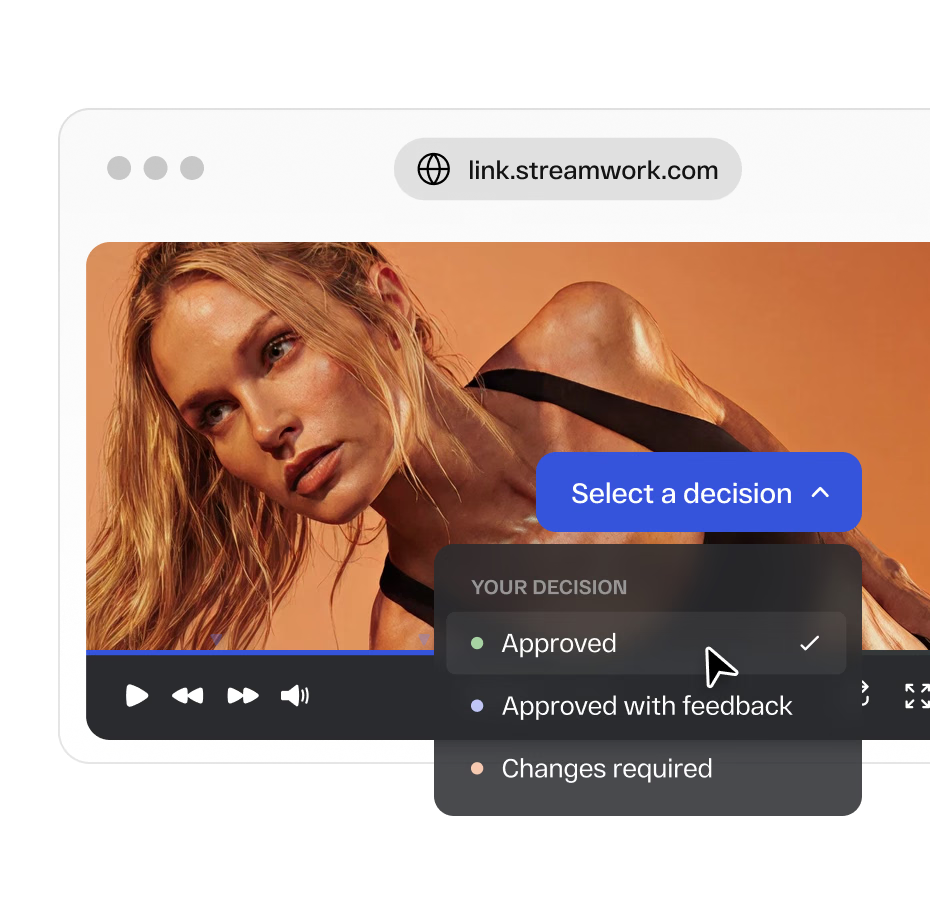
Reviewer choosing Approved in the Select a decision menu for a tennis photo in StreamWork

Stakeholders review, comment, approve, or request changes.

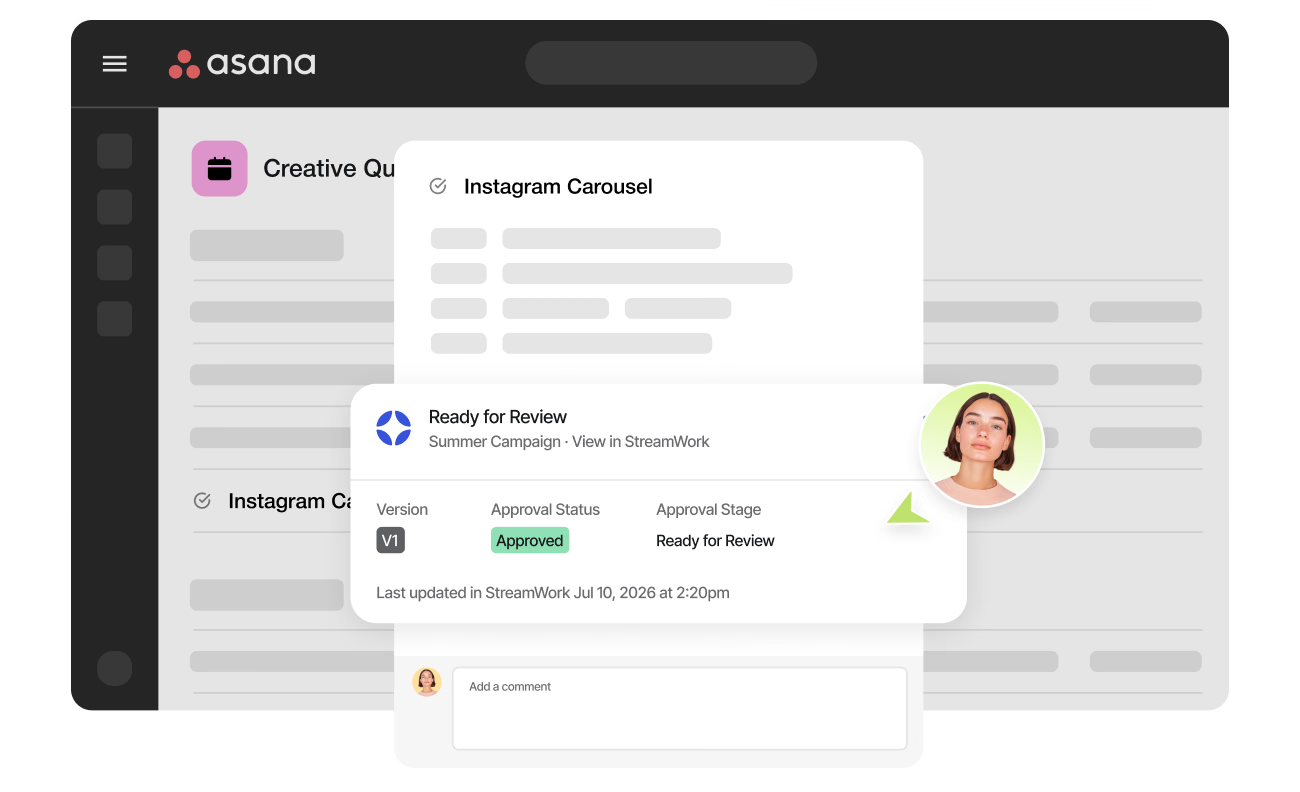
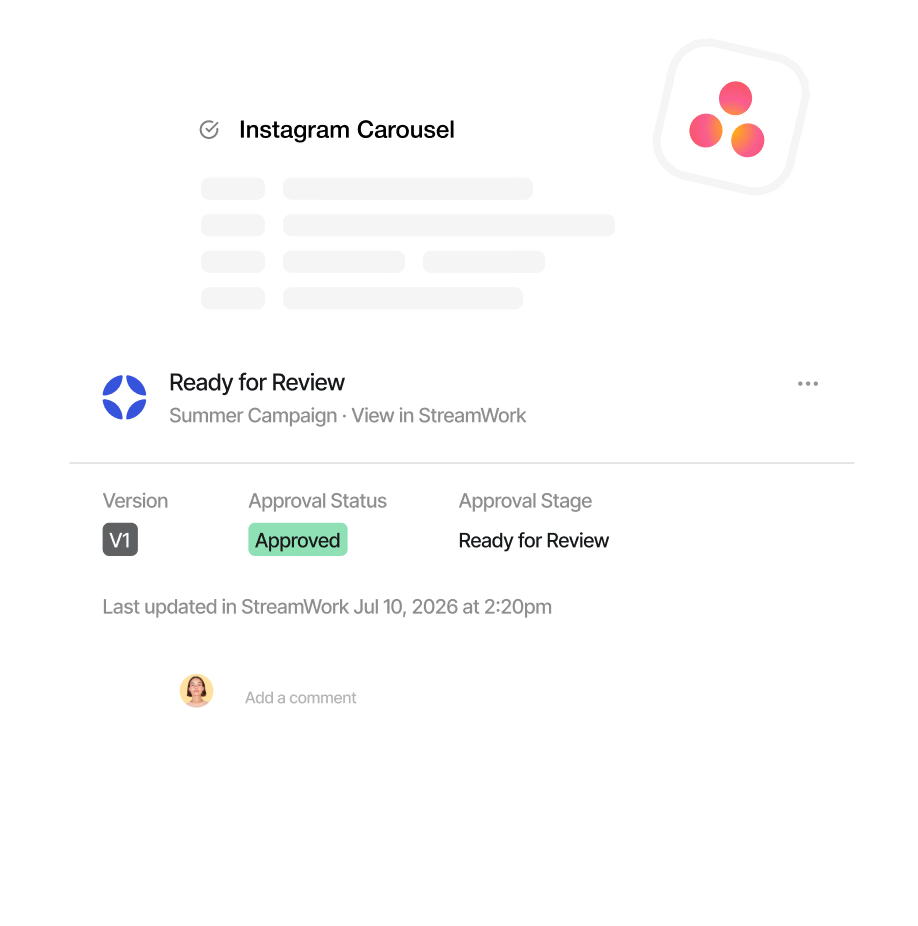
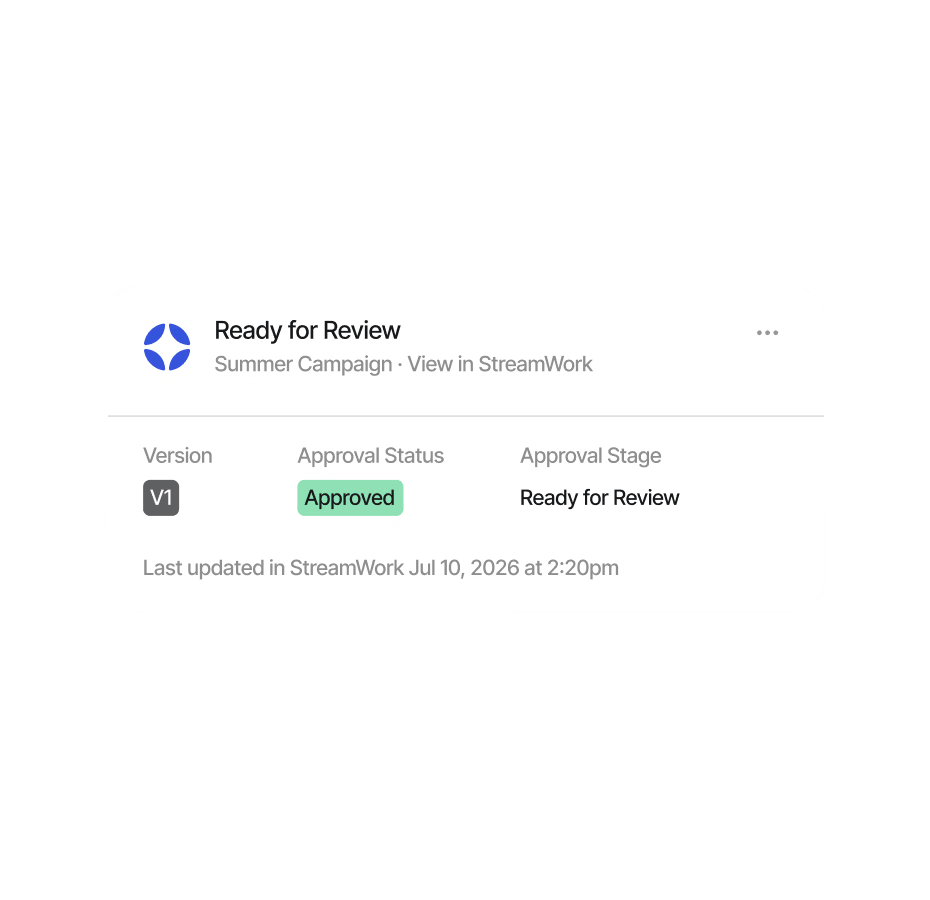
Asana task with a StreamWork card showing Approved status and the Ready for Review stage

StreamWork updates the Asana status, assignee, and workflow stage automatically.

Case study

Real results. Real workflows.From enterprise marketing and creative ops teams just like yours

Kelly Perry, Creative Operations Consultant and Asana Services Partner, shares how a global consumer brand transformed their enterprise creative approval process and walks through exactly how to set it up.

Case study

How a global consumer brand saved 10 days per project

Kelly shares how her team restructured creative review and approval inside Asana using StreamWork and the measurable impact across the organization.

Step-by-step walkthrough

See the StreamWork + Asana integration in action

Kelly walks through the full integration from setup to first approval, so your team can see exactly how straightforward it is to get running.

StreamWork was the first product I found with an Asana integration. When I saw how seamlessly StreamWork statuses pushed into Asana, I was smitten. This was a solution that could enhance what teams were already doing in Asana without disrupting their workflows.
10Days

saved per project by the brand team at a global CPG company after implementing StreamWork

5Days

saved per project across all departments at the same organization

Features

Everything your creative review process is missing

Asana is built for project management. StreamWork is built for the reviewing and approving that happens inside it, structured, versioned, and connected back to your workflow automatically. Built for enterprise teams managing high volumes of creative across multiple campaigns, brands, and stakeholders.

Enterprise security, built in from the start

Enterprise security, granular role-based permissions, SSO, AES-256 encryption, and audit trails. Built for the security and compliance requirements of large organizations.

AICPA
SOC2
256-bit
AES
SSO
Login
AWS
Infrastructure

How to connect

Set up in minutes.Runs itself from there

No complex configuration. Your team keeps working the way they already do in Asana.

How it helps

How online proofing software helps enterprise teams inside Asana

Streamline creative reviews

Give enterprise marketing teams, creative agencies, and creative ops leaders a structured way to streamline reviews, collect feedback, and reach final approval.

Build structured approval workflows

Route the right creative to the right people, in the right order, with a clear record of every decision from first review through final approval.

Stay connected to Asana

Keep the entire approval process connected natively to the Asana tasks your team is already working from, without leaving your existing project management workflow.

Why integrate with Asana

Bring creative approvals into Asana

Asana is where enterprise creative project management lives. But the reviewing and approving of creative assets has historically happened outside of it, in email, Slack, or standalone tools disconnected from the project.

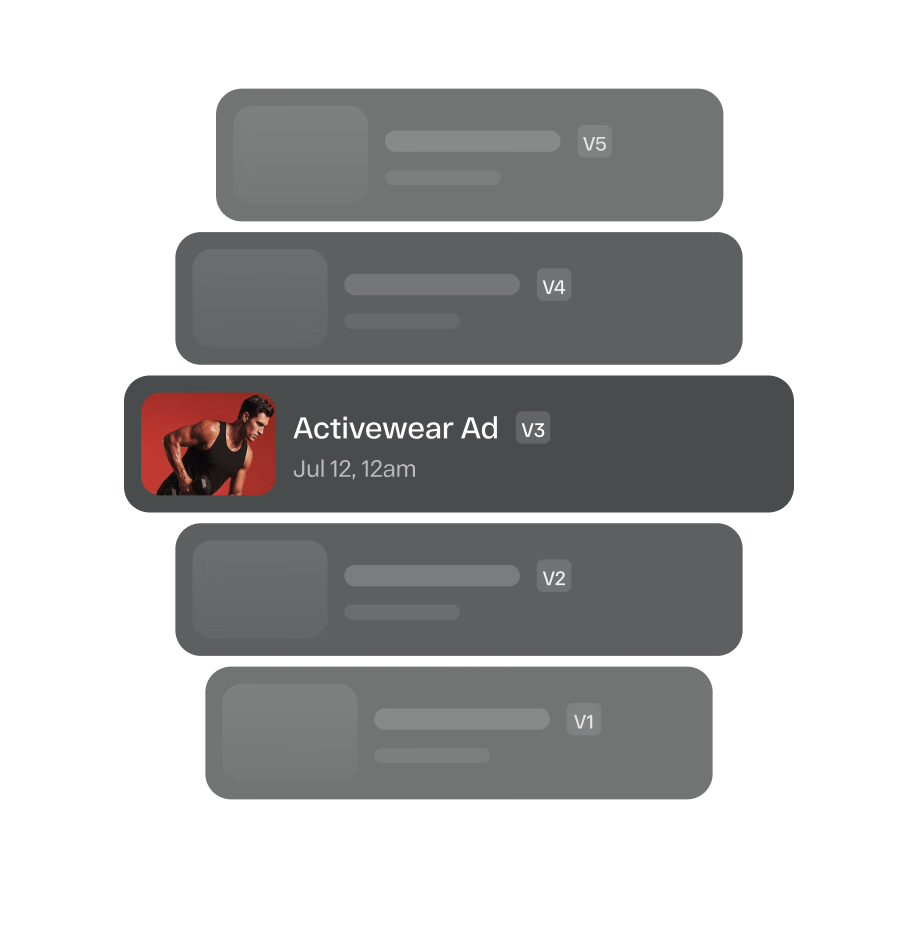
The StreamWork and Asana integration bridges that gap, turning Asana into a complete creative review and approval hub. Upload a proof directly from an Asana task, route it through multi-stage approval workflows in StreamWork, and watch the status sync back automatically. Your enterprise marketing team, agency, or creative ops team always knows which version was approved, who approved it, and when.

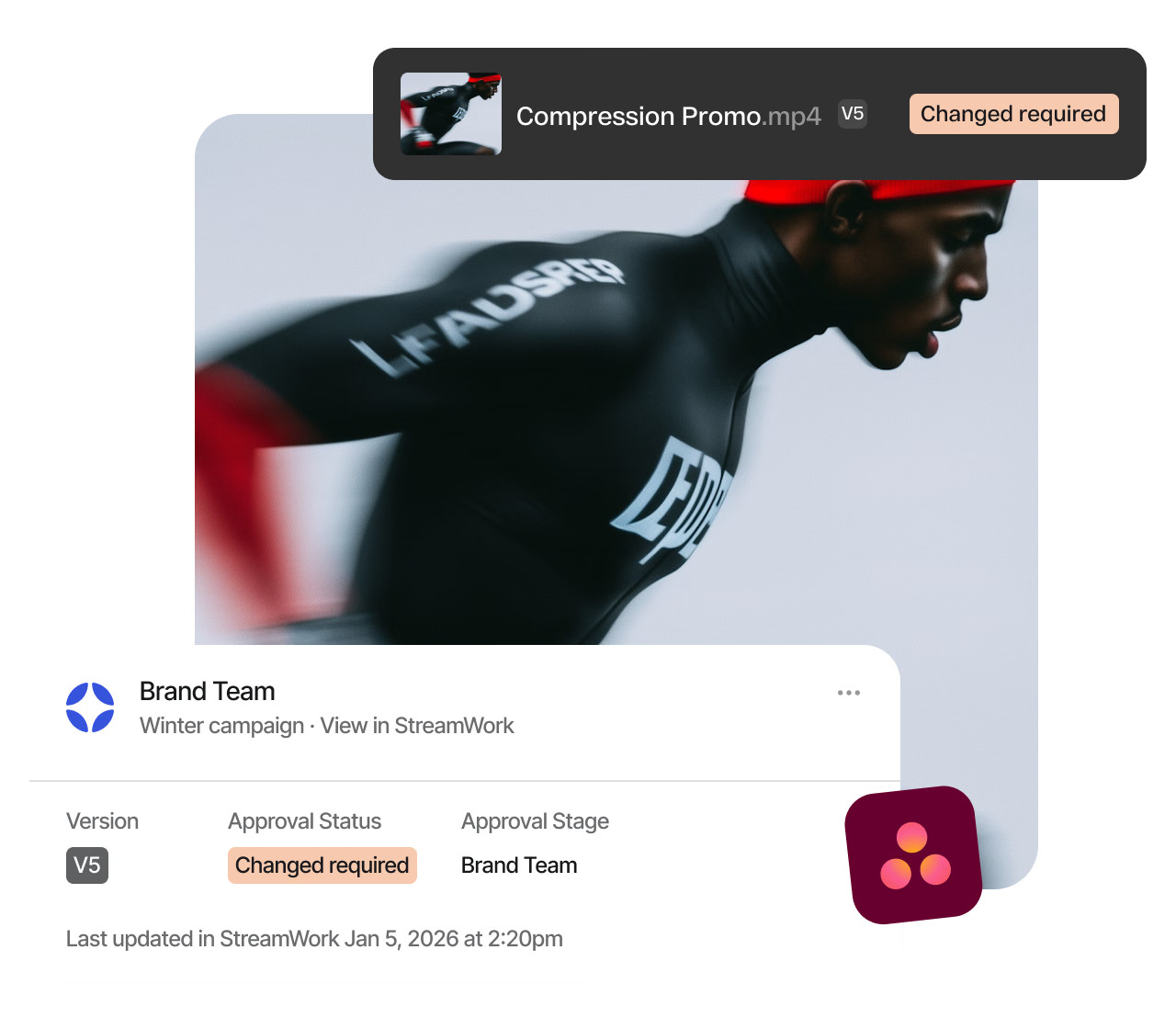
Brand Team approval card in StreamWork showing a Changes required status for a video, connected to Asana

Ready to streamline enterprise creative approvals inside Asana?

StreamWork is free to start. Connect your workspace and run your first review in minutes.

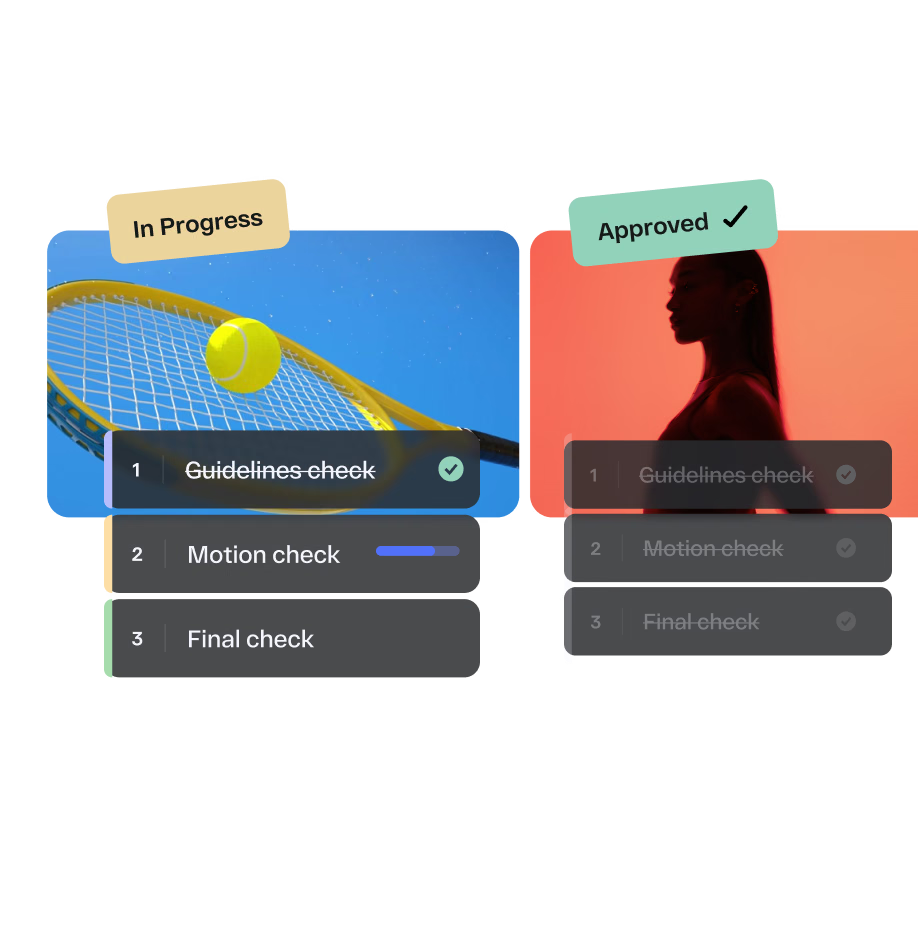
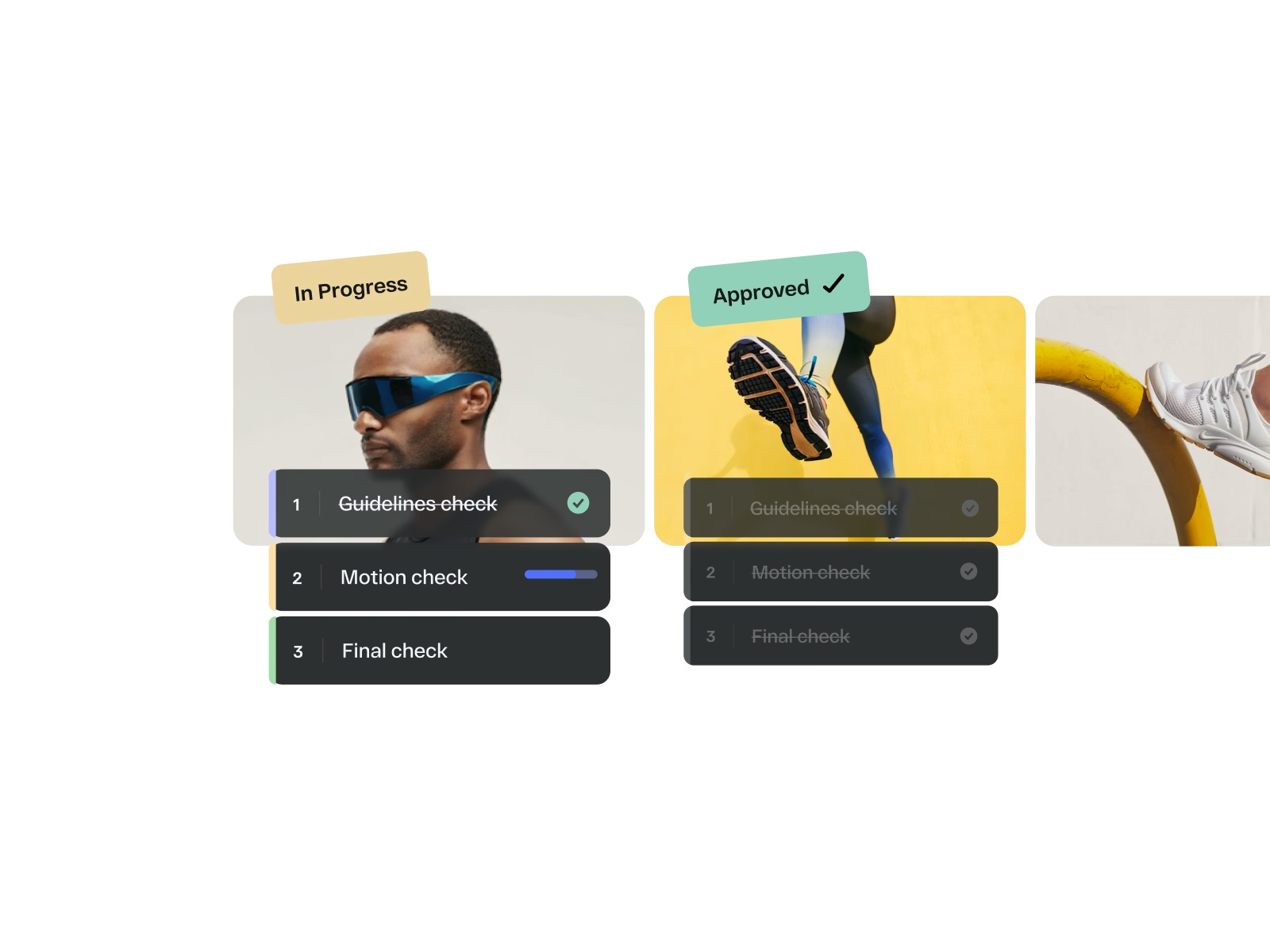
Campaign assets moving through Guidelines, Motion and Final check approval stages in StreamWork

FAQs

What does the StreamWork and Asana integration do?

The StreamWork and Asana integration lets enterprise creative and marketing teams run structured approval workflows without leaving their project management tool. Upload a proof directly from any Asana task and route it for approval in StreamWork. Stakeholders review and approve the asset in StreamWork, and the status syncs back into your Asana task automatically, no manual updates, no status meetings, no context switching.

How do I set up the StreamWork and Asana integration?

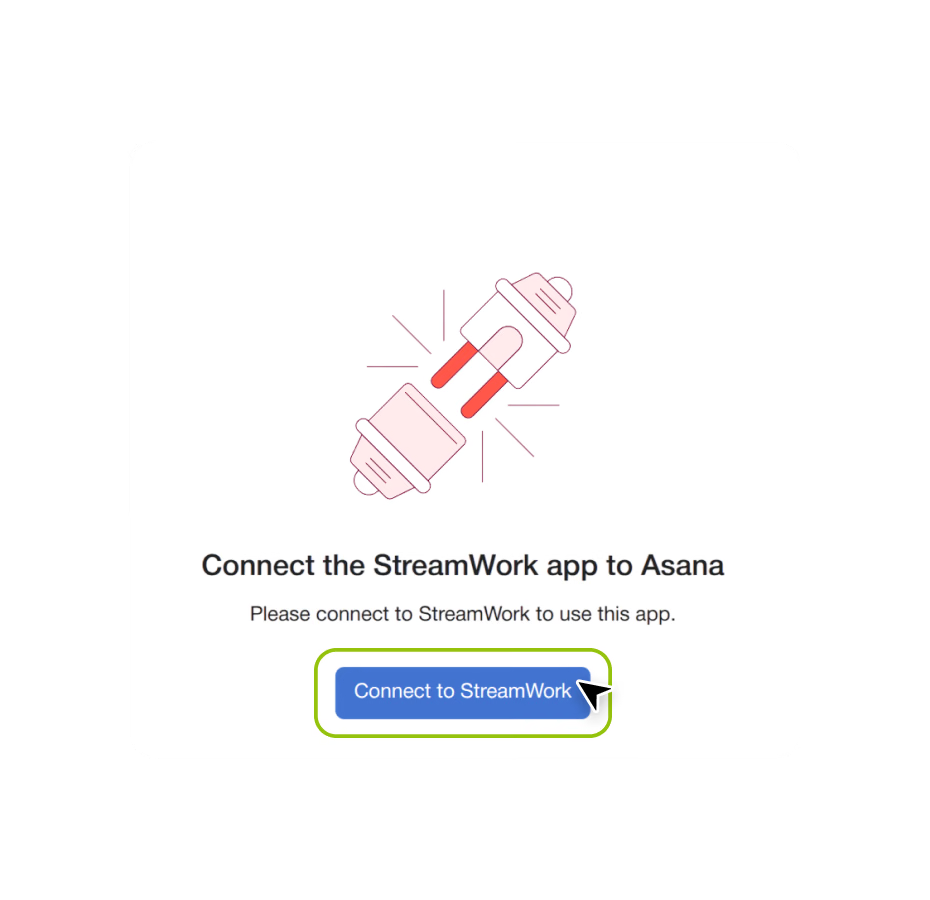
Setup takes minutes and requires no IT ticket. Connect StreamWork to Asana via the Asana App Directory, link your workspace, and you’re ready to attach reviews to any Asana task. A step-by-step walkthrough from Asana Services Partner Kelly Perry is available on this page.

Does the integration work for enterprise teams?

Yes. The StreamWork and Asana integration is built for enterprise marketing and creative teams managing high volumes of creative across multiple campaigns, brands, and stakeholders. It supports multi-stage approval workflows with custom routing, granular permissions, real-time status sync into Asana custom fields, and smart deadline reminders that keep every reviewer on track. SOC 2 Type II certified with SSO support.

Do my reviewers need an Asana account to approve work?

No. Reviewers receive a single link to the latest creative in StreamWork and can review, comment, and approve without a StreamWork or Asana account. This is especially useful for external agencies, clients, legal teams, and executive stakeholders who need to weigh in without being added to your Asana workspace.

What Asana task statuses does StreamWork update automatically?

StreamWork pushes approval status updates directly into Asana custom fields so your existing Asana automations respond automatically. When an asset is approved, under review, or has a revision requested in StreamWork, your Asana task reflects that status in real time.

Which StreamWork plan includes the Asana integration?

The Asana integration is available on Team and Enterprise plans. The Enterprise plan includes the deepest integration depth including upload a proof from Asana and route for approval in StreamWork, multi-stage approval workflows, bulk approval routing, and custom implementation support. See the full feature breakdown on the pricing page.