Your boards are already built. StreamWork fits right in.
Most integrations ask you to change your workflow to accommodate them. This one doesn't. The StreamWork + monday.com integration connects to your existing boards through a single column — no restructuring, no new processes to learn, no disruption to how your team already works.
Paste a StreamWork approval link into any monday.com item and your board immediately reflects what's happening: which version is under review, where comments stand, and whether it's been approved. Your creative review process and your project management stay in sync — automatically.
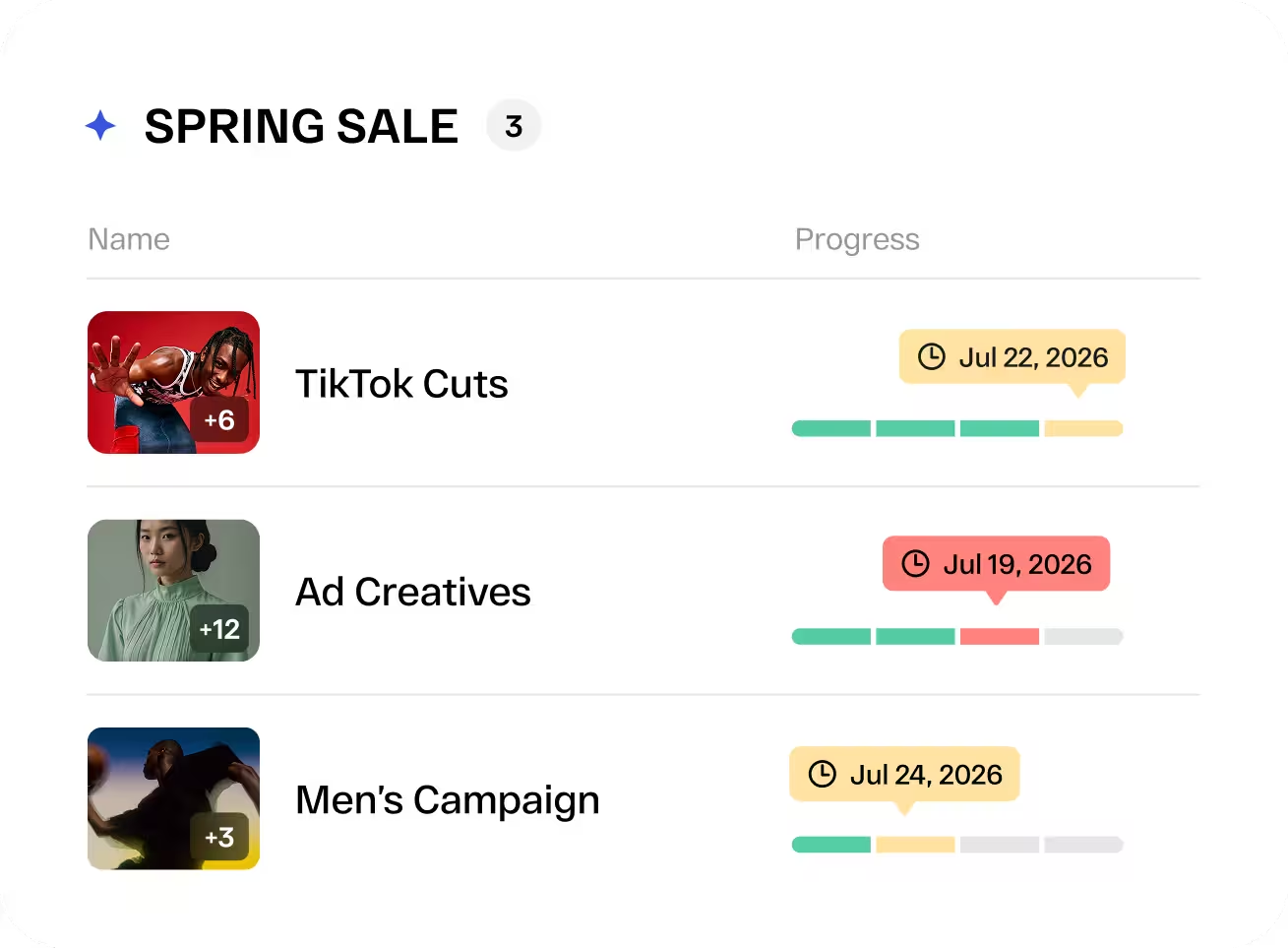

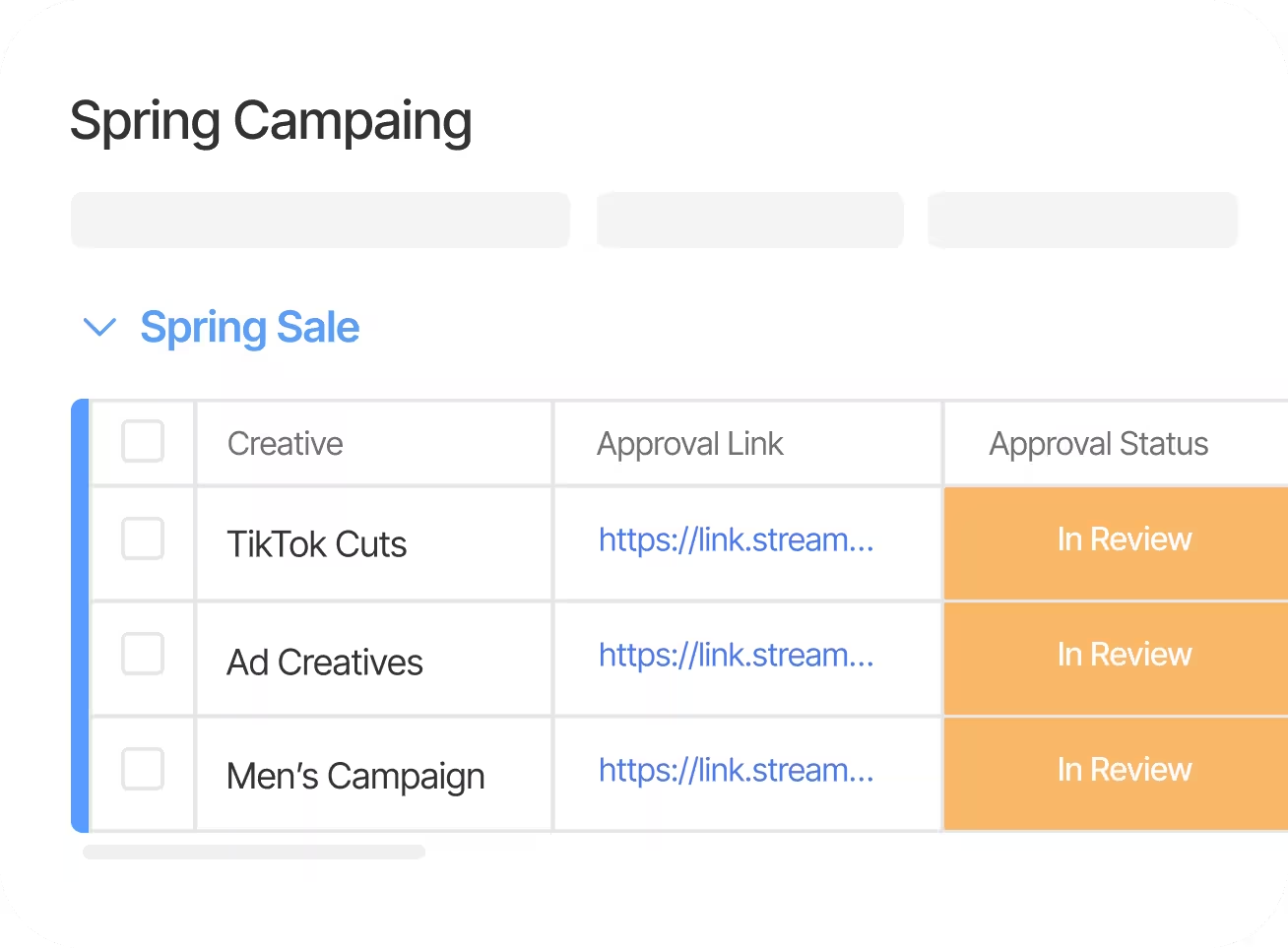


Structured creative approvals, surfaced directly inside monday.com.
monday.com tracks the work. StreamWork tracks the decisions. Together, your team always knows where every asset stands — and who needs to act next.

Instant Board Updates
Paste a StreamWork approval link and your monday.com columns populate automatically — version number, comment count, approval status — updating in real time as the review progresses.
Structured Approval Workflows
Define who reviews in what order. Route media through legal, brand, and leadership — in sequence — before anything moves to final. No chasing, no ambiguity.
Connect Any Approval, Any Board
Link any StreamWork approval to any monday.com item — regardless of how many media, versions, or reviewers are involved.
One-Click Stakeholder Access
You control who gets access. For internal stakeholders or trusted external reviewers you invite, the Approval URL opens the latest creative version instantly — no login required. Access is always on your terms.
Any Media Type
Video, PDF, image, audio, presentations. If your team creates it, StreamWork can proof it — with frame-accurate comments and a complete version history.
Enterprise-Grade Security
SOC 2 Type II certified with SSO support. The security and compliance your organization requires, built into every review.
Three steps. No IT ticket. No new workflows to learn.
The integration lives inside monday.com's automation layer and connects to StreamWork through a single column. Here's all it takes.
Connect your accounts
Install StreamWork from the monday.com Marketplace and link it to your StreamWork workspace in a few clicks.
Add one column to your board
A single "Approval URL" text column is all your board needs. No restructuring, no new sections — just one field that does the work.
Paste a link and you're live
Copy an approval link from StreamWork, paste it into the column, and your board starts reflecting real-time review status — version, comments, approval state — automatically.




How online proofing software can help your team
Online proofing software gives creative and marketing teams a structured way to collect feedback, track versions, and reach formal approval — without the chaos of email threads and downloaded files.
StreamWork is built specifically around the decisions that matter: who approved, which version, and when. That precision is what makes it the right complement to a work management platform like monday.com.
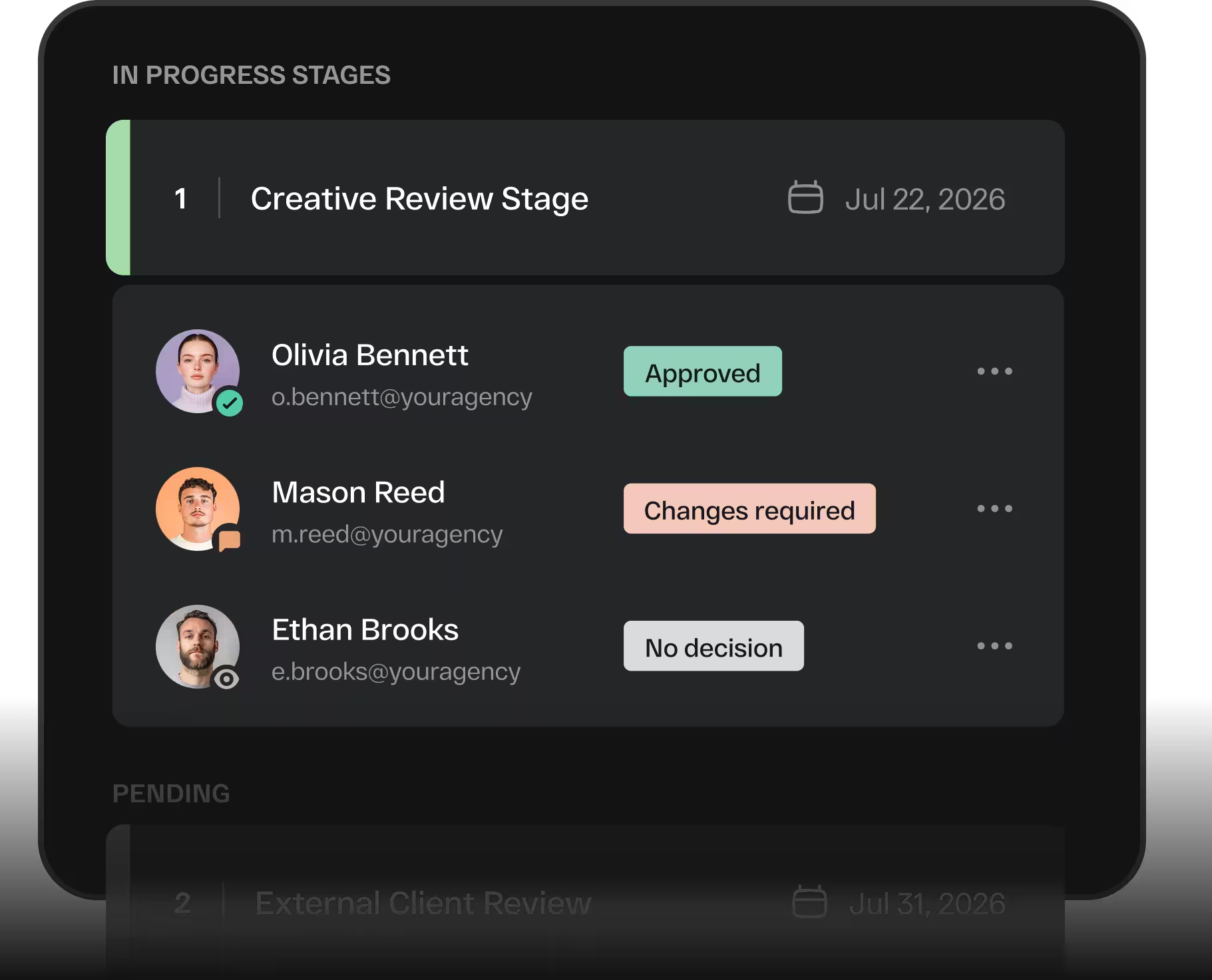
Why integrate with monday.com
monday.com gives teams visibility into their projects. StreamWork gives them visibility into their approvals. The integration connects the two through a single URL column — meaning your existing board structure, automations, and team habits stay exactly as they are.
There's no parallel system to maintain. Approval status lives where the work lives, updated automatically as reviews progress.