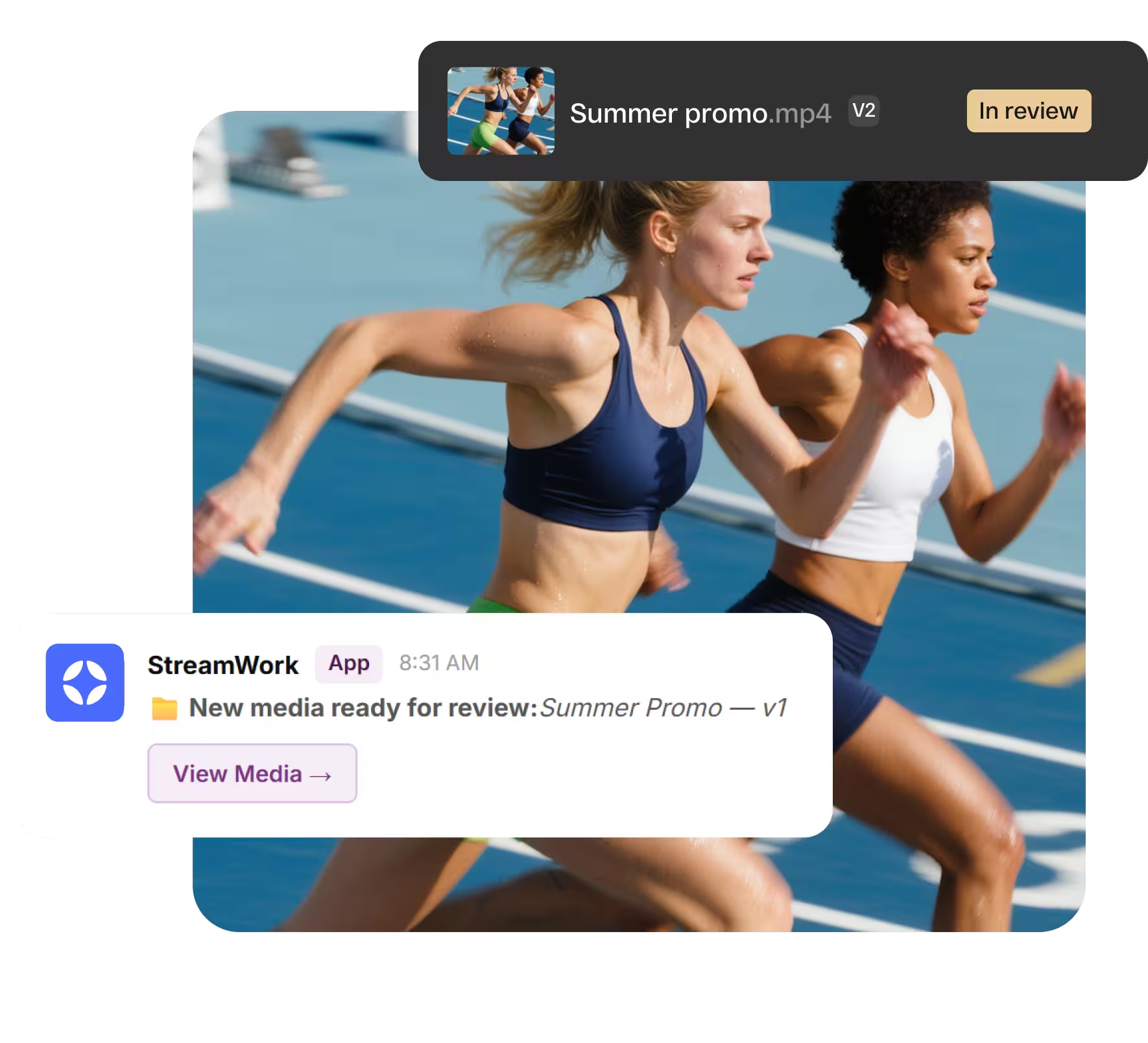
Approvals move fast when your team doesn't have to go looking.
The bottleneck in most creative workflows isn't the work itself — it's the waiting. Waiting for someone to notice a file is ready. Waiting for feedback that's sitting unread in another tool. Waiting for an approval that nobody realized was needed.
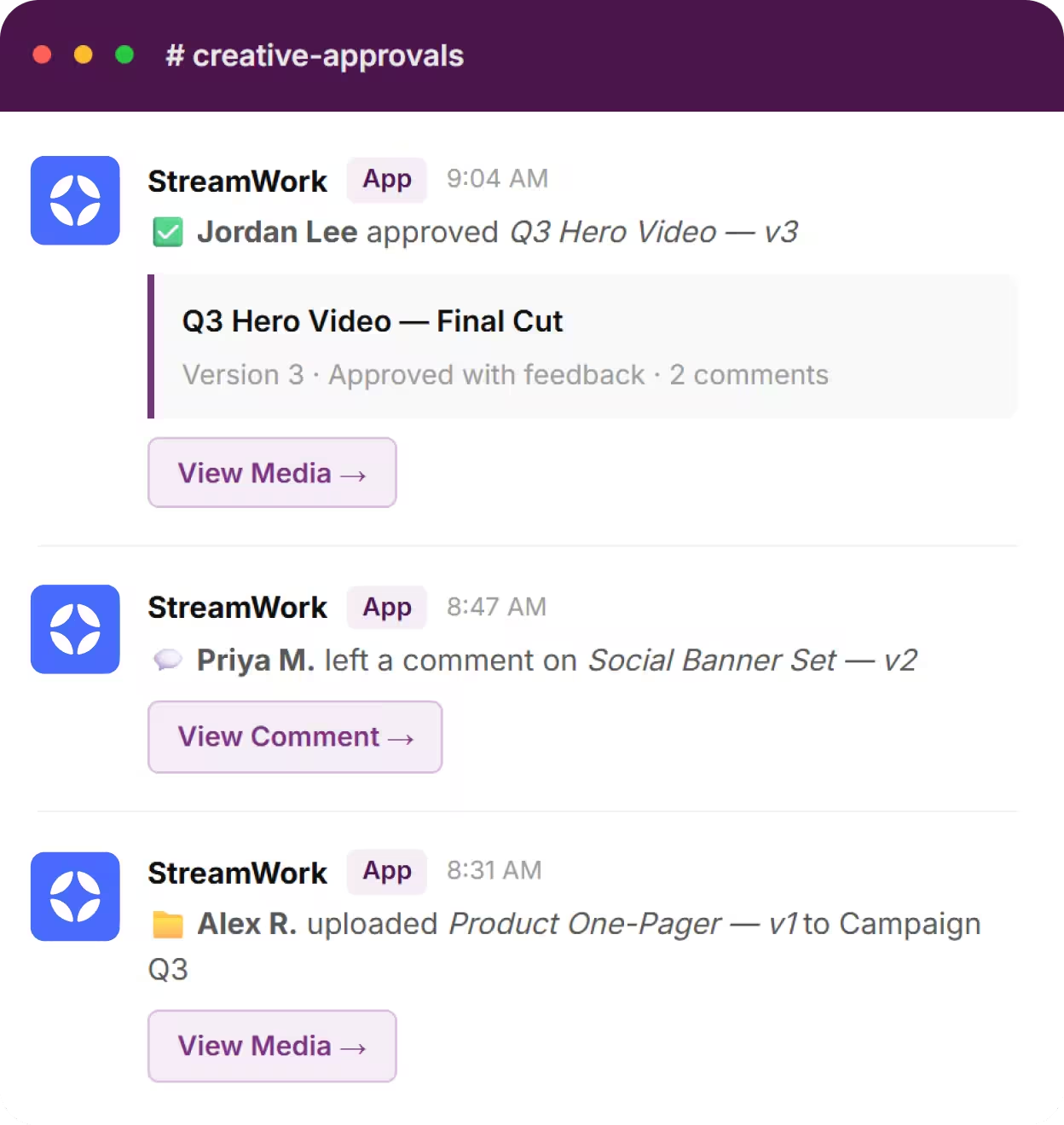
The StreamWork + Slack integration removes that lag. The moment something happens in StreamWork — a file uploaded, a comment left, an approval decision made — your team knows about it in Slack. No tab switching, no status meetings, no "did you see my comment?" No waiting.
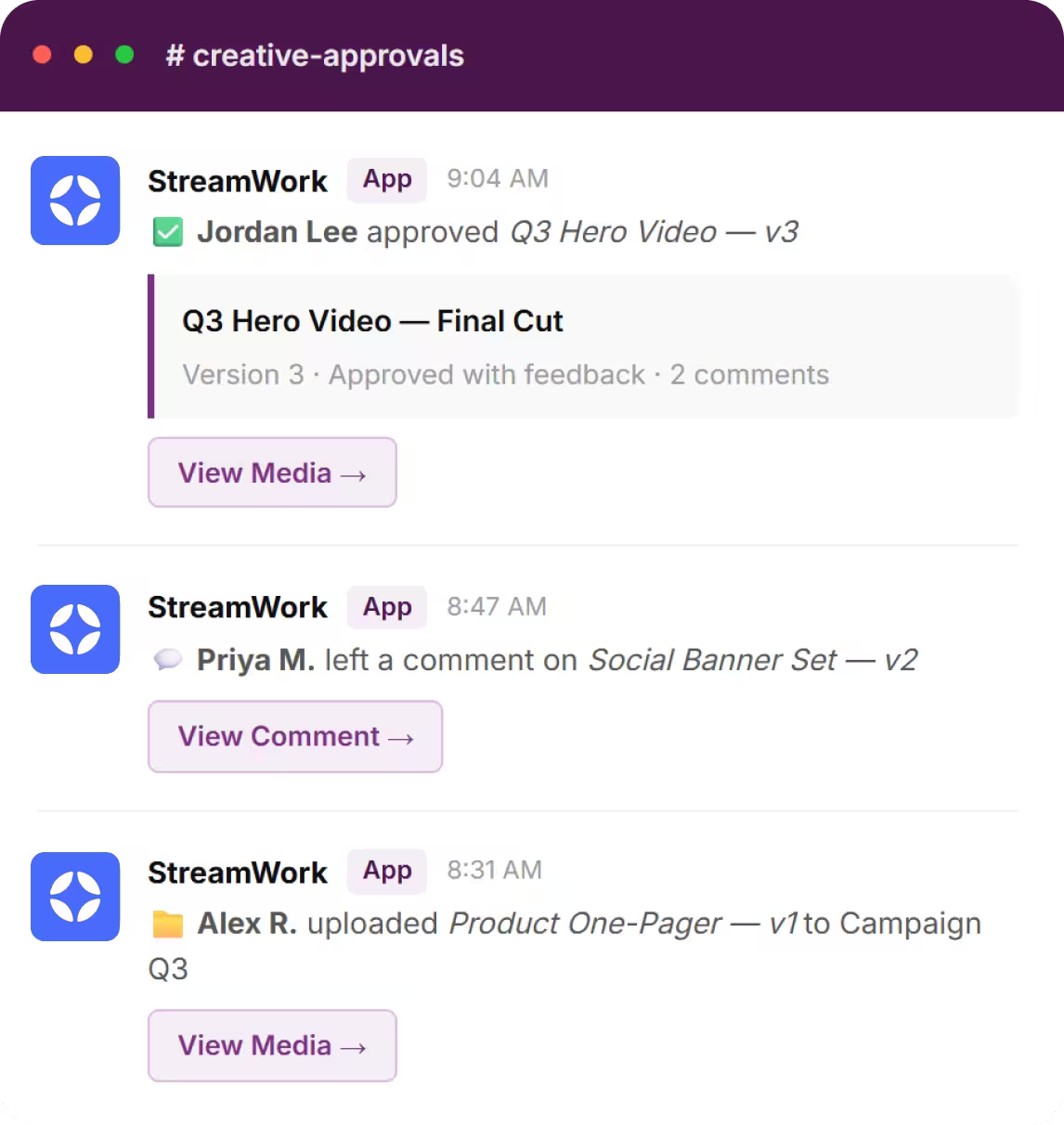


Every update that matters, the moment it happens.
StreamWork sends rich, actionable notifications to Slack across every stage of your creative review process.

File Uploads
Know the instant a new media or version is ready for review — with a preview, file details, and a direct link to open it in StreamWork.
Comments & Feedback
See who left feedback and jump straight to the comment in context — so nothing gets missed and responses happen faster.
Approval Decisions
Get notified the moment media is approved, approved with feedback, or sent back for changes — including who made the call and when.
Workflow Progression
Track when media moves between approval stages, so your team always knows what's progressing and what needs attention next.
Connect in a few clicks, from inside StreamWork
The Slack integration is set up directly from your StreamWork account — no third-party tools, no developer help required. Once connected, notifications start flowing immediately.
Open your notification settings
In StreamWork, navigate to Profile Settings and select the Notifications tab.
Install the Slack app
Click "Install Slack" and follow the prompts to connect your Slack workspace. Takes about 60 seconds.
Start receiving live updates
StreamWork appears as a dedicated Slack channel. Real-time notifications begin immediately — no additional configuration needed.
Working across multiple teams?
One Slack, one view.
If your organization runs multiple StreamWork workspaces — across departments, brands, or regions — you can sync all of them into a single Slack experience. Everything surfaces in one place, so nothing slips through the cracks regardless of which team it came from.




How online proofing software can help your team
Online proofing software helps creative and marketing teams collect structured feedback, track versions, and reach formal approval without the chaos of email. StreamWork brings a layer of accountability and structure to that process — routing work to the right people, capturing every decision, and creating a clear record of what was approved and when.
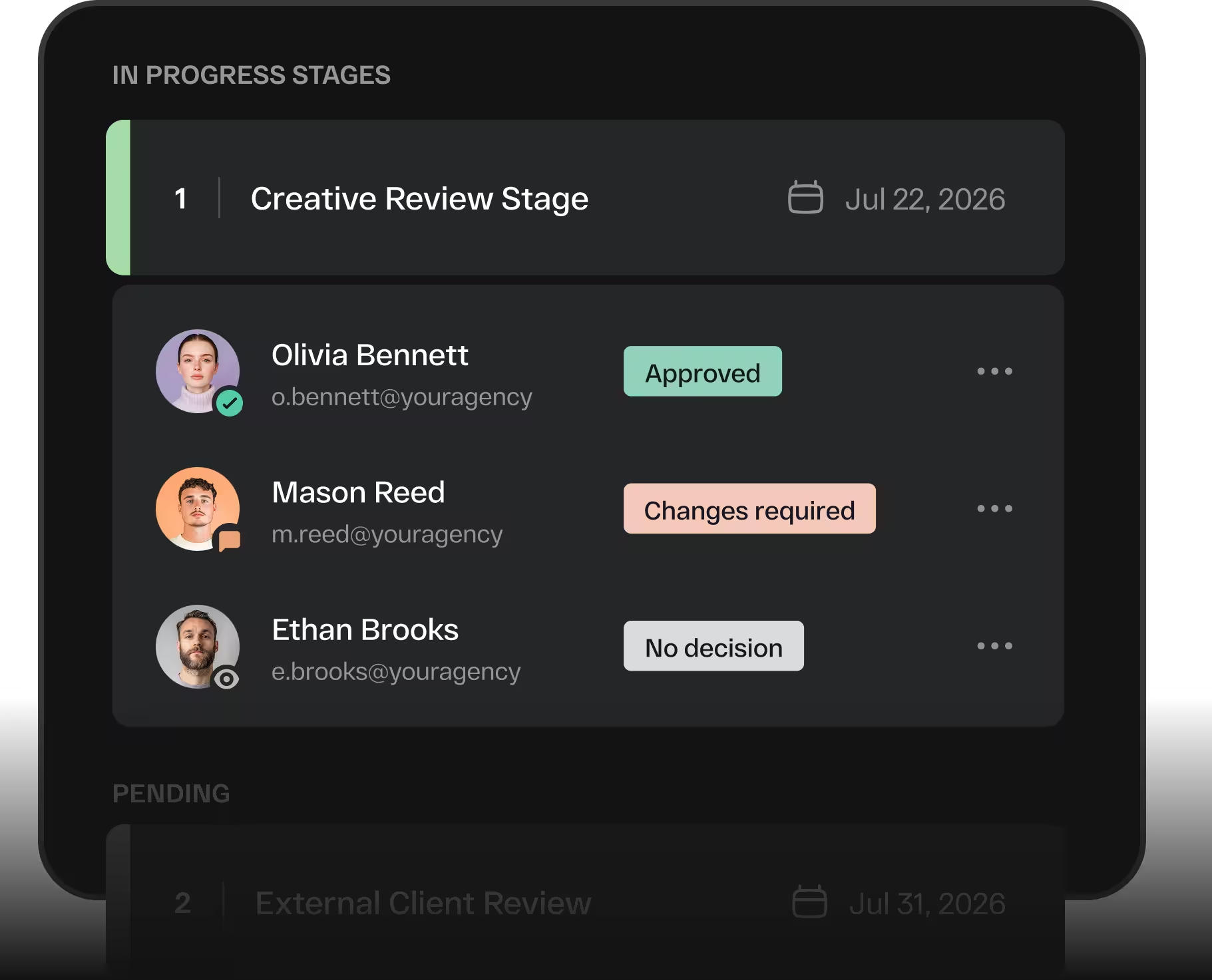
Seamlessly integrate your online proofing process and creative workflow with Slack
Creative workflows stall when people don't know it's their turn. The StreamWork + Slack integration closes that gap — surfacing the right information to the right people the moment it's relevant, without asking anyone to monitor another dashboard. Teams respond faster, approvals happen sooner, and work keeps moving.