Collaboration
Creative Workflows

How Can I Streamline the Creative Feedback and Approval Process?

Struggling with endless revisions and scattered feedback? Learn how to streamline your creative approval process and turn chaotic workflows into faster, more efficient collaboration.
Meredith

Meredith

8

min read

Apr 17, 2026

For many teams, the creative review and approval process can be more than a little daunting. In fact, 74% of the 500 marketing and creative professionals we surveyed say the approval process takes more effort than the creative work itself! And, when you’re forced to focus on mundane processes, you’re left with missed deadlines, unmet client expectations, and creative burnout. Simply put, every hour chasing feedback eats into your bottom line.

How Can I Streamline the Creative Feedback and Approval Process?

The good news is that most approval chaos is fixable with intentional workflow design and the right platform to support it. With structure and tools, you can streamline the creative feedback and approval process without adding more meetings or complexity. 

Let’s take a look at practical ways to shorten approval times, cut down on revision cycles, and help your team ship better work, faster.

This Article Contains:

open
hide

Why Is the Creative Feedback Process So Chaotic?

What are the real culprits behind chaotic feedback processes? Hint: It has nothing to do with a lack of talent or drive. The truth is, approval processes break down when workflows are unclear or misaligned.

What Causes Approval Bottlenecks in Creative Teams?

Approval bottlenecks usually come down to three things.

Firstly, without a centralized platform, feedback lives everywhere. You’ve probably received stakeholder feedback via email, Slack, annotated PDFs, and in-person. By the time your creative team decodes and consolidates it all, they’re missing context, and they may miss important notes altogether.

Then there’s the matter of unclear approval stages: When anyone can weigh in at any time, they often do. Stakeholders may jump in too early or too late, and no one knows when feedback is required or when decisions are final.

Finally, poor version control creates confusion. Without a clear system in place, teams lose track of which file is current and which feedback applies.

Why Do Most Teams Struggle with Version Control?

Version confusion can wreak havoc on productivity. Stakeholders may leave feedback on outdated versions (all labeled some variation of “final”), and it can be tough to decipher what’s approved versus what’s in progress. This sort of version confusion creates unnecessary rework, slows progress, and even increases the risk of publishing the wrong asset version.

How Do You Build a Streamlined Approval Process?

To avoid these issues, you’ll need to streamline approvals. But it’s not about speed; it’s about structure. There are three essential elements every approval process needs.

What Are the Essential Components of an Effective Approval Workflow?

1. Defined approval stages

To keep feedback on track and ensure it arrives at the right moment, you need to set clear phases for each project. These phases might include internal review, stakeholder review, revisions, and final approval.

2. Clear roles and permissions

Executives, reviewers, and collaborators all need different levels of access to assets at different times. Having defined roles with the appropriate permissions built in means each stakeholder gets exactly what they need: Leaders can sign off quickly without getting bogged down in details, and reviewers can give precise, actionable feedback.

3. One central platform

A single source of truth cuts down on confusion and context-switching. A platform like StreamWork brings feedback, files, and decisions into one place while integrating with the tools you already use, including Asana, Monday.com, Slack, Adobe Creative Cloud, and Google Drive.

How Do You Set Clear Approval Stages and Roles?

Start by mapping your current process from first draft to final delivery. Identify where delays typically happen and which stakeholders are involved at each step.

Then assign clear responsibilities. Decide who gives input, who has final approval, and when each group is expected to contribute. Limiting feedback to the right people at the right time is one of the fastest ways to reduce approval delays.

What Tools Actually Simplify Creative Feedback?

Not all creative approval tools are created equally, and choosing the right one comes down to your business’s needs. But, regardless of your organization, there are a few features that can drastically cut approval times:

  • Visual markup tools allow for comments directly on designs and video frames to eliminate any guesswork.
  • Automated reminders give reviewers a nudge so you don’t have to chase approvals.
  • Version control ensures everyone is reviewing the right file every time.
  • No-login review access removes friction for clients and external stakeholders to make feedback effortless.
  • Batch approvals speed up workflows for multi-asset campaigns.
  • Customizable approval templates allow you to save approval workflows for the future.

StreamWork is equipped with all of these features to keep teams out of approval chaos so they can move projects forward.

Why Do Online Proofing Tools Eliminate Communication Chaos?

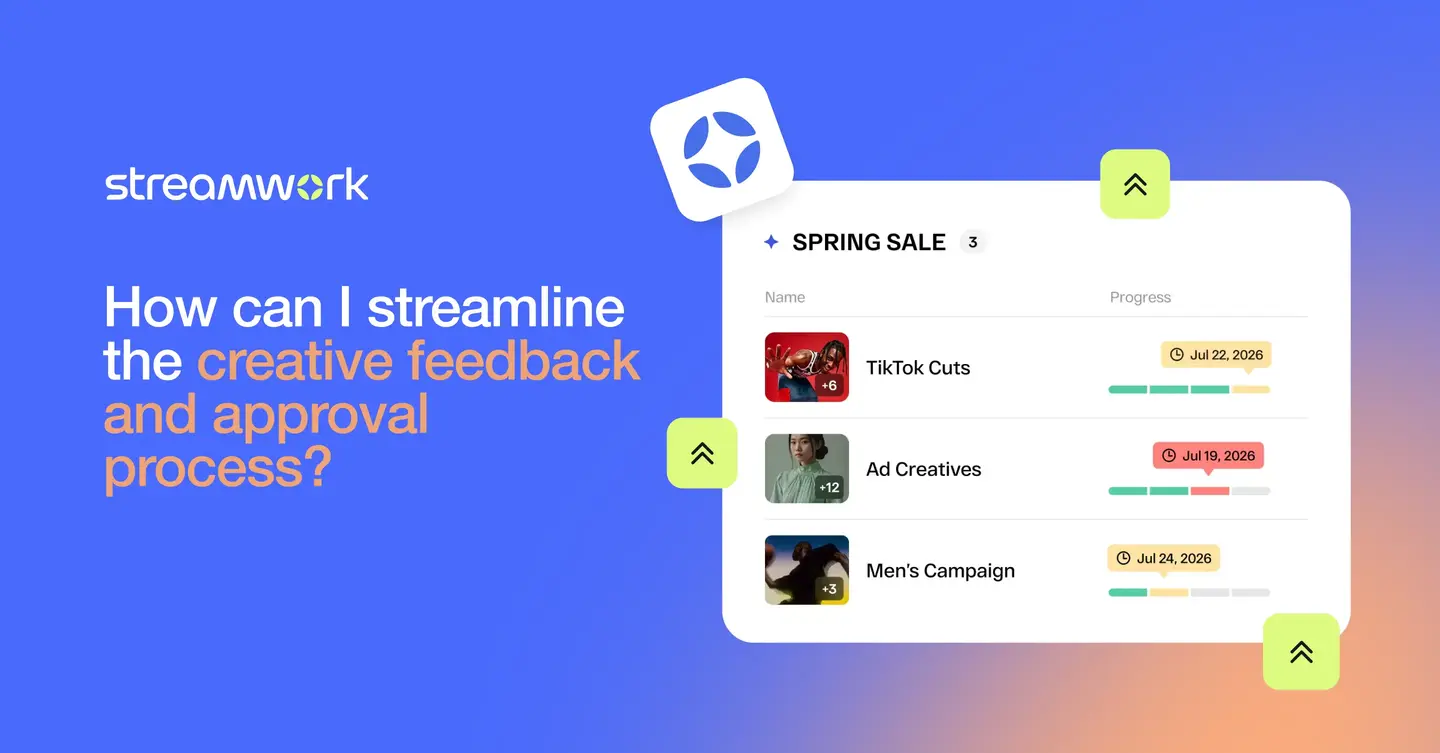
Online proofing tools centralize feedback and make it visual.

Instead of vague comments, stakeholders can leave precise notes directly on designs or video frames. This removes guesswork and helps teams understand exactly what needs to change.

Centralized feedback management also ensures that all comments are captured in one place, which improves clarity and reduces the risk of missed input.

How Does Automation Reduce Manual Follow-Up Work?

Approval automation removes one of the biggest time drains in creative workflows.

Automated reminders prompt stakeholders to review work without the need for manual follow-up. Status tracking shows exactly where each project stands, so teams are not chasing updates.

This reduces delays and improves accountability, all the while allowing creative teams to focus on producing work instead of managing processes.

Watch video

How Can You Get Stakeholders to Provide Better Feedback?

Even with the right workflow, poor feedback can slow everything down. 

What Makes Feedback Actionable vs. Vague?

You’ve probably received vague feedback before, like “make it pop” or “this doesn’t feel right.” This creates confusion and leads to unnecessary revisions. Actionable feedback is specific, contextual, and tied to a clear objective.

To improve feedback quality, set expectations early. Let stakeholders know what kind of input is helpful and when it’s needed. Providing simple guidelines or examples can make a big difference.

It also helps to limit the number of reviewers at each stage. Too many opinions can muddy the waters and leave everyone unsure of the right direction to go in.

How Do You Measure If Your Approval Process Is Working?

A streamlined process should produce measurable improvements. Tracking the right metrics helps you identify what is working and where to optimize further.

What Metrics Show Your Workflow Is Improving?

Key metrics to monitor include:

  • Approval cycle time
  • Number of revision rounds
  • Time to first feedback
  • Stakeholder response time
  • Missed deadlines

If these metrics aren’t improving, it may be a sign that bottlenecks or unclear processes still need to be addressed.

Platforms like StreamWork are designed to bring structure to the entire review and approval process, combining feedback management, version control, and approval automation in one place so teams can move faster with fewer bottlenecks.

Ready to start streamlining your creative approvals? Sign up for a free trial of StreamWork today!

Meredith

Author

Meredith

Meredith is the Founder and CEO of StreamWork, a leading online proofing and approval platform that helps marketing and creative teams centralize feedback, manage versions and automate approval workflows so they can cut approval cycles by 30%+. Meredith has 12+ years experience working as a marketer at Apple, Google, YouTube and Warner Bros., and has worked on hundreds of creative assets with teams large and small. Her mission is to simplify the creative approval process. Learn more at www.streamwork.com

Collaboration
Creative Workflows
This is some text inside of a div block.

Get the latest from StreamWork

Stay up to date on product news, insights, thought leadership and more.