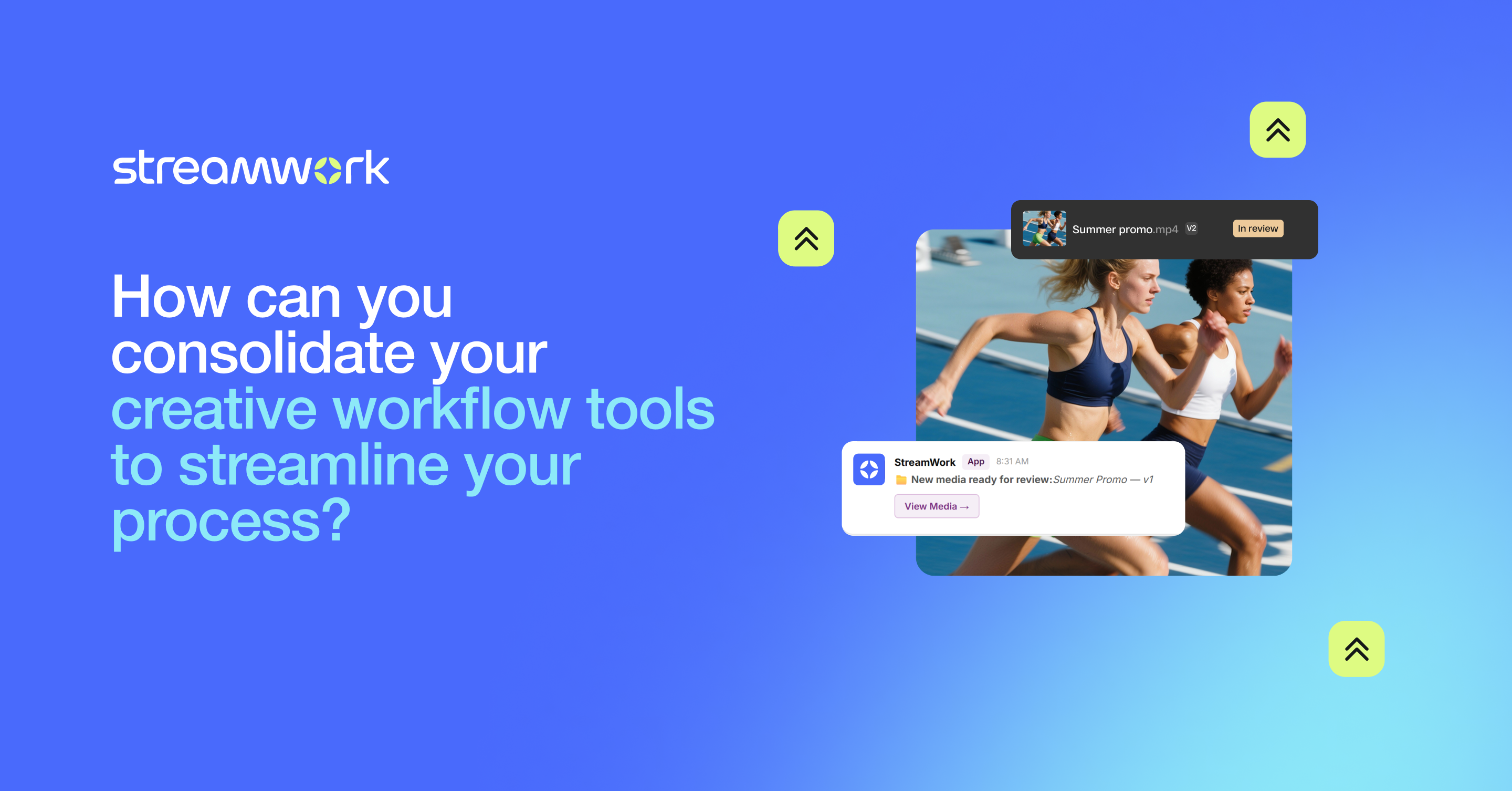
How can you consolidate your creative workflow tools to streamline your process?
Scattered tools slow creative teams down. This guide explains how consolidating feedback, approvals, and asset management into one centralized workflow platform reduces delays and keeps projects moving.
David Pondell
8
min read
Feb 26, 2026
It starts with good intentions: a Slack channel for quick questions, a Google Drive for file storage and a project management tool to track tasks. But, before you know it, a single creative project is scattered across five different platforms plus email threads.
For creative teams, there’s a real cost to this sort of fragmentation. According to 500 marketing and creative professionals we surveyed, the number one cause of delays is misaligned workflows across departments. So, the question becomes, how can you consolidate your creative workflow tools to streamline your process?
Consolidation takes strategic forethought and planning. The goal isn’t to replace your current tools but, rather, to centralize the parts of your creative project management that cause the most friction. Here, we’ll take a look at which creative workflow tools to consolidate, how to do it, and what results you can expect to see when it comes to creative collaboration.
What is a creative workflow and why does tool sprawl disrupt creative collaboration?
You’ve no doubt moved through a creative workflow dozens (if not hundreds!) of times. It’s simply a project’s path from ideation to delivery, and it’s made up of five main stages:
Intake and project scoping
Creation and production
Review and feedback
Approval and sign-off
Delivery and iteration
The problem begins when each stage lives on a different platform. Intake might happen through email, production is done in design tools, feedback arrives via chat threads, approvals are tracked in a spreadsheet, and final versions are stored on cloud drives. With so many tools to juggle, you’re left with version confusion, missed feedback, approval delays and no single source of truth. In the end, your team is burnt out, and your clients are unsatisfied as you begin to miss deadlines.
How would you streamline creative workflows with a consolidated platform?
The key lies in consolidating your creative workflow tools with workflow management software to bring tasks, feedback and approvals into a single platform.
What should you look for in creative workflow management software?
When evaluating the best creative workflow management software for creative project management, look for:
Asset-centric workflows where projects revolve around creative assets
The ability to leave feedback directly on visual files, including videos, images and PDFs
Centralized approvals with built-in version control
Multi-stage automated approval workflows
Bulk approvals to route multiple assets at once
Enterprise-grade security including SOC 2 Type II certification
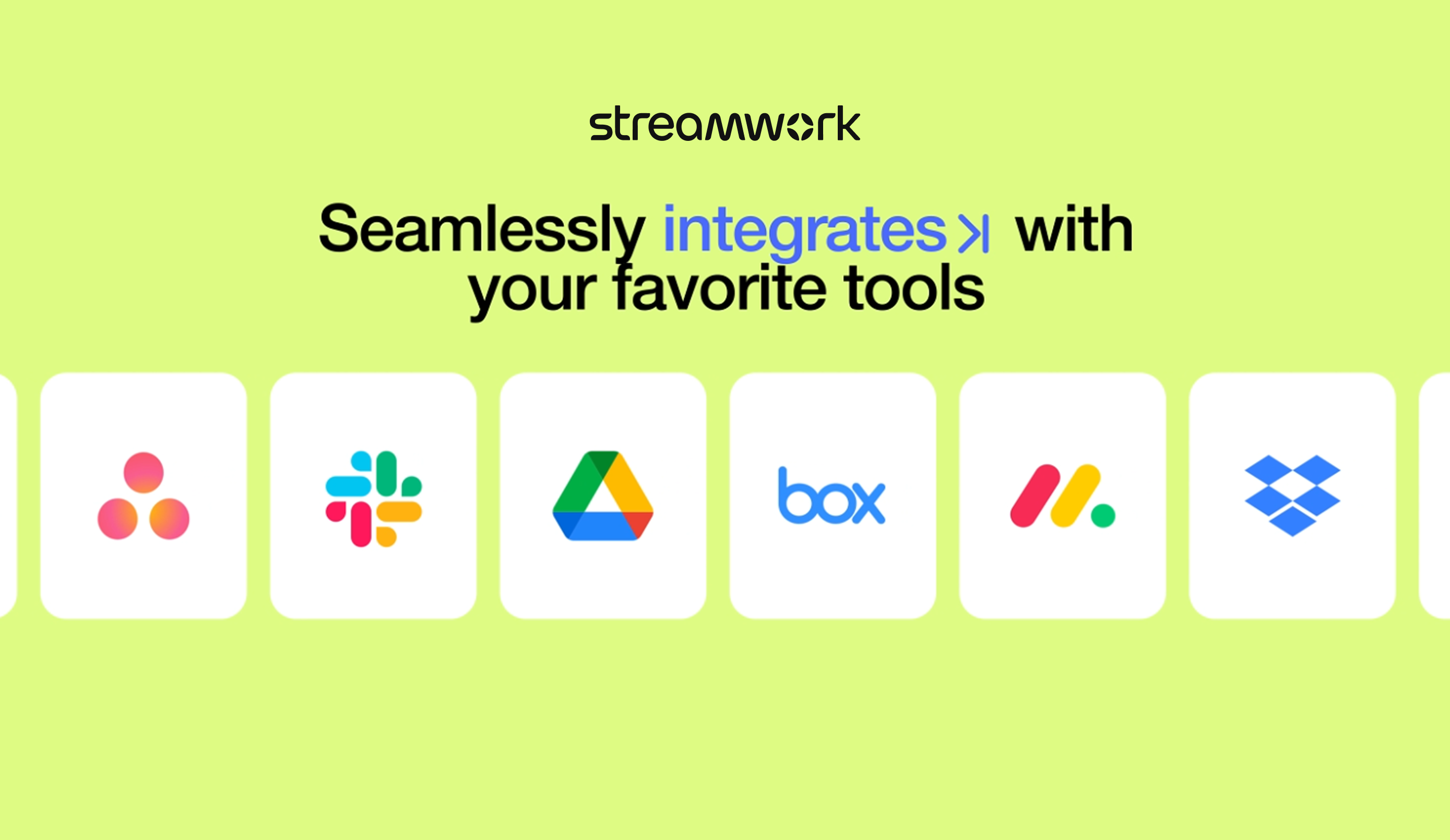
Integrations with existing tools like Asana, Monday.com, Slack, Google Drive and Adobe Creative Cloud
Since StreamWork is purpose-built for creative teams, it’s designed to meet these needs and streamline creative workflows. It centralizes feedback, approvals and project management by integrating with the tools your team already uses, ensuring that creative assets stay at the center of the process and nothing gets lost across platforms.
What makes creative workflow management software different from generic project management tools?
Traditional project management tools are just fine for tracking tasks and deadlines, but they’re simply not built to manage creative collaboration, reviews and approvals. Creative work is visual by nature, which means you need a creative review and approval tool that can keep up, with feedback that’s tied directly to a moment in a video or an element on a design.
The right creative proofing and approval platform does just that. Instead of treating design files as attachments, StreamWork is creative-first workflow management software that puts creative assets at the center. Feedback becomes actionable tasks, creative approvals are structured, and version control is automatic. No more tool juggling: just a single workspace to keep things moving forward.
How do you successfully consolidate your creative workflow tools?
Consolidating your creative workflow tools starts with prioritizing the processes that slow you down and bringing your team along for the change.
Which repetitive tasks and business processes should you automate first?
First, identify your pain points. What’s draining your time? Instead of trying to consolidate all your tools at once, focus on the repetitive processes that seem to slow projects down week after week.
For instance, 60% of our survey respondents said that chasing approvals can take up to a full day per workweek. Automating creative approval workflows and reminders solves this problem. Centralizing status updates cuts down on meeting time, and built-in version control eliminates the dreaded mistake of different stakeholders working on different file versions. Finally, automatically turning feedback into actionable tasks can eliminate a whole lot of guesswork (and rework!).
How can you get team members and project managers to adopt a new platform?
The next step is getting everyone on board. With a team that’s already suffering from tool overload, skepticism is normal. They’ve probably been burned before by tools that promised efficiency but instead only added more complexity. Adoption works best when your team can see immediate value in new workflow management software.
Start with one workflow or project type, and move on from there. Choose tools that integrate with your existing creative stack. This makes it easier to streamline work in one place and most likely also means minimal training for your team. Finally, to reduce friction among external reviewers, select one of the best online proofing platform options, like StreamWork, where you can share unlimited links with no login required.
The results should speak for themselves: faster approvals, fewer revisions, and less back-and-forth. Your team will quickly see that consolidation supports creative work rather than slowing it down.
What results can an optimized creative workflow deliver for your creative team?
StreamWork users tell us they see 30% or greater reduction in review cycles and approval times once they streamline their workflows with creative approval software. Why?
Clear ownership and approval stages prevent unnecessary rework.
Centralized feedback cuts down on conflicting comments.
Built-in version control eliminates confusion.
Consolidating your creative workflow tools isn’t about using fewer apps for the sake of simplicity; it’s about building smarter workflows with the tools you already use. With repeatable workflows in place, your team can spend less time coordinating and more time on creative collaboration.
David is the Director of Sales and a Platform Expert at StreamWork, a leading online proofing and approval platform that helps marketing and creative teams centralize feedback, manage versions, and automate approval workflows. With over a decade of experience consulting on custom creative workflow implementations across organizations of all sizes, David brings deep expertise in creative and marketing operations. He works closely with teams to design solutions that streamline collaboration, increase efficiency, and deliver measureable ROI. Learn more at www.streamwork.com