Remote and hybrid work have changed the way creative teams operate, with marketers, designers, and clients collaborating across cities and time zones. While remote collaboration creates flexibility, it also introduces some challenges.
How does online proofing improve collaboration for remote design and marketing teams?
Online proofing software centralizes feedback, streamlines approvals, and eliminates file versioning chaos, helping remote creative teams collaborate faster and focus on what matters most.

Meredith
8
min read
Apr 30, 2026
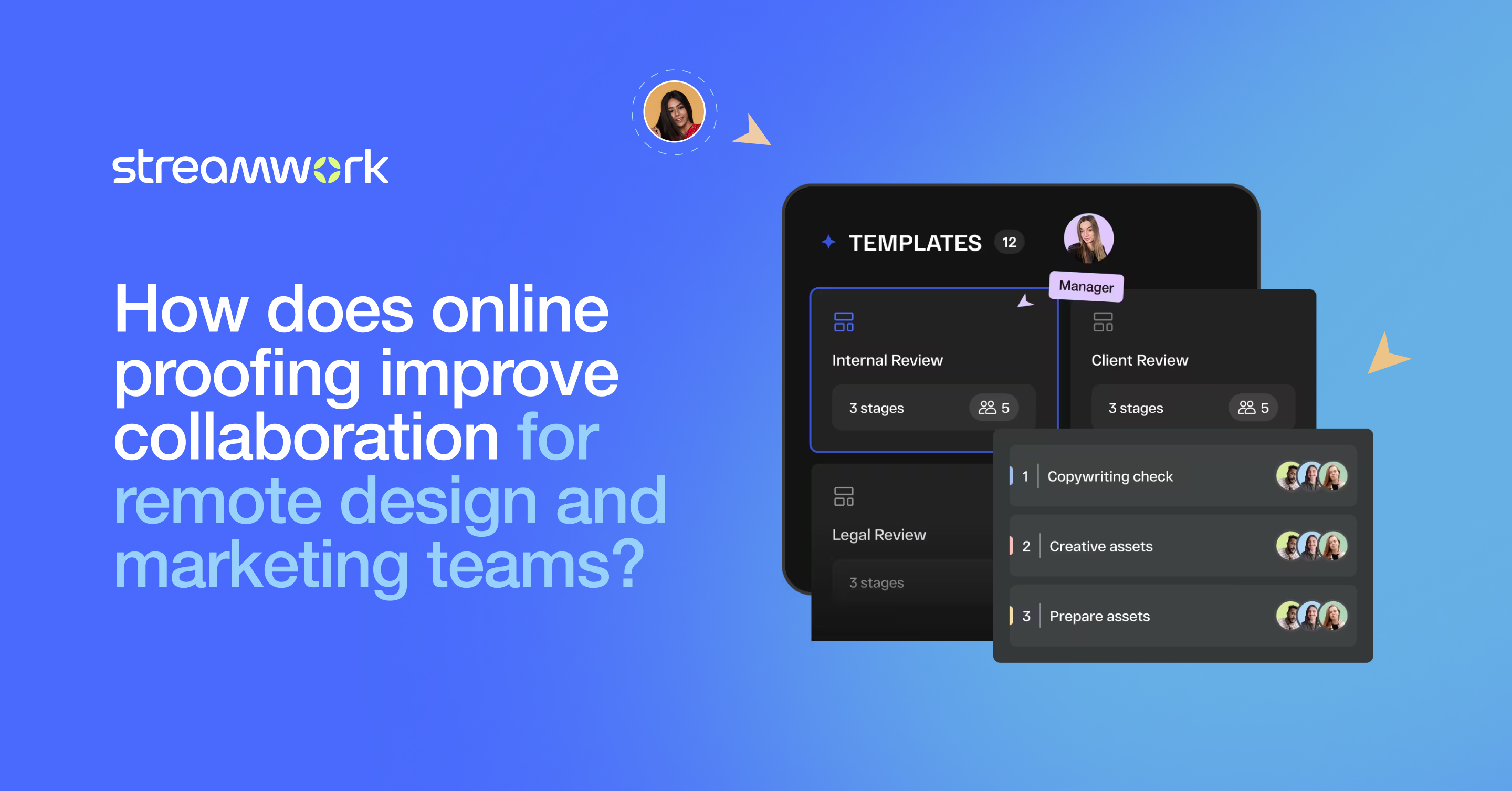
When marketing teams are scattered, so is feedback. It ends up across email, Slack, inline comments, and perhaps even multiple file versions. Unless, of course, you’re using the right feedback tool! That’s where online proofing platforms come in, with centralized feedback, version control, and workflow automation all in one place to prevent dreaded delays.
This Article Contains:
open
hide
What Is Online Proofing and Why Does It Matter for Remote Teams?
Online proofing allows teams to review, comment on, and approve creative assets in one centralized workspace. Instead of sending files back and forth, stakeholders upload content to a shared platform where anyone can leave feedback in context. Everyone sees the same version, eliminating the guesswork and confusion.
Platforms like StreamWork support multiple file types, including video, images, documents, and audio, so you don’t have to juggle multiple feedback tools during a design review. With SOC 2 Type II certification, teams can also collaborate securely without putting sensitive client content at risk.
How Do Traditional Methods Fall Short for Distributed Teams?
Traditional methods like email or chat make sense for quick updates, but for design review, they create more problems than they solve. When teammates respond hours or days apart, key details are lost in translation. Your inbox ends up cluttered with different versions of a file without showing who changed what. And when feedback is invisible to other reviewers, designers face conflicting requests that waste time.
What remote collaboration needs is a single source of truth, not a patchwork of tools and threads.
What Are the Biggest Collaboration Challenges Remote Creative Teams Face?
Remote teams deal with more than just physical distance. They often run into communication delays, too many tools, and feedback scattered across different channels. Without a clear system for reviews, bottlenecks build up fast.
Approval cycles slow down when teams have to chase feedback across email, Slack, and shared drives. Designers end up spending hours trawling through comments instead of doing the creative work that matters, while managers struggle to keep track of what’s been reviewed and who still needs to sign off.
Why Do Email Threads and Scattered Feedback Create Bottlenecks?
When feedback lives in multiple places, someone has to piece it all together; a manual task that steals time from creative work. Even worse, unclear feedback (“move this slightly” or “change the color”) leads to unnecessary revisions. Without visible context, design teams can misinterpret stakeholder intent and end up spinning through endless changes. Not what you want!
Online proofing fixes this by keeping feedback centralized, structured, and visually anchored to the work itself.
How Does Online Proofing Centralize Feedback and Streamline Communication?
Online proofing platforms bring every comment, reply, and decision into one clear view. No more switching between channels or hunting for notes. Reviewers pin comments directly onto images, mark up PDFs, or tag specific frames in a video or audio clip.
This visual markup capability changes everything. It replaces vague comments with precise input; for example, circling a misaligned logo or highlighting color inconsistencies. Designers get actionable guidance, reducing revision cycles and allowing feedback to move seamlessly through the approval process.
What Makes Visual Markup Better Than Written Comments?
Written feedback often leaves too much room for interpretation. Visual markup tools, on the other hand, let reviewers communicate exactly what they mean. When everyone can literally “see” what needs to change, remote collaboration becomes faster and less frustrating.
It’s the difference between reading “adjust spacing at end of subtitle” and seeing an arrow pointing to the specific word. That clarity saves hours of back-and-forth and sharpens creative alignment across the team.
How Does Automated Approval Routing Speed Up Remote Workflows?
When you’re working across time zones, delays can easily compound. A designer might submit a file at the end of their day, only for reviewers to see it long after. Online proofing platforms solve this with automated workflow routing that moves projects through defined review stages.
Each stakeholder gets notified when it’s their turn to review, while automated reminders prevent bottlenecks. Managers gain real-time visibility into what’s approved, what’s pending, and where feedback stands, keeping projects on track without constant check-ins.
What Role Does Version Control Play in Remote Team Success?
Version control is the backbone of efficient collaboration. It ensures everyone is reviewing the correct file while maintaining a transparent history of edits and comments. With centralized online proofing, there’s no confusion over file names or lost attachments.
Teams can compare different versions side-by-side, track changes, and roll back if needed, all within the same secure workspace.
How Do You Prevent "Final_Final_v3_ACTUAL" File Chaos?
Every creative team knows that naming pattern. Online proofing platforms eliminate this headache! By automatically organizing file versions, the tool ensures reviewers always open the current one. Older versions remain archived for reference, but no one risks giving outdated feedback or approving the wrong draft.
It’s cleaner, faster, and far less stressful for distributed creative teams.
How Should Remote Teams Implement Online Proofing Successfully?
Choosing the right platform, like StreamWork, is step one. Next, align your creative workflow to match the tool’s capabilities.
Start by mapping your current approval stages and identifying where delays typically happen. Choose a system that supports multistage approval routing and integrates with your existing tools, whether that’s Asana, Monday.com, Slack, Dropbox, or Box. That way, your team doesn’t have to overhaul their process.
Finally, make it effortless for reviewers to participate. StreamWork allows no-login reviewer access, ensuring that busy clients and executives can leave feedback in seconds.
Setting clear expectations also matters. Define each reviewer’s responsibility, encourage use of visual markup for clarity, and let automation handle reminders and progress updates.
Remote collaboration is here to stay, and creative professionals need feedback systems that can keep up. Online proofing with StreamWork gives remote design and marketing teams the structure to share feedback clearly, maintain version control, and streamline approvals. That means they can focus on what really matters: doing their best creative work.

Author
Meredith
Meredith is the Founder and CEO of StreamWork, a leading online proofing and approval platform that helps marketing and creative teams centralize feedback, manage versions and automate approval workflows so they can cut approval cycles by 30%+. Meredith has 12+ years experience working as a marketer at Apple, Google, YouTube and Warner Bros., and has worked on hundreds of creative assets with teams large and small. Her mission is to simplify the creative approval process. Learn more at www.streamwork.com
Collaboration
Marketing excellence
This is some text inside of a div block.
Get the latest from StreamWork
Stay up to date on product news, insights, thought leadership and more.