It’s always been risky to share creative assets when they’re still in progress, especially if you’re dealing with proprietary work or sensitive client information. Your online proofing tool is your hub for collaboration with agencies, clients, and stakeholders, but do its security features hold up? According to Axios HQ, teams lose $15,000 per year per employee to miscommunication and inefficiency, and security gaps only compound that loss.
What security and compliance features should you look for in an online proofing tool?
What security features should your online proofing tool actually have? Here's the compliance and access control checklist your IT team will thank you for.

Meredith
9
min read
Jun 22, 2026
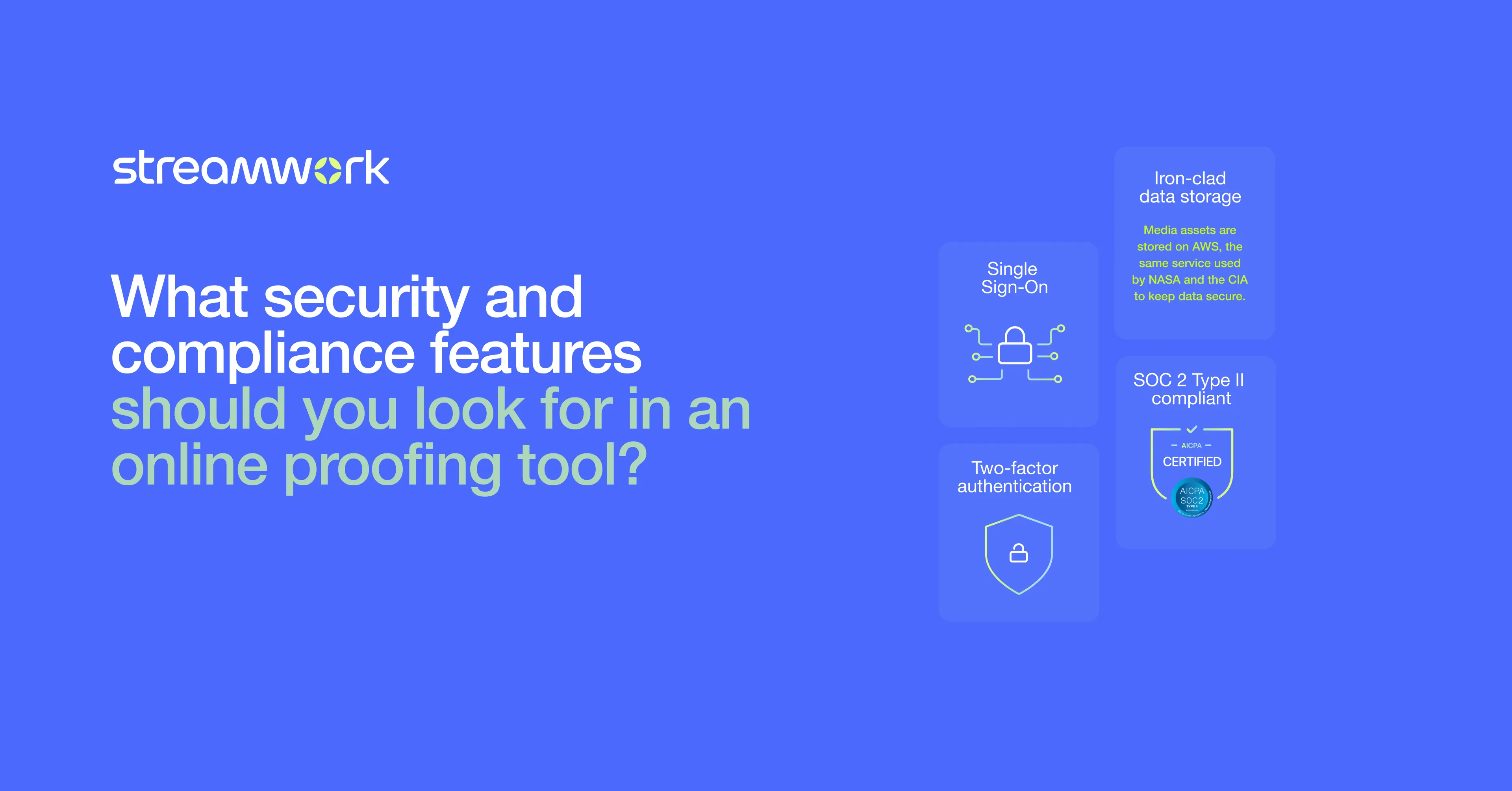
Fortunately, strong online proofing security provides both efficiency and control. This guide provides a practical checklist of security features and compliance requirements to look for when choosing proofing software, so you can get IT and leadership on board.
This Article Contains:
open
hide
What is Online Proofing, and Why Does Online Proofing Security Come With the Territory?
Online proofing has transformed how creative teams collaborate, review, and approve work. But with that shift comes new considerations around how assets are shared, accessed, and protected.
To understand why security is essential, it helps to first look at how online proofing differs from traditional methods.
How Is Online Proofing Different From Traditional Proofing Methods?
Traditional proofing relies on physical proofs, email attachments, or unsecured file sharing. An online proofing platform, on the other hand, centralizes the entire review and approval process with automated workflows, version control, and structured feedback across creative teams and marketing teams.
But, even with online proofing, security matters. Creative assets live in the cloud, and stakeholders need to access them from anywhere. That’s why you need robust version control, secure access and audit trails.
What's Actually at Risk When You Share Creative Assets Externally?
Creative assets often include pre-release campaigns and proprietary designs. Without strong access controls, the wrong people could view or even modify that work. A lack of audit trails, meanwhile, means you can’t verify who approved what, and weak version control could cause outdated files to be approved.
Teams need to protect creative assets without slowing collaboration down. That’s where secure online proofing comes in.
What Access Control Features Should a Proofing Tool Have?
Secure online proofing starts with strong access control, especially role-based permissions that define who can view, comment, and approve assets.
What's the Difference Between Role-Based Access Control and Simple Password Protection?
Password protection is broad: anyone with the link and password can access a file, often with few restrictions. Role-based access control, in contrast, is precise. It defines exactly who can view, comment, approve, or manage assets, ensuring each stakeholder only has access to what they need.
Strong online proofing security starts with this level of control. Your tool should allow you to:
- Assign specific permissions for internal teams and external reviewers
- Share files through secure file sharing proofing with expiring links and restricted actions
- Revoke access instantly when needed
StreamWork builds on this with platform-level role-based access, allowing you to control permissions across workspaces, projects, and folders. You can invite unlimited external reviewers while maintaining full visibility through audit trails, so you always know who has access to what.
Where Should a Business Put Its Top Priority When Considering Security in a Cloud Proofing Platform?
When evaluating security in a cloud proofing platform, businesses should prioritize control and visibility. It’s not just about protecting files; it’s about knowing who can access them, what they can do, and having a clear record of every action.
Start with role-based access control, then look for features like secure sharing links, audit trails, and version control. Together, these ensure only the right people can interact with assets while keeping the approval process clear and accountable.
Just as important is balance. Teams need to collaborate with external stakeholders, so security should protect assets without slowing workflows down. This will give you confidence that your creative work stays secure at every stage.
What Compliance Certifications Should You Require From a Proofing Platform?
SOC 2 Type II certification is the gold standard required by most IT teams when it comes to online proofing for enterprise.
What Does SOC 2 Type II Actually Mean for Your Team?
SOC 2 Type II certification isn’t easy to achieve: An organization must prove it operates at the highest levels of cloud security on a continuous basis. It’s generally a requirement for teams handling proprietary media assets and for large enterprises. And, unlike a one-time certification, it reflects an ongoing third-party audit of a platform’s data security practices, access control, and system reliability. For your team, it means the platform has been rigorously evaluated over time and that the vendor meets industry standards for online proofing for enterprise environments.
StreamWork’s SOC 2 Type II certification is one reason that organizations like MegaFood and The Channel Company trust it for their online proofing security.
What Is the Most Important Thing to Look for in a Proofing Tool's Security Policy?
Beyond certifications, look for:
- Clear data retention and deletion policies for creative assets
- Encryption for data in transit and at rest
- Regular security audits and penetration testing
- Transparency about where creative work is stored
- Role-based permissions and access
- Group-based permissions and access
What File Sharing and Audit Features Strengthen Online Proofing Security?
Beyond access control, secure online proofing also depends on how files are shared and tracked. Features like audit trails, version control, and secure sharing ensure that every action is visible, accountable, and protected throughout the review process.
Why Does an Audit Trail Matter Beyond Just Compliance?
An audit trail records every action taken on a file, including views, comments, approvals, and downloads, creating accountability throughout the creative review process. It also protects your team: If there's ever a dispute about approvals and changes, you have a clear record. Audit trail proofing software is as much about operational clarity as it is about compliance.
Key audit and security features in the best online proofing software:
- Complete audit trails for all review and approval activities
- Robust version control that automatically tracks document history
- Secure file sharing with permission controls and expiration
- Centralized feedback that keeps all comments in one secure location
- Integration capabilities with project management tools without creating security gaps
With full audit trail visibility, Streamwork users know exactly who approved what and when, strengthening approval workflow security without slowing down progress.
What Are the Best Practices for Evaluating Security Before You Choose a Proofing Tool?
Evaluating the security of an online proofing tool goes beyond reviewing feature lists. It’s about understanding how those features work in practice, and whether they give your team the control, visibility, and protection needed to manage creative assets confidently and securely.
Here is a checklist of key steps to take, plus questions to ask, when assessing a platform’s security.
The Security Evaluation Checklist for the Right Online Proofing Software
- Verify SOC 2 Type II certification, not just Type I.
- Test role-based access control granularity.
- Review audit trail capabilities and reporting options.
- Validate secure external sharing with password protection.
- Check integration capabilities within your creative workflow tools.
- Request and review vendor security questionnaires.
Questions to Ask During Your Online Proofing Solution Evaluation
- How are creative assets encrypted, and where are they stored?
- Can we revoke access to specific files or users instantly?
- What audit trail data is available, and how long is it retained?
- How does the online proofing platform handle version control and prevent unauthorized changes?
- What happens to our data if we cancel the service?
Security Features as a Strategic Enabler for Creative Teams
The right online proofing tool doesn't slow teams down. Instead, online proofing security features empower teams to collaborate more confidently. When security is built into approval workflows, marketing teams can safely work with external partners while protecting creative access and maintaining tight feedback loops.
Your platform should deliver SOC 2 Type II certification, role-based access controls, audit trails, and secure file sharing. The best online proofing software also balances enterprise-grade protection with smooth collaboration.
That’s where StreamWork stands out. With SOC 2 Type II certification, granular access controls, unlimited reviewers without login requirements, and complete audit trail visibility, it delivers secure online proofing built for creative teams. |
Ready to see how the right online proofing software can speed up your team without compromising control? Sign up for a free trial.

Author
Meredith
Meredith is the Founder and CEO of StreamWork, a leading online proofing and approval platform that helps marketing and creative teams centralize feedback, manage versions and automate approval workflows so they can cut approval cycles by 30%+. Meredith has 12+ years experience working as a marketer at Apple, Google, YouTube and Warner Bros., and has worked on hundreds of creative assets with teams large and small. Her mission is to simplify the creative approval process. Learn more at www.streamwork.com
Collaboration
Creative Workflows
This is some text inside of a div block.
Get the latest from StreamWork
Stay up to date on product news, insights, thought leadership and more.