Skip to content

PDF proofing software

PDF proofing built for
teams that need more
than a comment box

Page-accurate markup, structured approval workflows, and version control, all built around how enterprise marketing teams route PDFs for review and sign-off.

Rated #1
for ROI
AICPA
SOC2
256-bit
AES
AWS
Infrastructure

Trusted by creative teams

“Streamwork has quickly become an invaluable partner for our team. Their platform has transformed how we collaborate and review creative, making it easy to collect, organize, and act on feedback for both internal teams and external partners. The platform is simple to use, efficient, and has noticeably improved our overall workflow.”
“StreamWork was created by people who get the proofing process. So many layers of options and process possibilities. Full control over options and features at every step.”

Trusted by

The Channel Company, MegaFood, Arizona State University, Jack Nadel International, and NBCC

Overview

PDF proofing thatdoesn't stop at feedback

Most PDF proofing tools were built for feedback collection, and that's it. Comments get left, emails get sent, and someone manually tracks what was approved, what needs changes, and which version is current.

StreamWork is the modern, AI-enabled PDF proofing platform that takes it further. Every PDF your team creates, whether it's a campaign brief, brand deck, legal document, product sheet, or packaging artwork, moves through the same structured review and approval process. Page-accurate markup, multi-stage approval routing, task delegation tied to specific comments, and version control that keeps everyone on the right file. From first draft to final sign-off, in one place.
Page-accurate markup

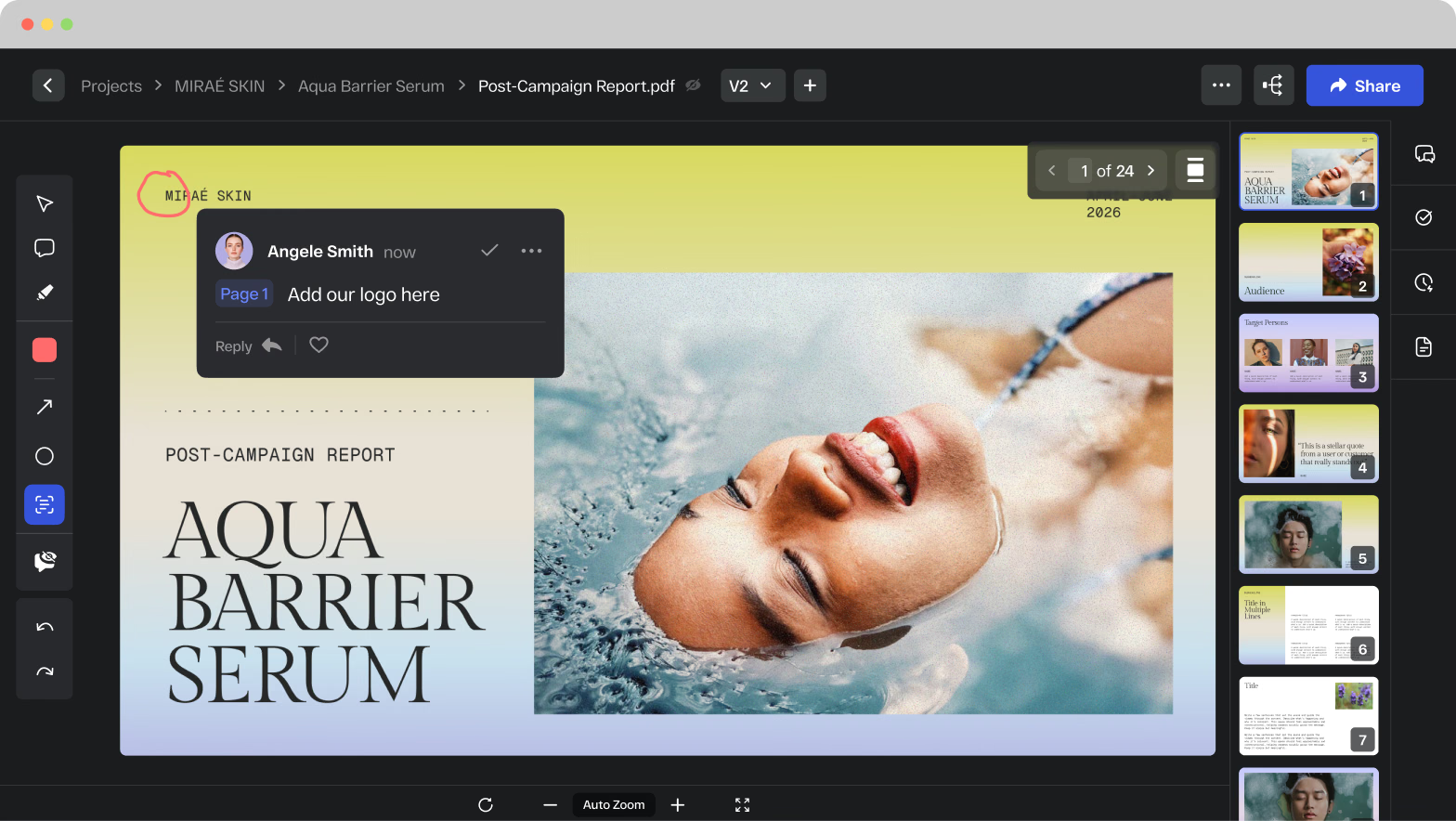
Reviewers leave comments pinned to the exact page, section, or element they're referencing. No more "page 4, third paragraph" in an email.

Feedback is precise, contextual, and tied to the specific element it refers to. Comments can be replied to, resolved, and converted into assigned tasks in one click.

PDF proofing in StreamWork with a reviewer comment pinned to an exact spot on a post-campaign report page

Highlight text, edit directly, and copy out changes

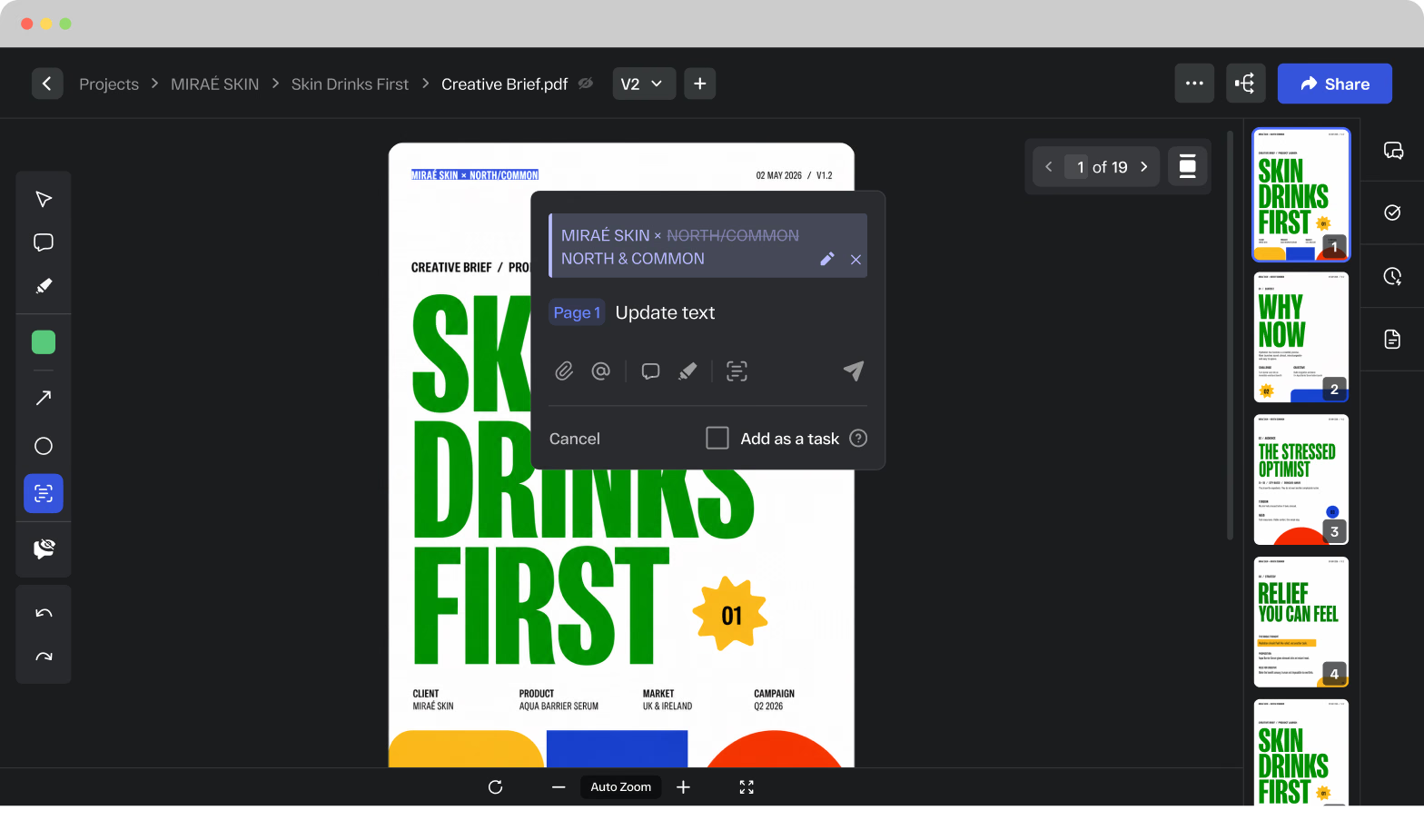
Highlight text in a PDF and it auto-copies into the comment box. Make direct edits to the copy, then copy it out and paste it back into the original document.

StreamWork retains your final edited version alongside the original so changes are always visible, trackable, and ready to action. No hunting through email threads for the approved version of a line.

Highlighted PDF text auto-copied into a StreamWork comment for direct copy edits on a marketing brochure

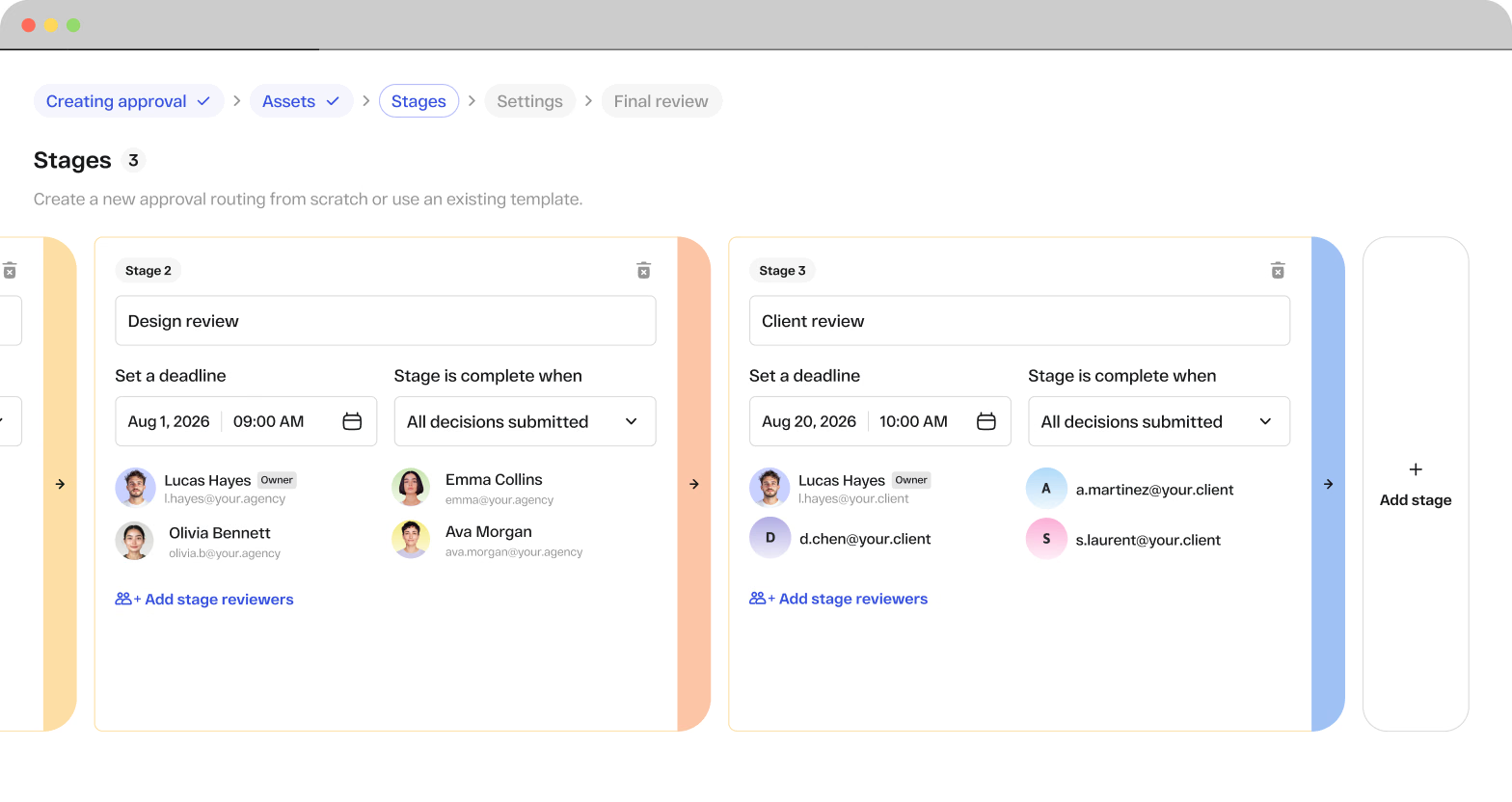
AI-enabled multi-stage approval workflows for PDF review

Route PDFs through creative review, legal, brand, and leadership in the right order, automatically.

Set reviewer roles, define deadlines, and let StreamWork handle the routing and reminders. When legal needs to review before leadership, the workflow enforces it. No manual coordination, no missed stages.

AI-enabled PDF approval workflow in StreamWork with review stages, deadlines, and assigned reviewers

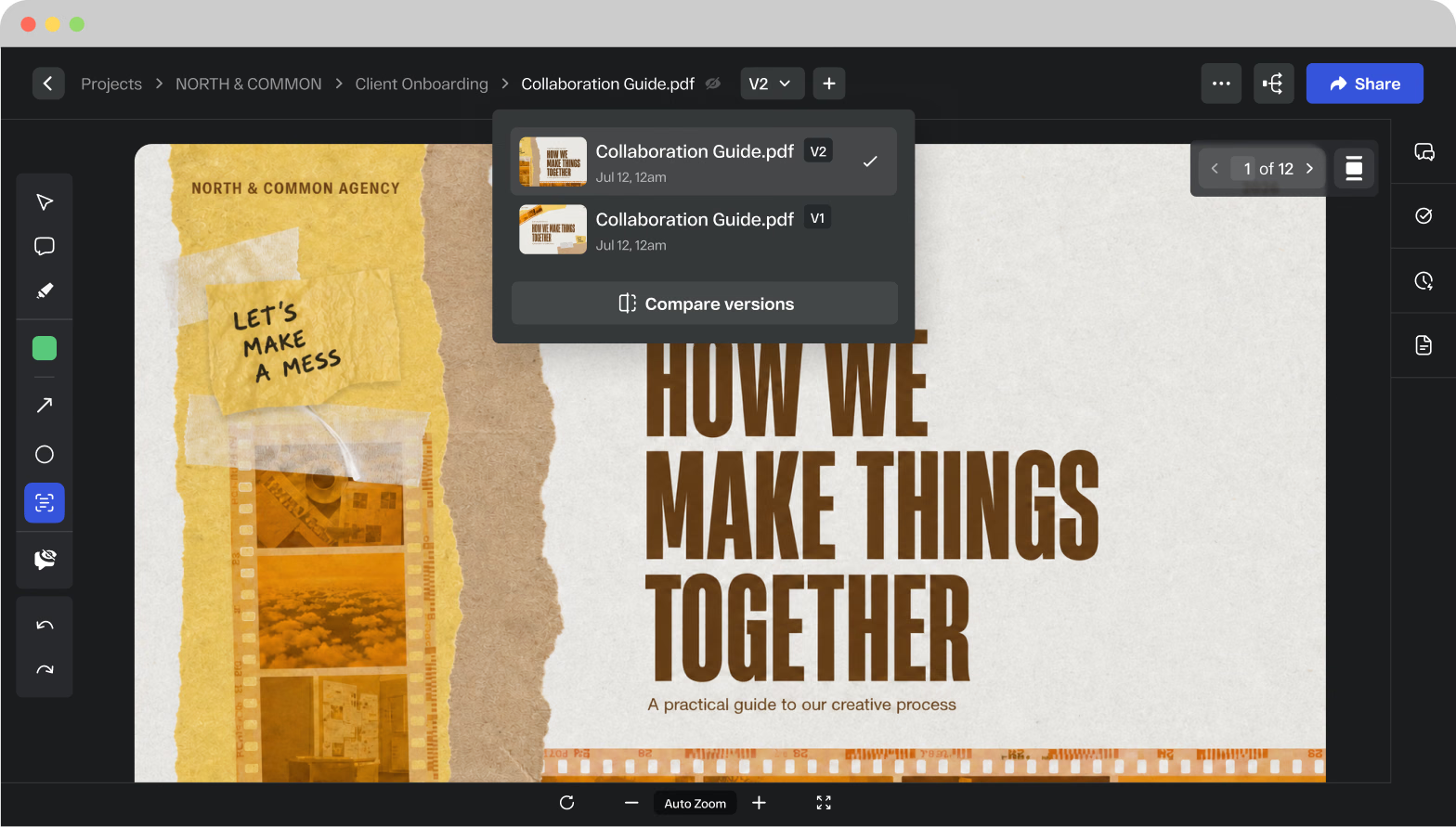
Version control that keeps everyone on the right file

Every new version of a PDF is stacked automatically. Side-by-side comparison lets stakeholders see exactly what changed between versions. Nobody wastes time reviewing outdated copy. The complete revision history is one click away for compliance and audit purposes.

PDF version control in StreamWork switching between two versions of a client collaboration guide

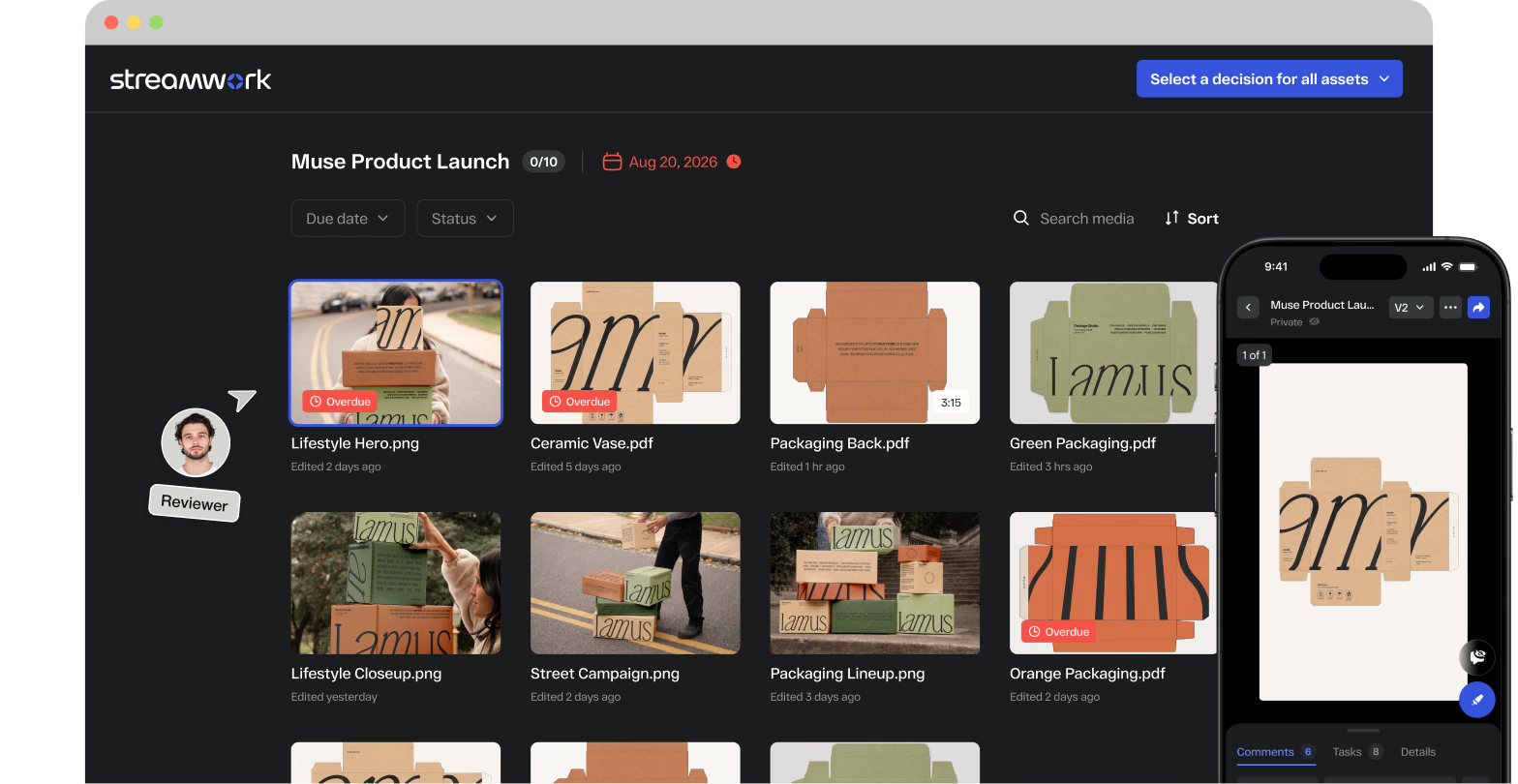
No reviewer account required

Clients, legal teams, executives, and external agencies can leave page-accurate feedback without creating a StreamWork account. No friction, no login walls, no setup required on their end.

External reviewer opening a StreamWork PDF proofing link on desktop and mobile with no account required

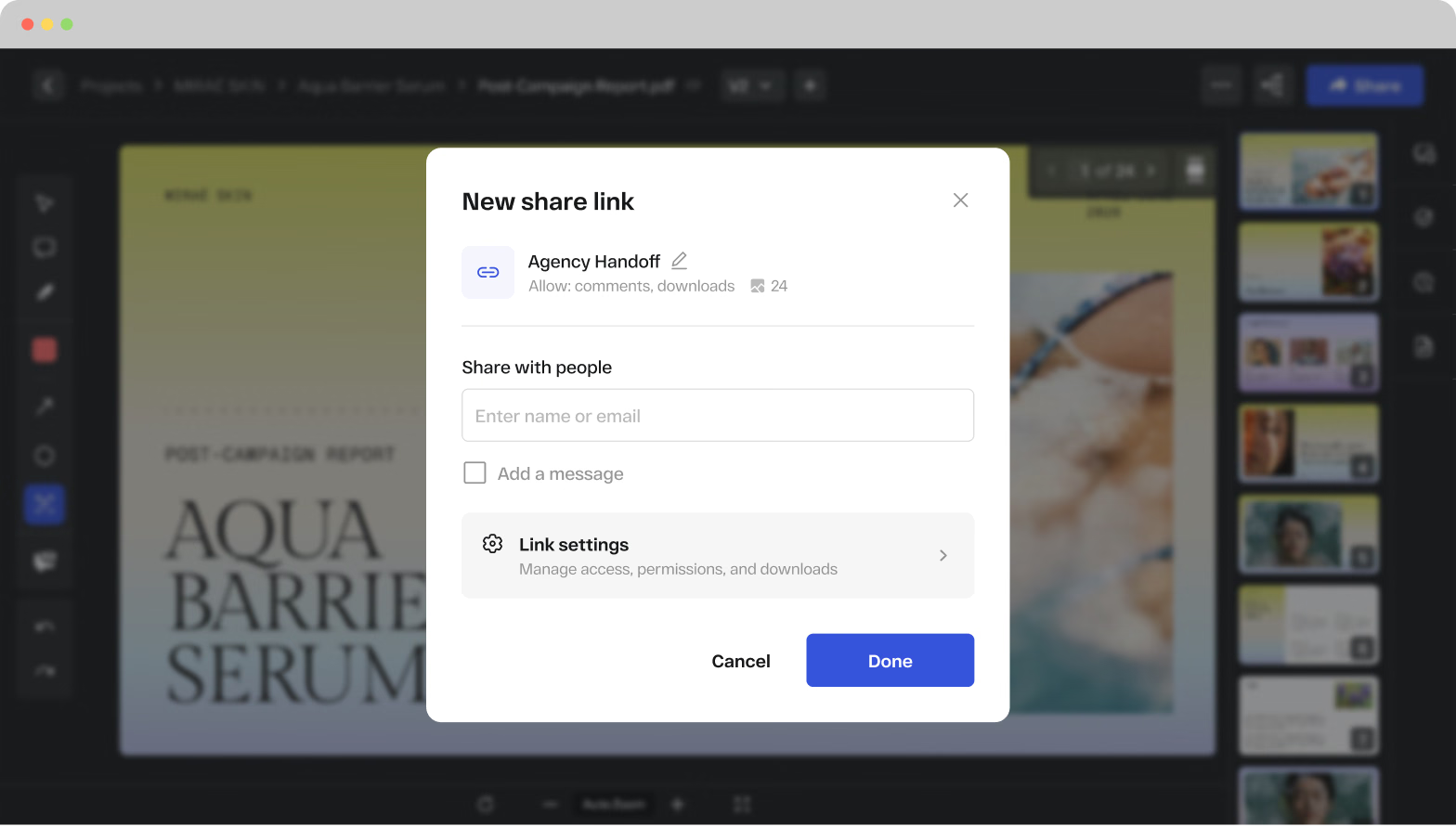
Share multiple PDFs at once. Review them in full screen.

Multi-file proofing links let you share multiple PDFs simultaneously in a single link, so reviewers see everything they need in one place. Full screen review mode gives every stakeholder the cleanest possible view of the work.

Granular zoom controls and instant page-jump navigation mean reviewers can move through large documents quickly and leave feedback with precision.

New share link dialog in StreamWork for sending multiple PDFs to reviewers in one multi-file proofing link

Works inside the tools your team already uses

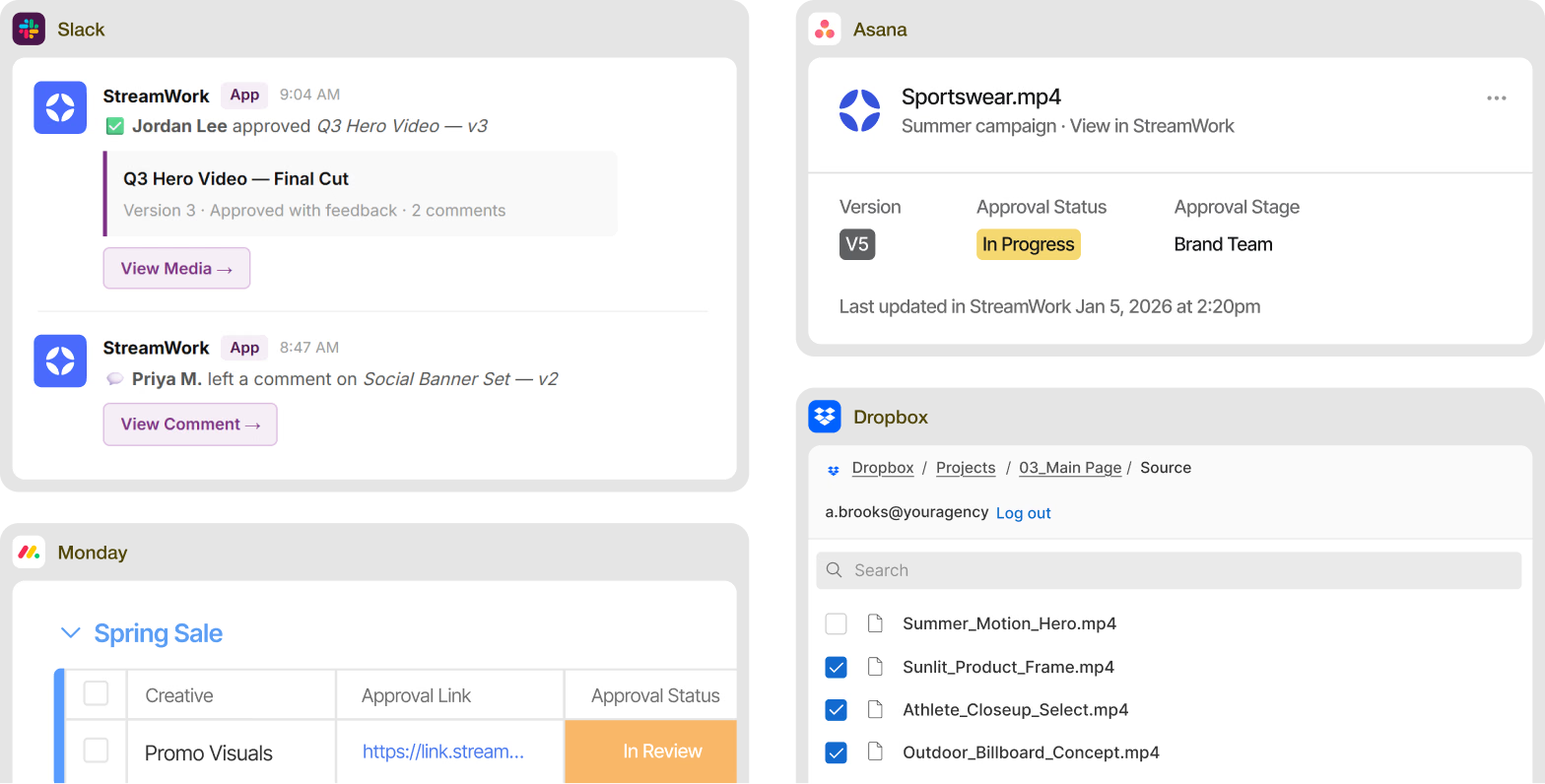
StreamWork connects natively with Asana, Monday.com, Slack, Adobe Creative Cloud, Figma, Google Drive, Dropbox, and more. Upload a PDF from an Asana task or Monday.com board item and route it for approval in StreamWork. Status syncs back automatically so your project management always reflects where your PDF stands.

StreamWork PDF approval status shown inside Slack, Asana, monday.com, and Dropbox

PDF types supported

Every PDF your team creates.One proofing and approval platform

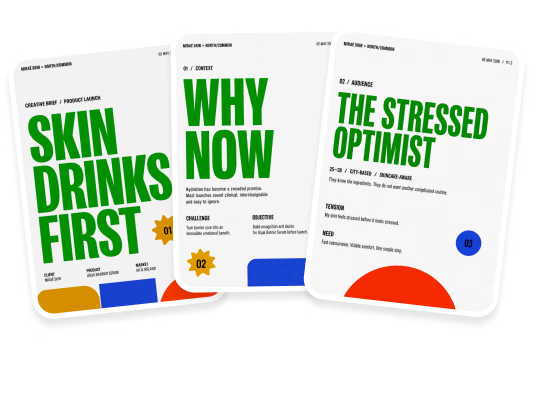
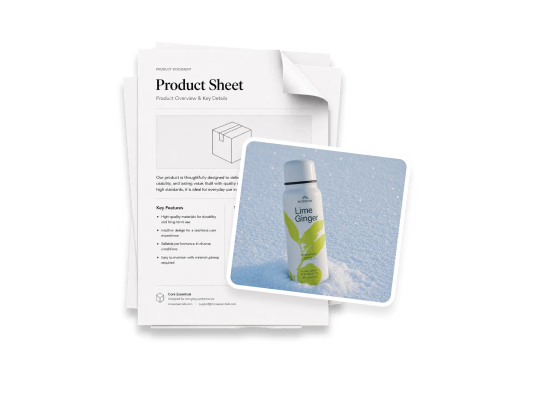
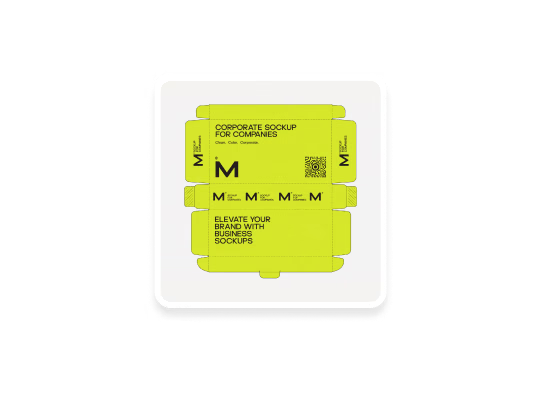
Enterprise marketing teams produce PDFs at every stage of the creative process. Campaign briefs, brand guidelines, product sheets, press releases, legal documents, packaging artwork, social media copy decks, and presentation decks. Every one of them needs review, feedback, and formal sign-off before it goes anywhere.

StreamWork gives every type of PDF the same structured proofing and approval process, with the same version control, the same audit trail, and the same integrations. One platform, every file.

Campaign briefs and creative briefs

Product sheets and sales collateral

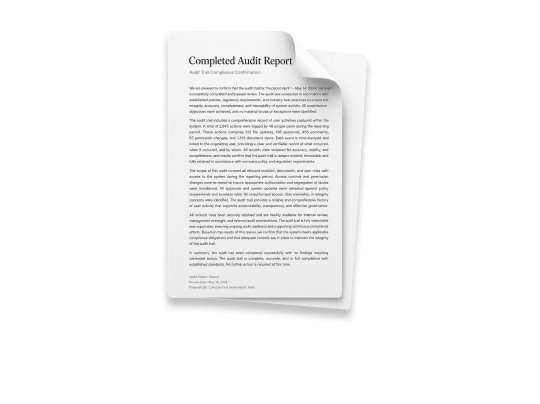
Legal and compliance documents

Presentations and pitch decks

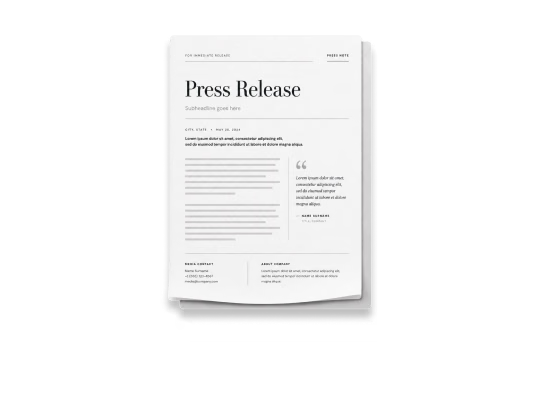
Press releases and editorial copy

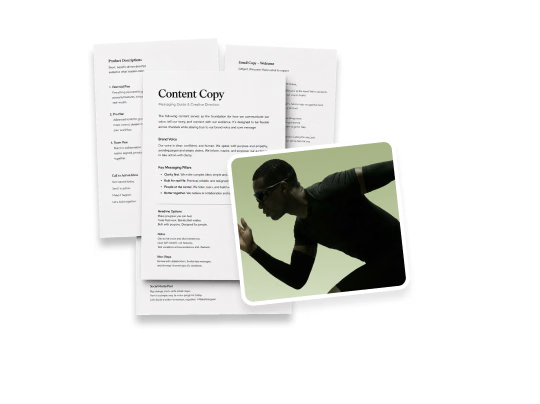
Social and digital content copy decks

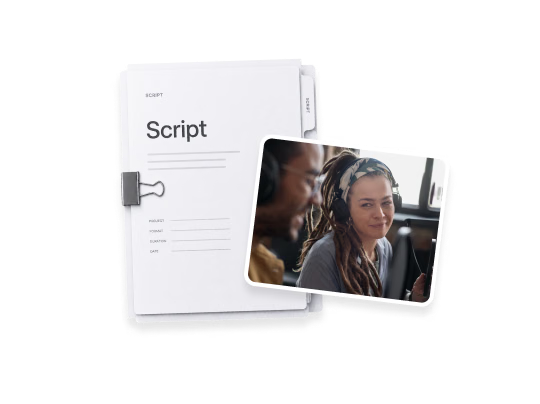
Video scripts and production documents

14-day free trial.No credit card required.

Native Integrations

Works inside the tools your team already uses for PDF review

StreamWork connects natively with the platforms enterprise marketing teams already run on, so PDF review and approval happens inside your existing workflow, not alongside it.

Asana

Upload a PDF proof directly from any Asana task and route it for approval in StreamWork. Approval status syncs back automatically so your Asana board always reflects where every document stands.

Monday.com

Upload a PDF from a Monday.com board item and route it for approval in StreamWork. Status syncs back automatically so your project management always reflects the current approval state.

Slack

Real-time Slack notifications the moment a PDF is uploaded, commented on, or approved. Your team stays in the loop without leaving Slack.

Adobe Creative Cloud

Share PDFs and design files directly from Photoshop and InDesign into StreamWork for review without extra export steps.

Google Drive, Dropbox, Box, OneDrive

Connect your cloud storage and pull PDFs directly into StreamWork projects. Approved documents can flow back into your asset library via our internal API for custom DAM integrations.

Customer proof

What customers are saying

“I love the ability to leave comments on creative, and then to create tasks based on those comments. It's also helpful to manage who needs to see what version, and identify their role in reviewing. We work with external agencies and lots of stakeholders internally, so that's super useful.”
G2 Users Love Us badge
G2 High Performer Mid-Market Summer 2026 badge
G2 High Performer Summer 2026 badge
G2 Highest User Adoption Summer 2026 badge
G2 Fastest Implementation Summer 2026 badge
G2 Best Estimated ROI Summer 2026 badge

4.7average
rating on G2

Rated #1 for ROI in the Online Proofing category

Case study

10days saved
per project

A global CPG brand cut approval time by 10 days per project after implementing StreamWork's native Asana integration, with teams across all departments saving 5 days per project, according to Kelly Perry, Creative Operations Consultant and Asana Services Partner.

Watch the case study

The modern PDF proofing platform for enterprise marketing teams

StreamWork is free to start. Upload your first PDF and invite your team to review in minutes.

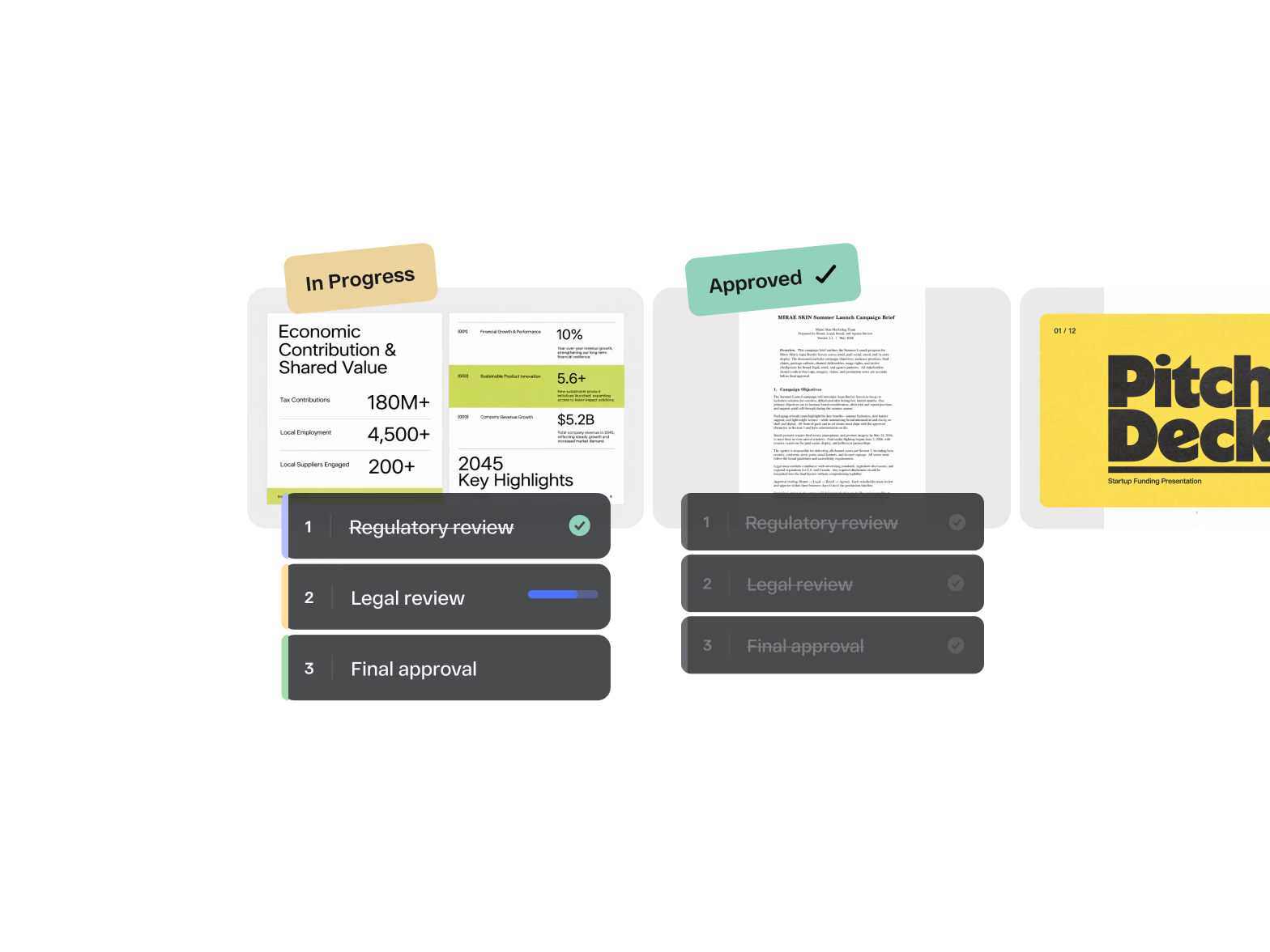
PDF proofing platform in StreamWork moving reports and documents through staged approval, tagged In Progress and Approved

FAQs

What is PDF proofing software?

PDF proofing software is a digital platform that lets teams share PDF files, collect precise page-accurate feedback, manage version control, and route documents through structured approval workflows. Unlike generic file sharing or commenting tools, PDF proofing software is built around the review and approval cycle: uploading a PDF, annotating it precisely, tracking every revision, comparing versions, and formally signing off. The result is faster turnaround, fewer errors, and a complete audit trail of every decision. StreamWork is modern, AI-enabled PDF proofing software that applies the same structured process to every file type your team creates.

How is StreamWork different from other PDF proofing tools?

Most PDF proofing tools collect feedback. StreamWork also routes it. Where other tools stop at comments and markup, StreamWork adds AI-enabled multi-stage approval workflows that route your PDF through the right reviewers in the right order, task delegation that converts comments into assigned action items, side-by-side version comparison, and native integrations with Asana and Monday.com that sync approval status back to your project management tools automatically. No manual tracking, no missed sign-offs.

Does StreamWork support all PDF types?

Yes. StreamWork supports all standard PDF formats including print-ready PDFs, digital PDFs, presentation PDFs, and large format files. PDFs render directly in the browser without any downloads or plugins, so every reviewer can access the latest version at full quality regardless of their device or software. Large PDFs load cleanly and reliably.

Do reviewers need a StreamWork account to review a PDF?

No. Share any PDF for review with a single proofing link. Reviewers can leave page-accurate feedback, reply to comments, and submit an approval decision without creating a StreamWork account. This is especially useful for external agencies, clients, legal teams, and executive stakeholders who need to weigh in without being added to your workspace.

Can I route a PDF through multiple approval stages?

Yes. StreamWork supports automated multi-stage approval workflows for PDF review. Define who reviews in what order, set deadlines per stage, and let StreamWork handle the routing and reminders. Split a PDF into a separate approval path or re-route an already approved version without starting over. Every stage is tracked with a complete audit trail.

Does StreamWork integrate with Asana and Monday.com for PDF approvals?

Yes. Upload a PDF directly from an Asana task or Monday.com board item and route it for approval in StreamWork. Approval status syncs back automatically so your project management always reflects the current state of your PDF review. No manual updates, no status meetings.

Which StreamWork plan includes PDF proofing?

PDF proofing is available on all StreamWork plans including the free plan. Multi-stage approval workflows, integrations, and enterprise features are available on paid plans. See the full breakdown on the pricing page.